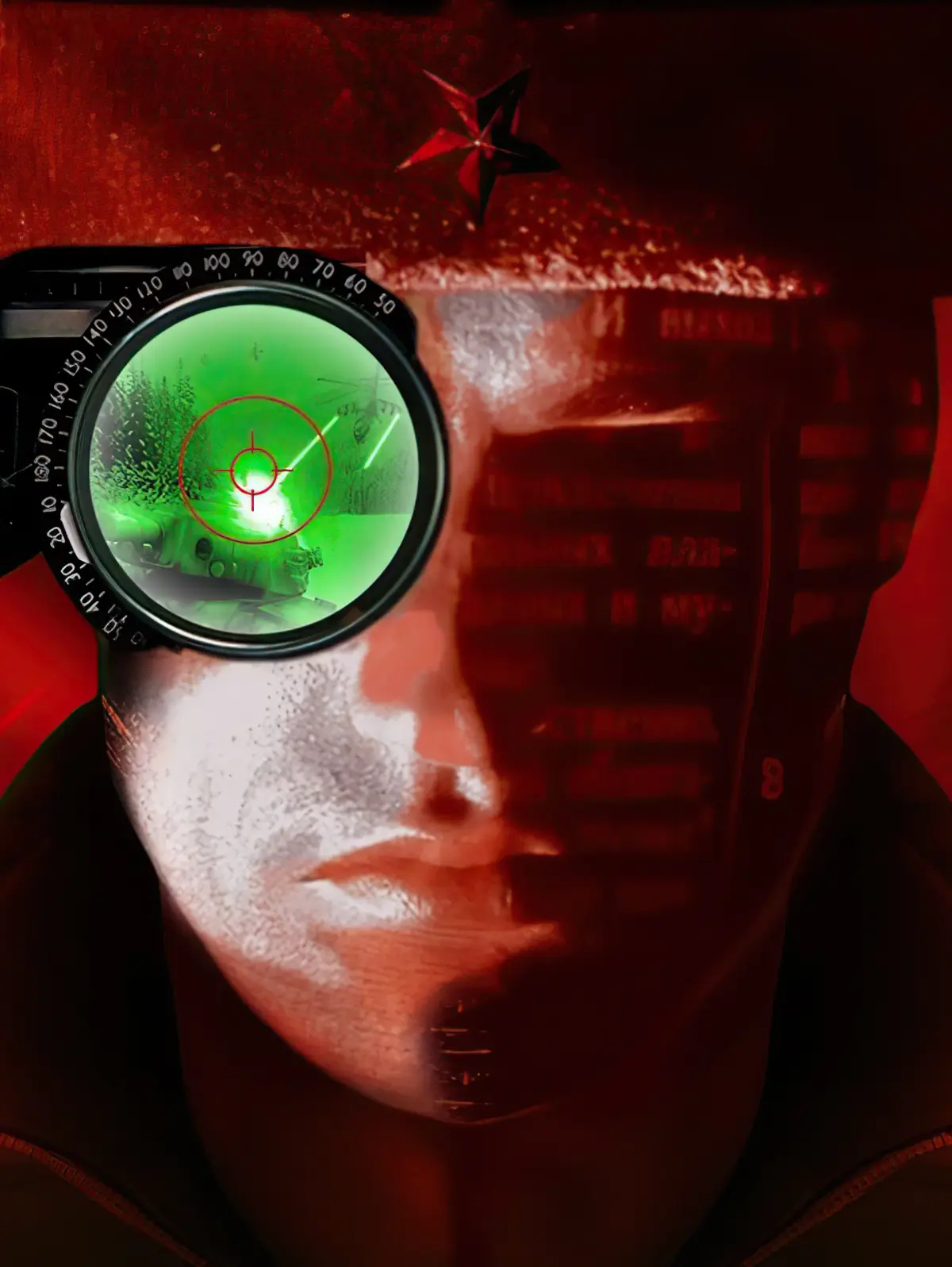
Welcome to the world of Command & Conquer: Red Alert, a classic real-time strategy game where you command either the Allied or Soviet forces in a desperate global conflict. You'll be building bases, managing resources, and leading your armies through intense battles across both PC and PlayStation platforms. It’s all about outthinking and overpowering your opponent.
This guide is here to help you master every aspect of the game. We’ll cover strategies for both factions, ensuring you know how to build the most effective base and deploy the right units for any situation. Whether you're new to the battlefield or looking to refine your tactics, this guide will equip you with the knowledge to conquer.
```
Get the lowdown on Command & Conquer: Red Alert's General Notes, including Hard mode tips, branching mission routes, and essential keyboard controls like scatter and stop.
Alright, let's dive into the nitty-gritty of Command & Conquer: Red Alert! This guide is written with Hard mode in mind, so if some of my advice seems a bit intense, that's likely why. Don't worry, we'll get through it together.
You'll also notice that some missions give you choices that can change up the map a bit. I've tried to cover those different paths, so keep an eye out for headings like 'upper/lower route walkthrough' or 'left/right route walkthrough' when you get to those spots.
Now, before we get too deep, let's cover some basic controls. If you've played other real-time strategy games, these will probably feel familiar, but it's always good to refresh.
X Key: This makes your units scatter, which can really help them dodge incoming fire. In a straight-up fight, the side that scatters better often wins. It's a lifesaver!
S Key: Use this to stop whatever your units are currently doing. If you accidentally send them somewhere they shouldn't be, or if you're force-firing on something and want to stop, this is your go-to.
H Key: This centers your screen on your main Construction Yard. Super handy if you don't have radar and accidentally nudge your mouse around – it'll snap you right back to base.
Ctrl+Left Click
Learn how to use Ctrl+Left Click in Command & Conquer: Red Alert to force fire on any target, including friendly units and structures.
- 1Hold down the Control key.
- 2Left-click on a target. This will make your selected unit(s) force-fire on that target.
- This command is useful for purposely destroying bridges.
- This command is useful for detonating mine fields.
- You can force-fire on friendly units, buildings, or even bare ground.
Alt+Left Click
Learn how to use Alt+Left Click in Command & Conquer: Red Alert to force units to move, especially effective for smashing infantry with vehicles.
The Alt+Left Click command in Command & Conquer: Red Alert functions similarly to Force-Fire, but instead of attacking, it directs your selected unit(s) to move to a specified location.
- 1Select the unit(s) you wish to command.
- 2Hold down the Alt key.
- 3Click the Left Mouse Button on the desired destination on the map.
- The primary tactical advantage of using Alt+Left Click is for eliminating enemy infantry.
- When commanding a vehicle, using Alt+Left Click on an infantry unit will cause the vehicle to actively attempt to run the infantry unit over.
Ctrl+1-9
Learn how to use Ctrl+1-9 to group units in Command & Conquer: Red Alert for efficient combat and quick reselection.
- 1Hold down the Control key.
- 2Press one of the number keys from one to nine.
- 3Anything you had selected at the time will now be in a group that corresponds to the number you pressed.
- 4When you let go of that selection, pressing the corresponding number key again (without Control this time) will automatically reselect those units.
- 5Pressing Alt + a group number will not only reselect the units, but also center your screen on the group's current location.
- This is an absolute must for efficient combat, especially in online games.
Similar guides you might like






100% Human-Written. AI Fact-Checked. Community Verified. Learn how AntMag verifies content