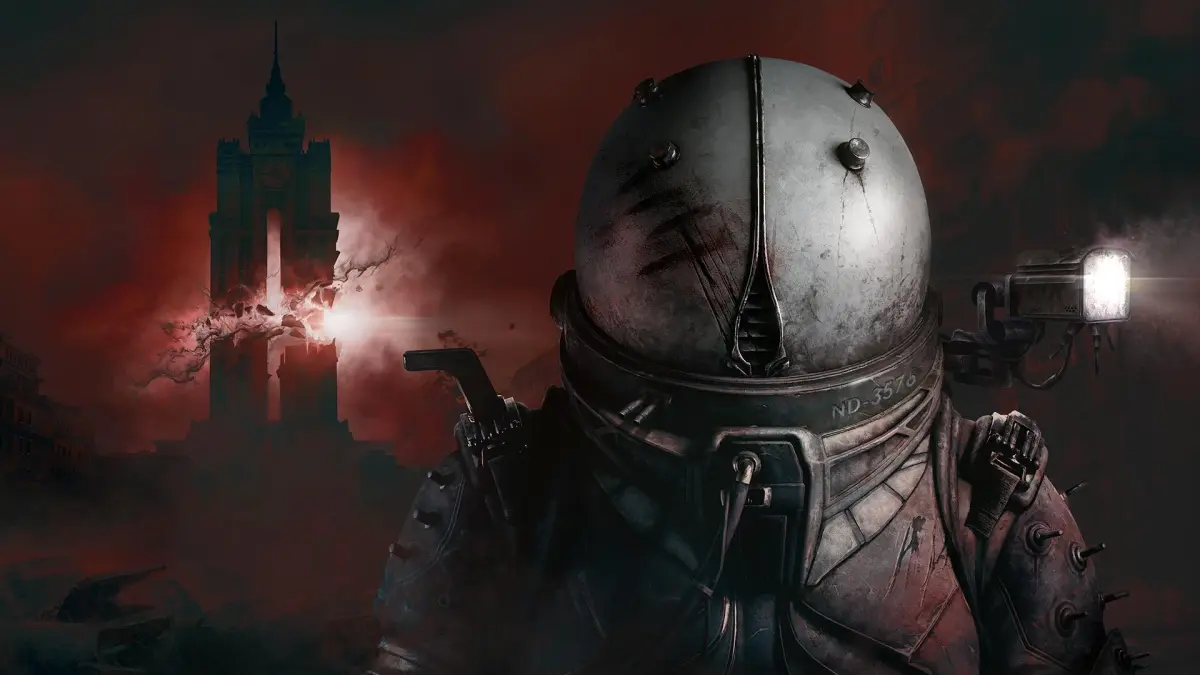
Navigate the ruined city of New Dawn with ease. This guide details all controls and UI elements for Cronos: The New Dawn, helping you survive the action horror adventure.
Welcome to the Controls & UI section of the Cronos: The New Dawn guide. This page will break down all the essential actions and their corresponding button prompts to help you navigate the hostile world of New Dawn and its temporal anomalies.
Understanding the controls is crucial for survival. Whether you're exploring, engaging in combat, or interacting with the environment, knowing the right button to press can make the difference between success and failure.
| Action | Button |
|---|---|
| Move Forward | W |
| Move Backward | S |
| Move Left | A |
| Move Right | D |
| Jump | Spacebar |
| Crouch | Ctrl |
| Sprint | Shift |
| Interact / Use | E |
| Primary Attack | Left Mouse Button |
| Secondary Attack / Aim | Right Mouse Button |
| Reload | R |
| Weapon Swap | 1, 2, 3 or Mouse Wheel |
| Inventory | I |
| Map | M |
| Journal / Objectives | J |
| Pause Menu | Esc |
Mastering these controls will allow you to fluidly move through the environment, effectively combat enemies, and manage your resources. Pay close attention to the UI elements on your screen, which provide vital information about your health, ammunition, objectives, and more.
100% Human-Written. AI Fact-Checked. Community Verified. Learn how AntMag verifies content