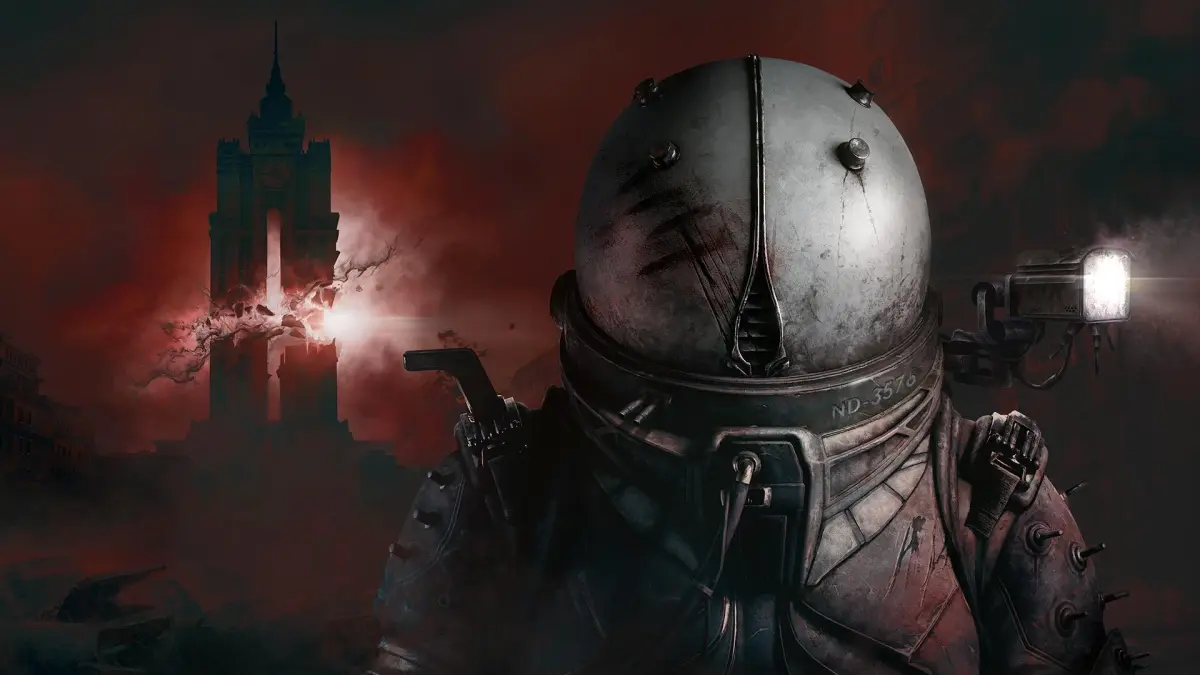
Welcome to Cronos: The New Dawn, a story-driven action horror adventure from Bloober Team. As an agent of the Collective, you'll explore the ruined city of New Dawn, a place scarred by the Change. Your mission: dive into this hostile environment, traverse time, and extract key figures to save humanity. Expect to face challenging combat and unravel a deep mystery.
This guide will help you conquer every aspect of the game. We've got step-by-step walkthroughs for the main campaign, including puzzle solutions and strategies for every boss fight, like the ones you'll encounter in the Shattered Citadel. Find all the hidden collectibles – Cats, Comic Books, Fallen Travelers, and Travelogs – and uncover every weapon location. Plus, we'll show you how to achieve all the different endings and snag every Steam Achievement.
Getting Started
Begin your journey in Cronos: The New Dawn with our comprehensive guide. Learn about the game's premise, what this walkthrough covers, and how to navigate the ruined city of New Dawn.
Getting Started
Begin your journey in Cronos: The New Dawn with our comprehensive guide. Learn about the game's premise, what this walkthrough covers, and how to navigate the ruined city of New Dawn.
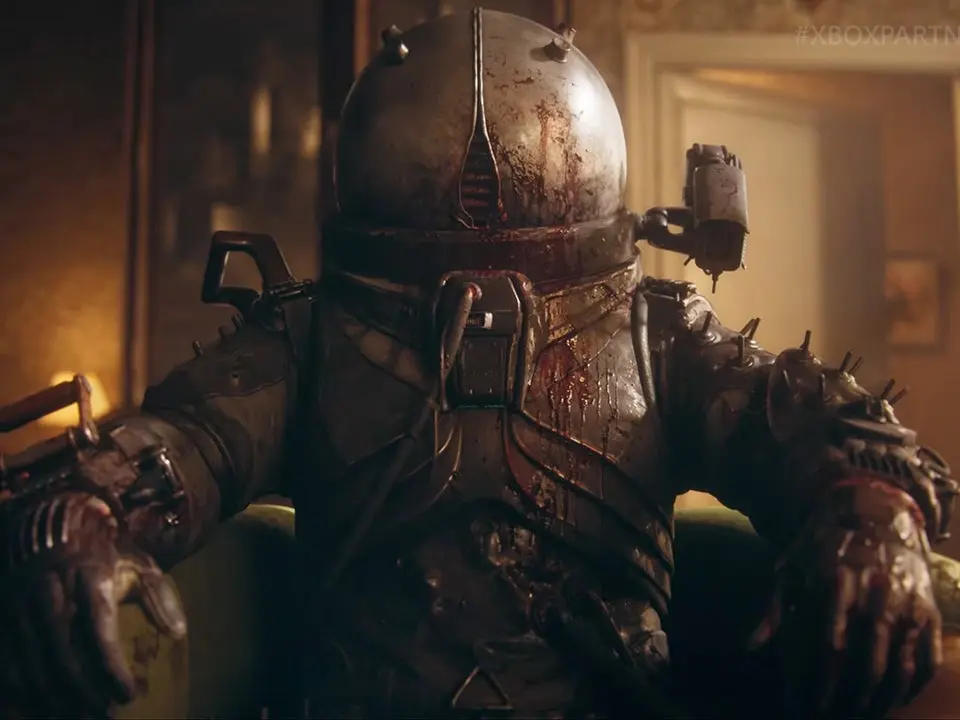
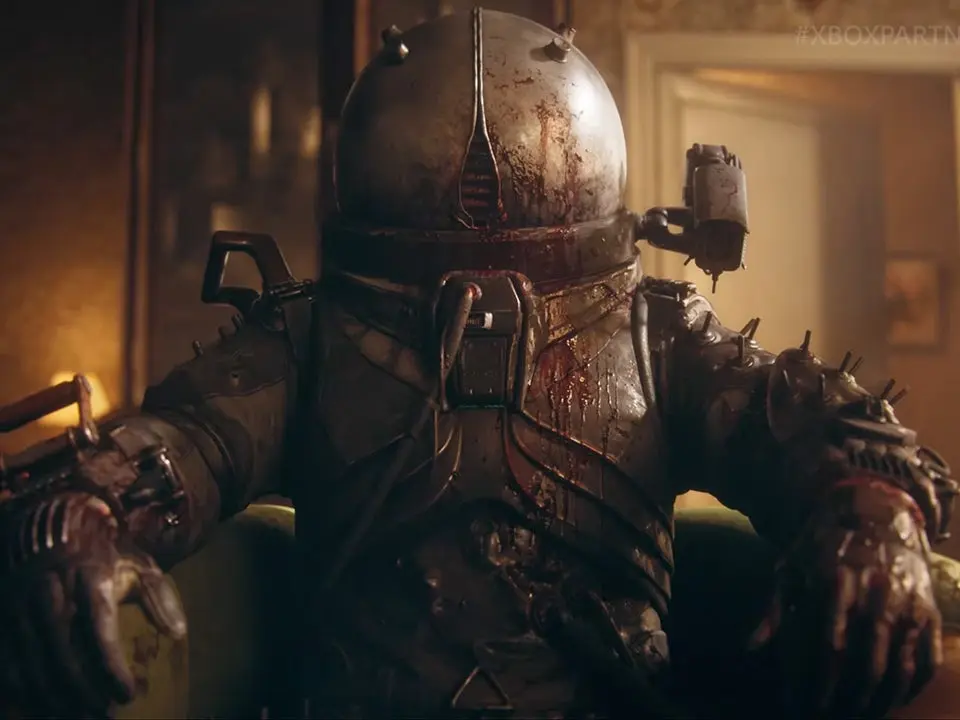
Controls & UI — Cronos: The New Dawn Guide
Navigate the ruined city of New Dawn with ease. This guide details all controls and UI elements for Cronos: The New Dawn, helping you survive the action horror adventure.
Welcome to the Controls & UI section of the Cronos: The New Dawn guide. This page will break down all the essential actions and their corresponding button prompts to help you navigate the hostile world of New Dawn and its temporal anomalies.
Understanding the controls is crucial for survival. Whether you're exploring, engaging in combat, or interacting with the environment, knowing the right button to press can make the difference between success and failure.
| Action | Button |
|---|---|
| Move Forward | W |
| Move Backward | S |
| Move Left | A |
| Move Right | D |
| Jump | Spacebar |
| Crouch | Ctrl |
| Sprint | Shift |
| Interact / Use | E |
| Primary Attack | Left Mouse Button |
| Secondary Attack / Aim | Right Mouse Button |
| Reload | R |
| Weapon Swap | 1, 2, 3 or Mouse Wheel |
| Inventory | I |
| Map | M |
| Journal / Objectives | J |
| Pause Menu | Esc |
Mastering these controls will allow you to fluidly move through the environment, effectively combat enemies, and manage your resources. Pay close attention to the UI elements on your screen, which provide vital information about your health, ammunition, objectives, and more.
Installation & First Launch
Prepare your Cronos: The New Dawn experience. Learn to install the game and configure settings like keybinds and resolution for optimal gameplay.
Before diving into the world of Cronos, ensure your game is properly installed and updated. After installation, launch the game. You'll be greeted by the main menu. We recommend checking the 'Options' menu first to adjust graphics settings, audio levels, and keybinds to your preference. A smooth gameplay experience is paramount. Ensure your display resolution matches your monitor's native resolution for the best visual fidelity. If you encounter any issues, consult the official game forums or support channels for troubleshooting tips. Optimizing your settings from the start can significantly enhance your immersion and performance.
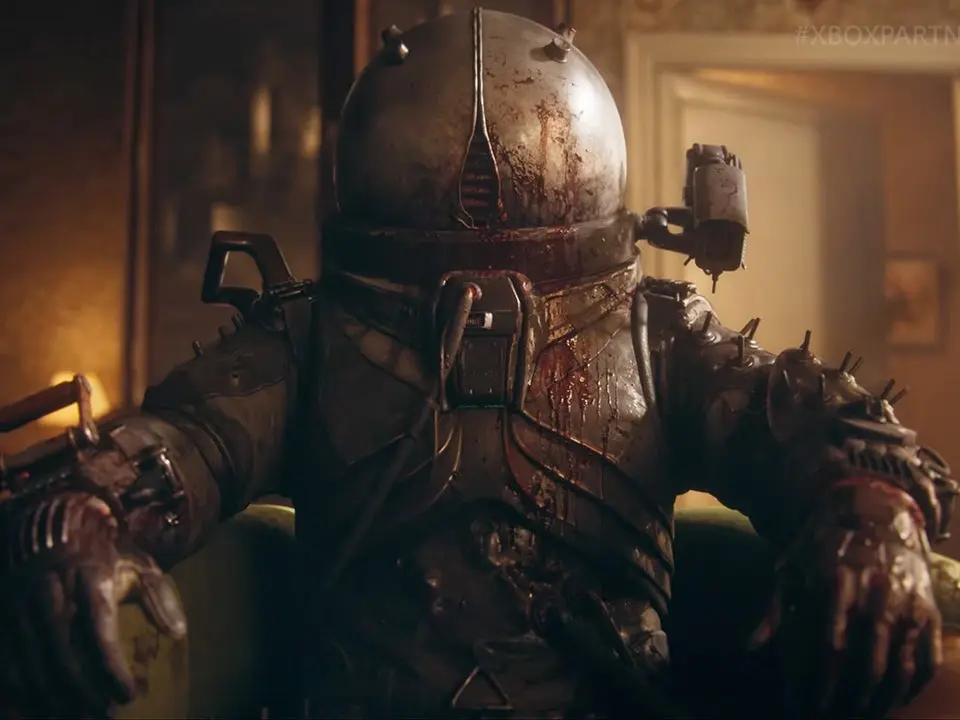
Character Creation
New to Cronos: The New Dawn? Our guide helps you create your character, The Traveler, detailing her skills, abilities, and how to best utilize them in your fight against The Change.
Character Creation
New to Cronos: The New Dawn? Our guide helps you create your character, The Traveler, detailing her skills, abilities, and how to best utilize them in your fight against The Change.
Similar guides you might like

100% Human-Written. AI Fact-Checked. Community Verified. Learn how AntMag verifies content