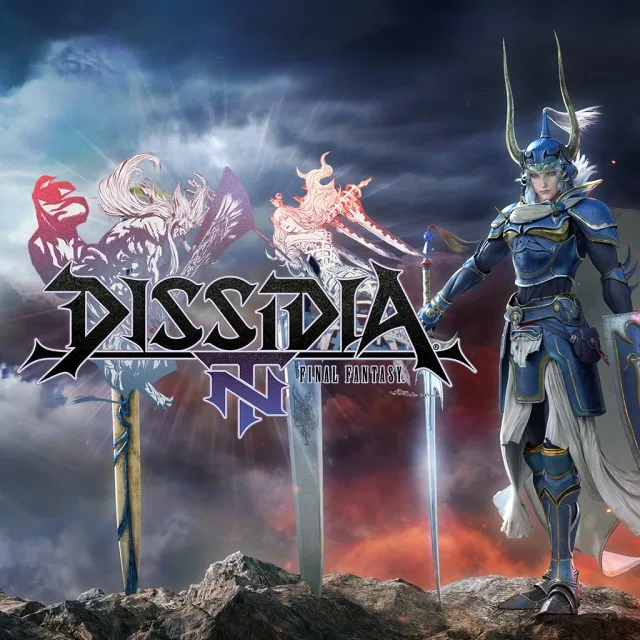
Learn the ins and outs of Dissidia Final Fantasy NT's controls, from menu navigation to combat mechanics, and discover essential tips to enhance your gameplay experience.
This section provides a detailed breakdown of the controls and offers helpful tips for playing Dissidia Final Fantasy NT. It covers menu navigation, combat actions, EX Mode, and strategies for improvement.
Controls:
Menus: X confirms, O cancels. Directional buttons select modes. Square accesses Moogle mail and randomizes quick battle conditions. Start brings up tutorials. Triangle allows character customization, where you can set up to 3 ground and 3 aerial abilities for both bravery and HP damage. Earning AP allows you to master abilities, reducing CP cost or unlocking new ones. EXP improves character stats, and PP can be used at the PP catalog.
Fighting: The analog stick controls movement. Directional buttons adjust the camera. X is jump, O performs bravery attacks, and Square performs HP attacks. Bravery attacks build damage potential, which is then depleted by HP attacks. Abilities are mapped to directional inputs combined with O. R blocks, L targets enemies. R + X dodges, R + O calls summons. EX Mode is activated by filling the EX bar with EX Force and EX Cores, then pressing R + Square. Entering EX Mode grants invulnerability and enhances abilities. An EX Burst can be performed by pressing Square again after an HP attack in EX Mode, often involving button sequences.
- Learn to dodge and block effectively.
- Read the in-game tutorials.
- Keep equipment up-to-date.
- Pay attention to accessories, as they significantly impact gameplay.
- The Duel Colosseum is useful for farming items.
- Equip critical hit boosting abilities like Counterattack, Sneak Attack, and Riposte.
100% Human-Written. AI Fact-Checked. Community Verified. Learn how AntMag verifies content