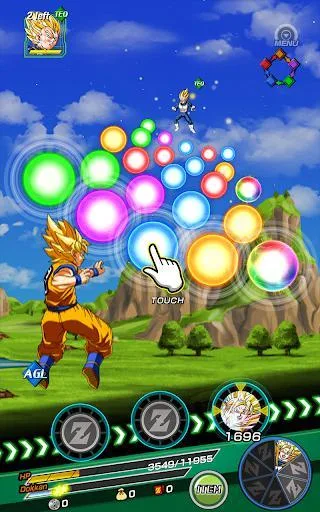
Learn how to build and manage your teams in Dragon Ball Z Dokkan Battle. Understand team cost, character selection, and stat differences to optimize your battles.
Alright, so you want to get your team sorted in Dragon Ball Z Dokkan Battle? This is the place to do it! When you hop into the 'Team' section, you'll see all the teams you've put together, up to six of them. It's super handy for organizing your fighters.
Down in the bottom right corner, you'll spot a 'Change All' button. Honestly, I always use this if I'm swapping out two or more characters. It just makes things quicker and cleaner.
To actually change who's on your team, just tap on a character's portrait. If a slot is empty, you'll see a Z-icon. This takes you to the character selection screen. Pick a new fighter, and then another screen pops up showing you all the stat differences between the old and new character. Pay attention to this! Boosting your ATK and DEF is key to winning battles faster and staying alive longer.
Quick heads-up: if you leave a slot empty in your team setup, don't worry, you'll just get a generic 'Saibaman' filling in for you during battles. It's not ideal, but it means you can still go into a fight!
Now, keep an eye on the 'Team Limit' shown at the top right. Every character has a 'Team Cost,' which you can see by tapping or long-pressing their portrait to bring up their full character sheet. This limit is super important because it only goes up when you 'Rank Up' (basically, level up your player rank). You'll need this limit to increase because eventually, you'll be awakening those rare SSR characters into even stronger URs, and they chew up a lot of team cost!
Right now, the max team limit is 535. It could go up if they ever raise the player rank cap, but honestly, by the time that happens, you'll probably have your six teams filled with URs anyway. So, focus on managing that cost as you get stronger characters!
100% Human-Written. AI Fact-Checked. Community Verified. Learn how AntMag verifies content