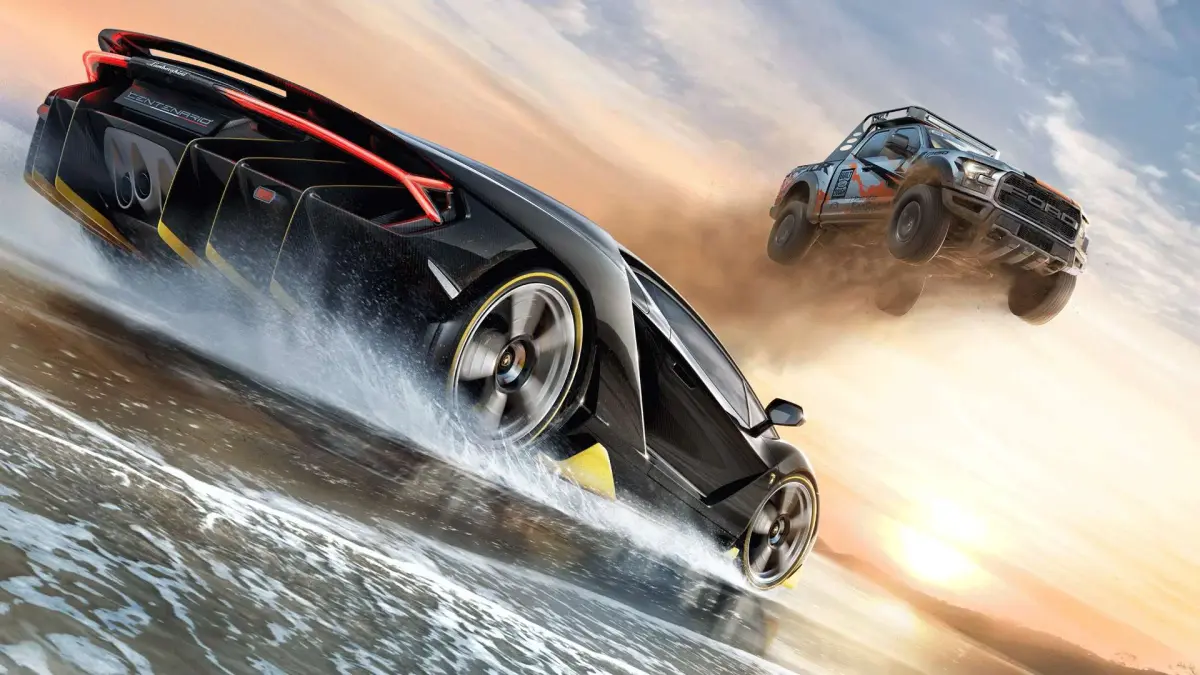
Learn the essential controls for Forza Horizon 3. This guide covers all button mappings and actions to help you master driving and gameplay in Australia.
Welcome to the Forza Horizon 3 Controls guide! This section will detail all the necessary button inputs and actions to help you navigate the world of Horizon Australia. Whether you're a seasoned racer or new to the series, understanding the controls is key to your success.
| Action | Button |
|---|---|
| Accelerate | Right Trigger (RT) |
| Brake/Reverse | Left Trigger (LT) |
| Steering | Left Analog Stick |
| Gear Shifting (Manual) | X Button (Upshift), B Button (Downshift) |
| Handbrake | Left Bumper (LB) |
| Clutch (Manual Transmission) | A Button |
| Horn | D-Pad Down |
| Headlights | D-Pad Up |
| Rewind | Y Button |
| Pause Menu | Start Button |
| Horizon App / Radio | Select Button / View Button |
| Look Around (In Car) | Right Analog Stick |
| Camera Change | D-Pad Left |
| Handbrake (Alternative) | X Button (when not shifting) |
| Activate Skill Song | (Automatic when Skill Song plays) |
| Open Horizon Blueprint | (Accessed via pause menu or specific locations) |
| Recruit Drivatar | (Contextual action during freeroam) |
| Create Convoy | (Accessed via pause menu) |
| Drone Mode Activation | (Unlocked via Skill Shop perk) |
| Import Custom Soundtracks | (Via Groove Music/OneDrive integration) |
| Upgrade Cars | (Accessed via Garage or Festival Sites) |
| Buy Cars | (Accessed via Autoshow or Auction House) |
| ForzaVista | (Accessed from Garage or Autoshow) |
Mastering these controls will allow you to fully experience everything Forza Horizon 3 has to offer, from high-speed races to exploring the vast Australian landscape.
100% Human-Written. AI Fact-Checked. Community Verified. Learn how AntMag verifies content