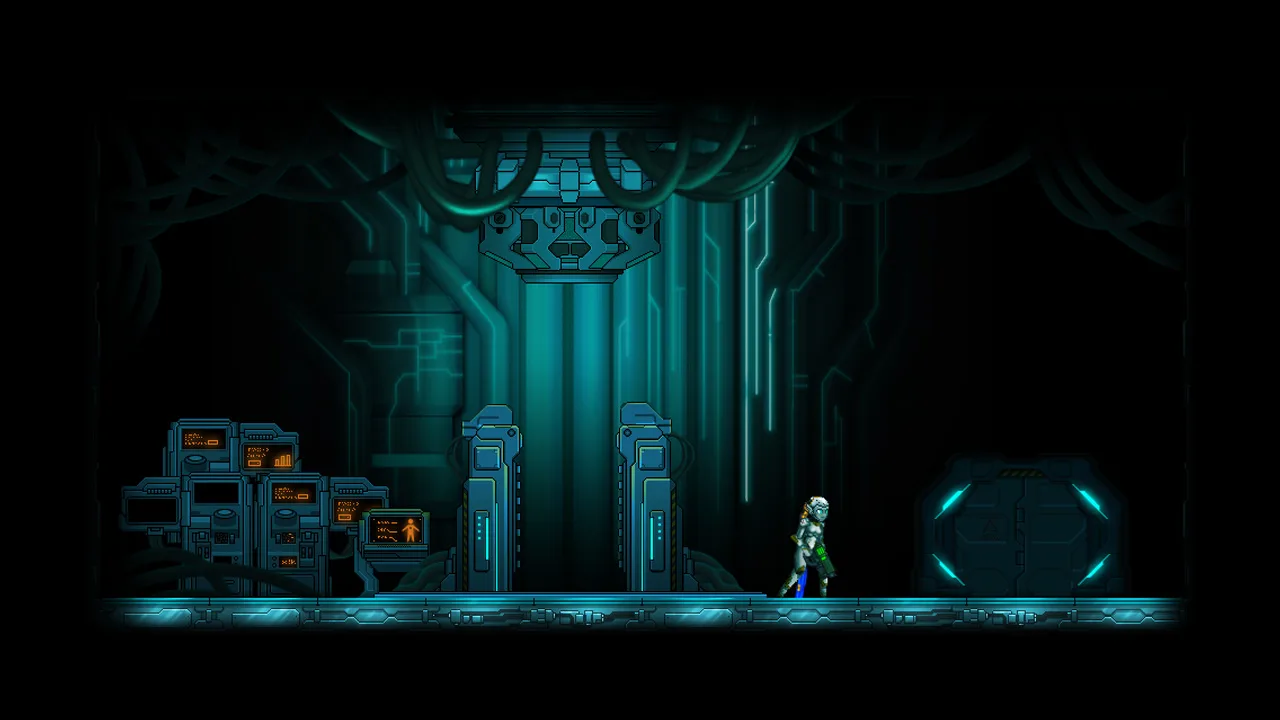
Unlock the secrets of Ghost Gunners' online mode! Learn about player limits, game lobbies, ranked vs. unranked matches, character customization, and essential Team Elimination tactics.
Alright, let's get you up to speed on the general stuff for Ghost Gunners. It's not super complicated, but knowing these basics will save you a lot of headaches when you jump into online matches.
First off, you can have up to sixteen players in a single game room. When you first hop into the online world, you'll land in the game lobby. This is your pre-game hangout spot where you can chat with everyone before the action starts. On the left side of the screen, you'll see all the game options, and on the right, you'll see all the players who are ready to go. Depending on the game mode you pick (we'll cover those in detail later), you'll either be split into two teams, red versus blue, or everyone will be on the same team for co-op games, usually showing up in a light blue or green color. If you see player names in green, that just means they're chilling in spectator mode, not actively playing.
You've got two main ways to play online: unranked and ranked. Unranked matches are great for just messing around with friends or practicing without any pressure, as they don't affect your overall rating. Player matches fall into this category too. If your buddies are in an unranked room, you can usually just find them and select 'Join the Game in Progress' to jump in. Ranked games, on the other hand, are where things get serious. These matches count towards your rating, so winning and losing actually matters. If your friends are in a ranked room, you might have to ask them directly how to join because the Xbox Live system doesn't always make it easy to join their game directly.
There are a total of 25 ranks you can climb in the online mode. If you're serious about ranking up, you'll want to play as many ranked games as possible. Here's a pro-tip: beating opponents who are a higher rank than you will boost your own rank up much faster. Just remember, your rank isn't always a perfect indicator of skill. Some players stick to unranked matches and are absolute beasts at the game. So, never count out a lower-ranked player – they might surprise you!
There are tons of different game modes available, and we'll touch on each of them briefly later on. However, the one you'll see most often and is arguably the most important is Team Elimination. In this mode, your main goal is simple: take out the opponents on the other team. Seriously, don't shoot your own teammates! A good way to tell who's who is that enemies won't have any colored highlight around them (unless you're using drones, which is a special case). Your teammates, however, will always have a colored aura surrounding them, making them easy to spot.
Customizing Your Character
Before you even jump into your first match, you'll get a chance to customize your character. There are two main things you can tweak. The first part is pretty much just for looks – you can change your headgear and face selection. Honestly, it doesn't really affect gameplay. The second, and much more important, thing you can change is your character class. The class you pick has some pretty significant implications for how you should approach the game. The good news is, you can change these things anytime without any penalty, so feel free to experiment!
100% Human-Written. AI Fact-Checked. Community Verified. Learn how AntMag verifies content