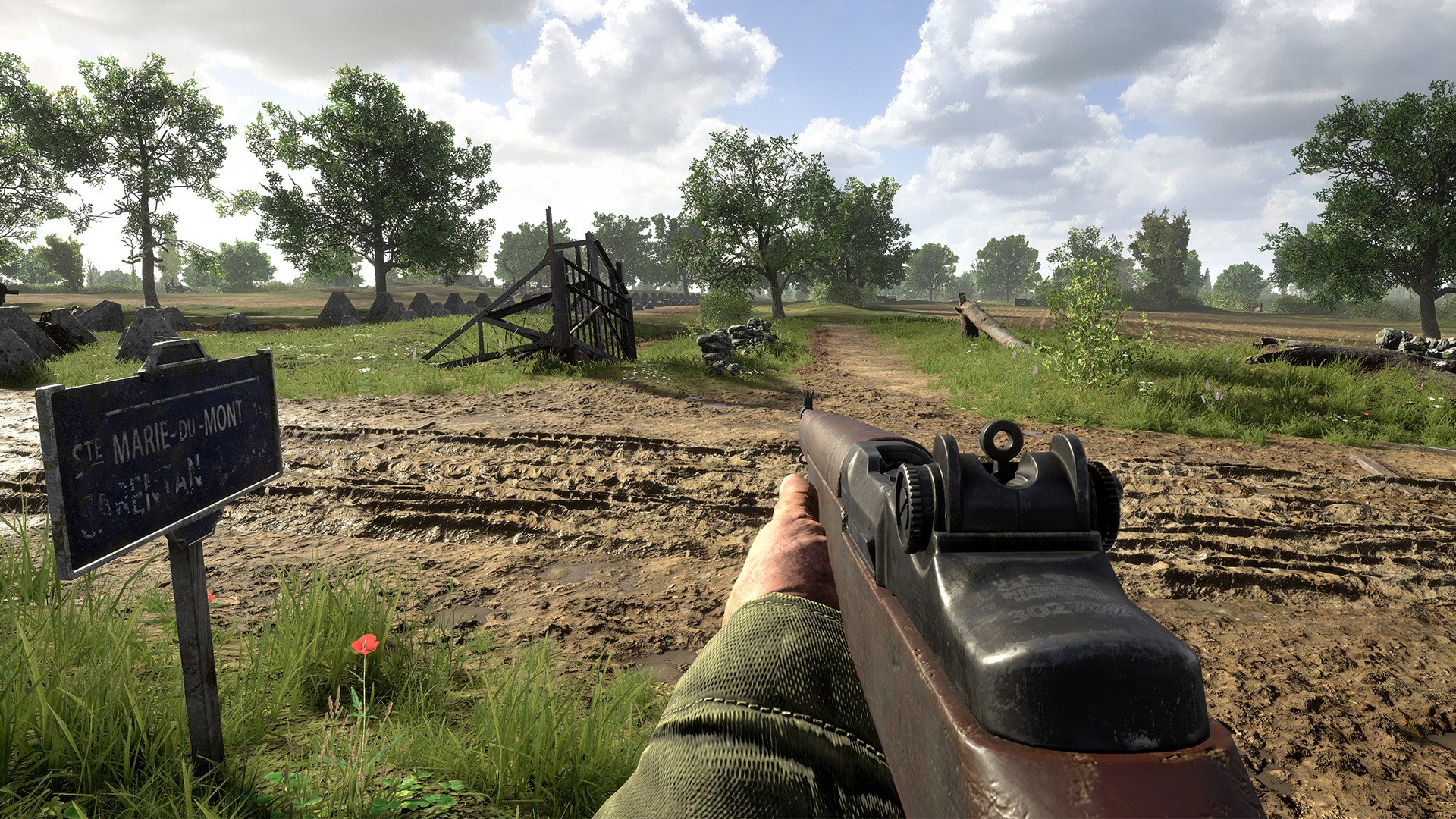
Master controller layouts for Hell Let Loose Vietnam on PC, PS5, and Xbox One. Learn the optimal button configurations to dominate the battlefield and secure victory for your team.
This guide provides an overview of the controller layouts for PC, PlayStation 5, and Xbox One in Hell Let Loose Vietnam. Understanding these layouts is crucial for effective gameplay and team coordination.
| Action | PC (Default) | PS5 | Xbox One |
|---|---|---|---|
| Movement | WASD | Left Stick | Left Stick |
| Look | Mouse | Right Stick | Right Stick |
| Jump | Spacebar | X | A |
| Crouch | Left Ctrl | Circle | B |
| Prone | Z | Right Stick (Press) | Right Stick (Press) |
| Sprint | Left Shift | Left Stick (Press) | Left Stick (Press) |
| Fire Weapon | Left Mouse Button | R2 | RT |
| Aim Down Sights | Right Mouse Button | L2 | LT |
| Reload | R | Square | X |
| Melee Attack | V | R1 | RB |
| Switch Weapon | Mouse Wheel / 1-9 | D-Pad Left/Right | D-Pad Left/Right |
| Throw Grenade | G | L1 | LB |
| Use Item (Bandage, etc.) | 4 | Triangle | Y |
| Deploy Equipment (Supplies, TNT) | 3 | D-Pad Up | D-Pad Up |
| Mark Location | Q | Touchpad Button | View Button |
| Open Map | M | Touchpad Button | View Button |
| Open Commander Map | C | D-Pad Down | D-Pad Down |
| Communicate (Voice Chat) | Caps Lock | Options Button | Menu Button |
| Squad Menu | Tab | Share Button | Select Button |
| Action/Interact | F | Square | X |
| Lean Left | Q | L1 + Left Stick Left | LB + Left Stick Left |
| Lean Right | E | L1 + Left Stick Right | LB + Left Stick Right |
100% Human-Written. AI Fact-Checked. Community Verified. Learn how AntMag verifies content