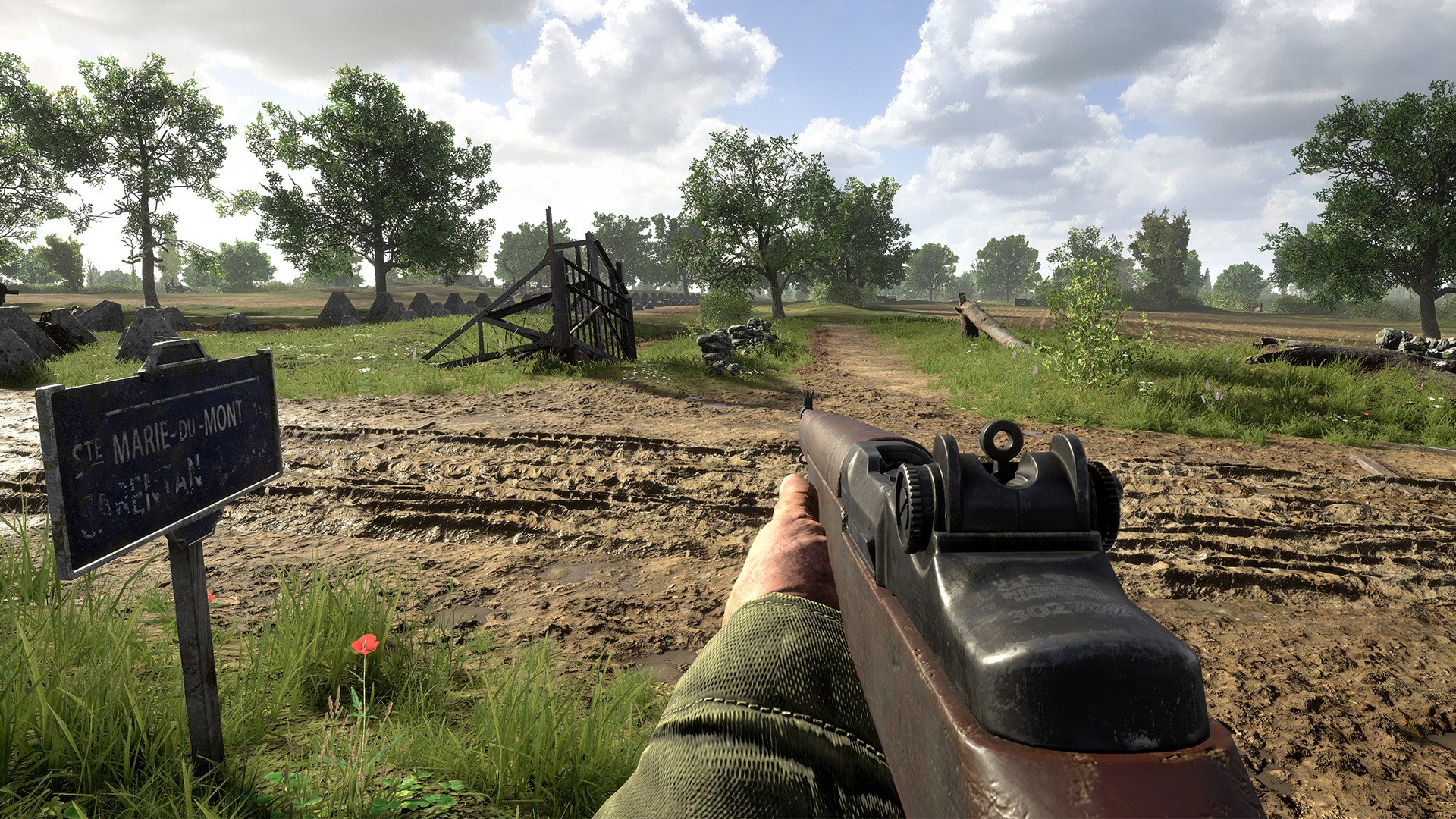
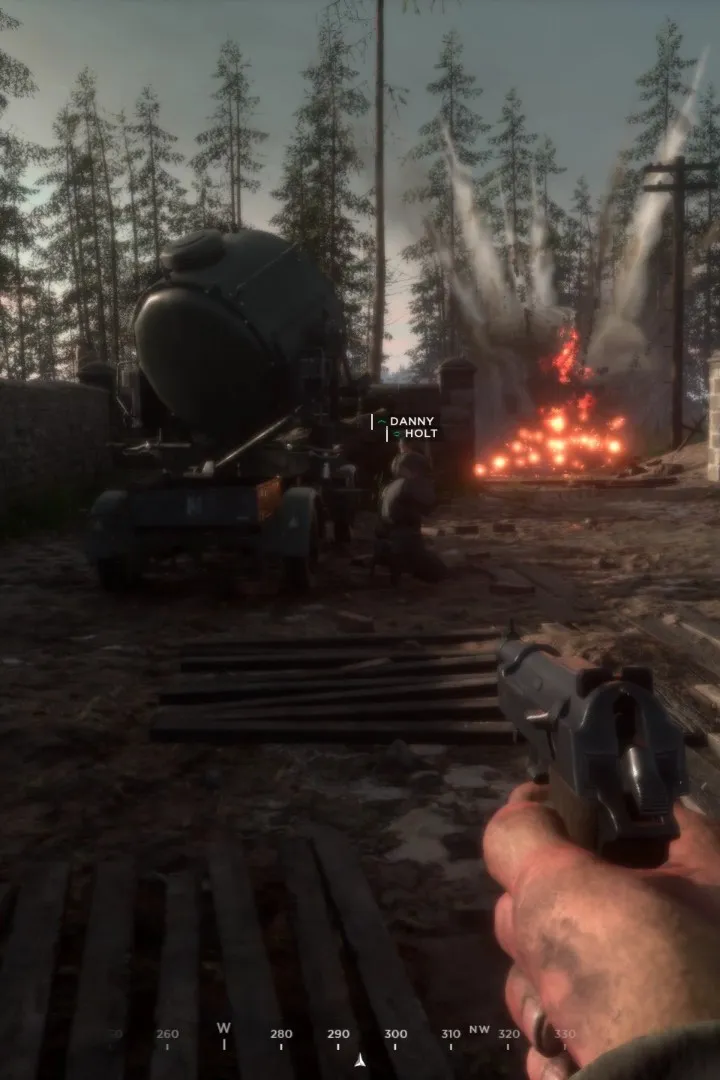
New to Hell Let Loose Vietnam? This guide walks you through installation and initial setup so you can jump into the action with your squad. Get ready for the fight!
Hey there! So you're looking to jump into the intense battles of Hell Let Loose Vietnam? Awesome choice! Before we get you on the front lines, let's make sure your game is all set up and ready to go. Think of this as getting your gear prepped before the main event.
This section is all about getting Hell Let Loose installed and configured so you can start playing without any hitches. We'll cover the basics to get you from zero to deployed.
Getting Started
First things first, you'll need to own the game. Hell Let Loose is available on PC via Steam. If you haven't already, head over to the Steam store and pick up your copy. Once purchased, Steam will handle the download and installation process for you.
Just follow the on-screen prompts in Steam to install the game to your preferred drive. Make sure you have enough disk space – this is a big game!
Initial Setup
After the download and installation are complete, launch Hell Let Loose from your Steam library. The game will likely run a quick first-time setup, which might include installing necessary components like DirectX or Visual C++ Redistributables. Just click through these prompts; they're essential for the game to run correctly.
Once the game launches, you'll be greeted by the main menu. Here, you can start configuring your settings. We recommend diving into the Audio and Video settings first. Adjust the graphics to match your PC's capabilities to ensure smooth gameplay. You don't want to be lagging when a tank rolls up!
Also, take a moment to check out the Controls. You can rebind keys if the default layout doesn't feel right for you. Getting your controls dialed in early can make a huge difference.
Connecting to Servers
With your settings sorted, you're ready to find a match! From the main menu, you can access the server browser. Here, you'll see a list of available servers. You can filter these by region, game mode, or even ping to find a server that suits you best. Look for servers with a good player count and a reasonable ping.
Click on a server to connect, and you'll usually be taken to a pre-game lobby where you can choose your role and squad. Remember, communication is key in Hell Let Loose, so make sure your microphone is working!
That's it! You're all set up and ready to experience Hell Let Loose Vietnam. See you on the battlefield, soldier!
100% Human-Written. AI Fact-Checked. Community Verified. Learn how AntMag verifies content