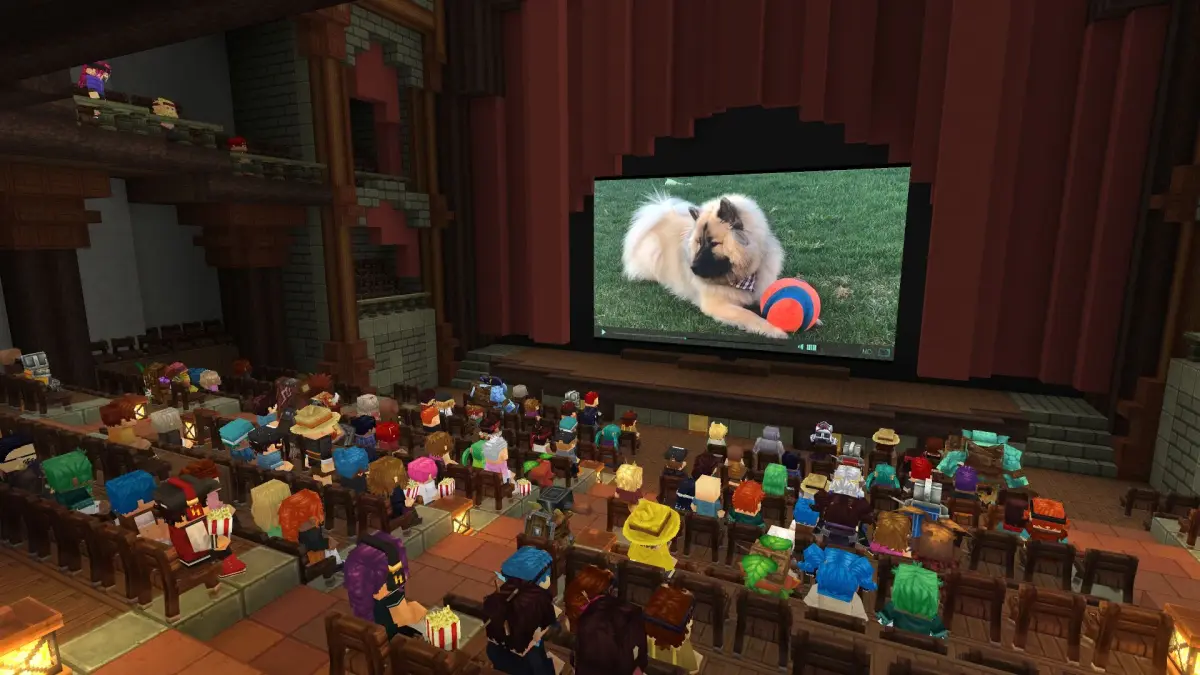
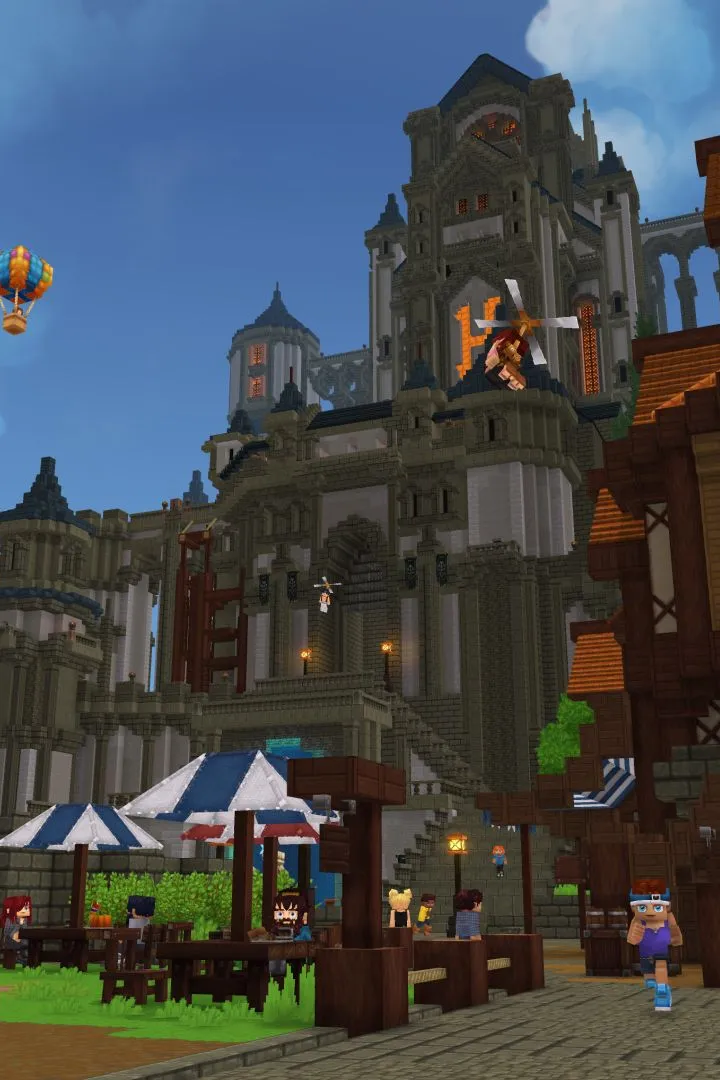
Learn how to find and join community servers in Hytale. Explore custom game modes, connect with players, and enhance your Hytale experience with player-hosted servers.
Hytale is a game built around community interaction, and a significant part of that interaction will occur on community servers. These servers offer a wide variety of custom game modes, challenges, and social experiences beyond what the official game might provide. This guide will help you understand how to find, join, and potentially even host your own community servers to enhance your Hytale adventure.
What are Community Servers?
Community servers are player-hosted instances of Hytale that can be customized with unique rules, game modes, and content. They are the backbone of player-driven experiences in many online games, allowing for everything from competitive minigames to roleplaying servers and creative building worlds.
Finding Community Servers
As Hytale develops, dedicated platforms and in-game browser tools will likely emerge for discovering community servers. In the meantime, players can typically find servers through:
- Official Hytale Forums: The official forums are a prime location for server owners to advertise their communities.
- Community Websites and Discords: Dedicated Hytale community sites and Discord servers often have channels for server listings and recruitment.
- Social Media: Following Hytale content creators and communities on platforms like Twitter or Reddit can lead to server discoveries.
- Direct IP Listings: Some servers may share their IP addresses directly for players to connect via the game client.
Joining a Server
Once you find a server you're interested in, joining is usually straightforward. Most games allow you to add servers by IP address or through an in-game server browser. Always check the server's specific instructions for the best connection experience.
- Read the Rules: Each server will have its own set of rules. Familiarize yourself with them to ensure a smooth experience for yourself and others.
- Engage with the Community: Participate in chat, join events, and be a positive member of the server community.
- Check Server Status: Some servers may have downtime or maintenance periods. Check their status before trying to connect.
- Provide Feedback: If you have suggestions or encounter issues, communicate them constructively to the server administrators.
Community servers are a vital part of the Hytale ecosystem, offering endless possibilities for gameplay and social interaction. By exploring these player-run worlds, you can discover new ways to enjoy Hytale and connect with fellow players.
100% Human-Written. AI Fact-Checked. Community Verified. Learn how AntMag verifies content