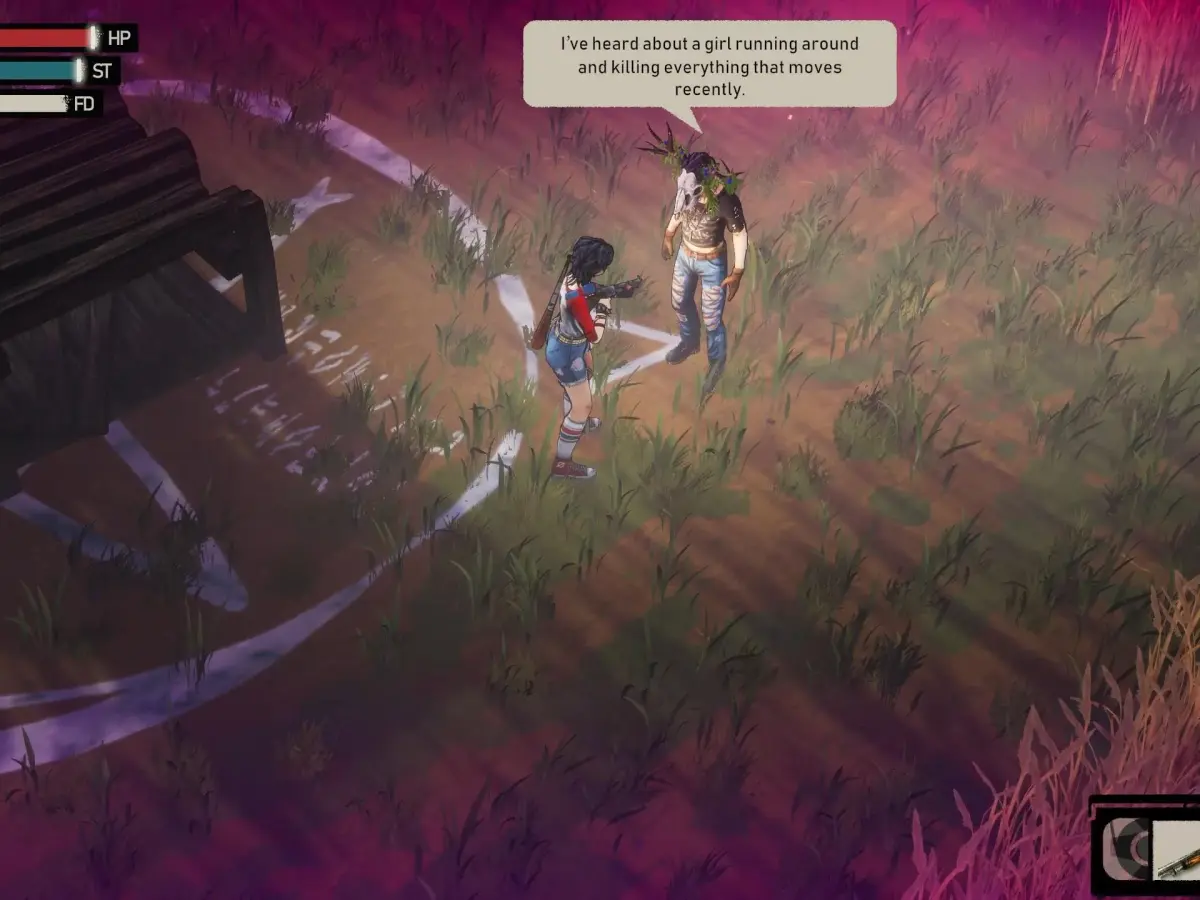
Don't know how to save your progress in I Hate This Place? This guide explains the saving and loading mechanics so you don't lose your hard-earned progress. Learn how to save your game!
Hey there! So you're diving into the spooky world of 'I Hate This Place' and wondering about saving your game? It's super important to know how to keep your progress safe, especially with how intense things can get. Let's break down how saving and loading works so you don't have to worry about losing those hard-earned victories. Saving Your Game In 'I Hate This Place,' the game usually saves automatically at certain checkpoints or after completing significant objectives. You'll often see a small icon appear on the screen, usually in a corner, to let you know that your game is being saved. It's a good idea to keep an eye out for this visual cue. If you want to be extra sure, or if you're about to tackle something particularly challenging, look for manual save points. These might be specific locations, like your safehouse, or an item you can interact with. The game will usually prompt you with a button like '[E] Save Game' or something similar. Always try to use these whenever you get the chance, especially before a boss fight or a tricky puzzle. Loading Your Game When you want to continue your adventure, simply launch 'I Hate This Place' and head to the main menu. You should see an option like 'Load Game' or 'Continue'. Select this, and you'll be presented with a list of your saved games. These are usually listed with the time and date they were saved, so you can pick up right where you left off. Important Pitfalls to Avoid * Don't rely solely on auto-saves: While auto-saves are convenient, they might not always trigger exactly when you want them to. If you quit the game abruptly without an auto-save happening, you could lose a bit of progress. Always try to trigger a manual save if possible. * Beware of corrupted saves: Though rare, save files can sometimes become corrupted. It's a good practice to have multiple save files if the game allows it. This way, if one save file gets messed up, you have a backup. * Quitting mid-action: Try to avoid quitting the game while you're in the middle of a cutscene, a dialogue, or a combat sequence. It's best to let the game reach a stable state before you exit. By keeping these tips in mind, you'll be able to manage your saves effectively and enjoy your journey through 'I Hate This Place' without the fear of losing your progress. Happy gaming!100% Human-Written. AI Fact-Checked. Community Verified. Learn how AntMag verifies content