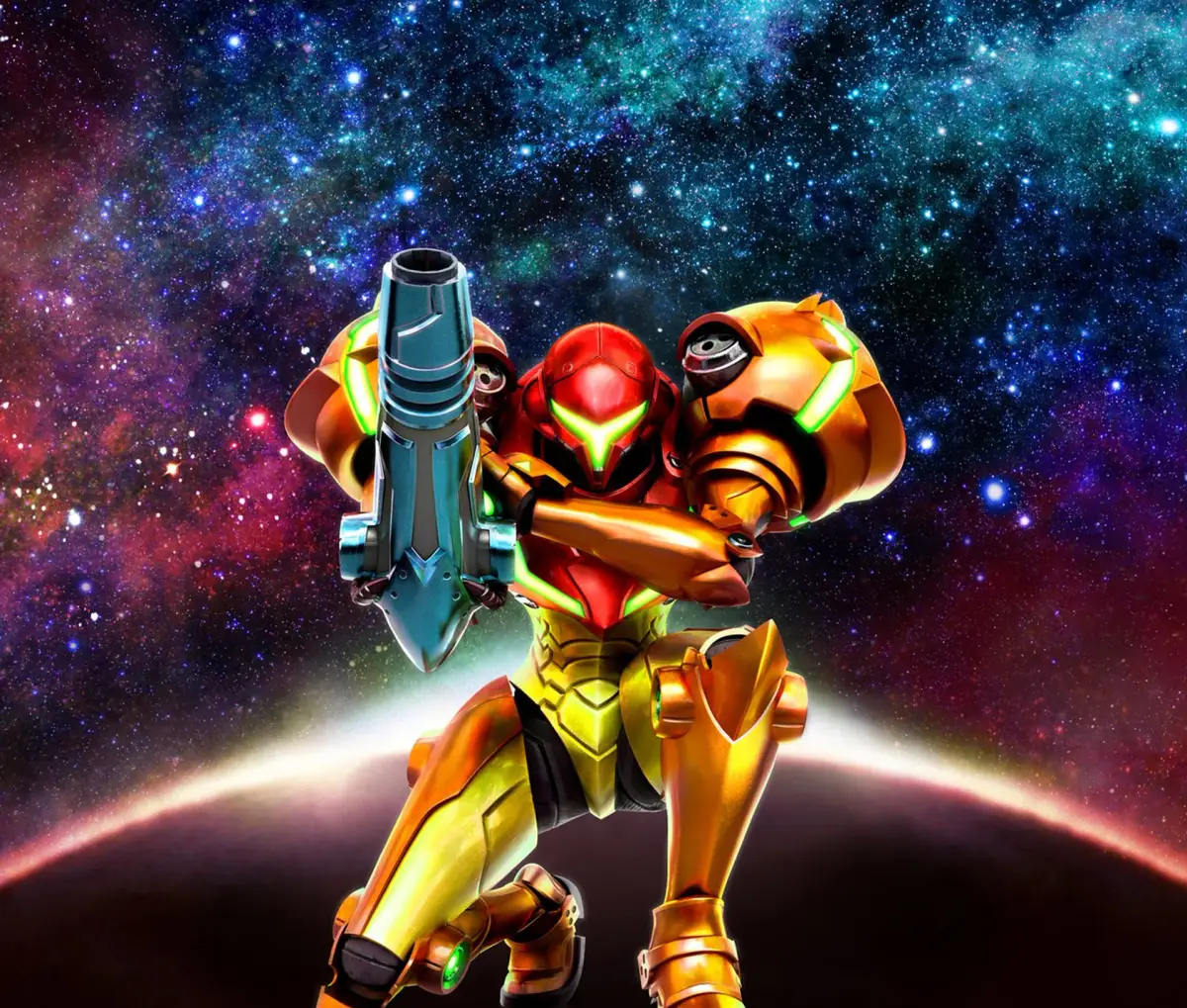
Your go-to guide for Metroid: Samus Returns! Find items, weapons, expansions, and learn how to defeat every Metroid and enemy on planet SR388.
Hey there! Welcome to my guide for Metroid: Samus Returns on the 3DS. I'm here to walk you through everything you'll need to survive this adventure. We'll cover finding all the essential items and weapons, locating those crucial expansions, and most importantly, how to take down those pesky Metroids and any other nasty creatures that get in your way.
If you spot anything I've missed, don't hesitate to let me know. I'll be sure to update the guide to make sure it's as complete as possible.
About the Game
Metroid: Samus Returns is actually a remake of Metroid 2: Return of Samus, which originally came out on the Game Boy back in 1991. That original game saw Samus head to the planet SR388 to wipe out the Metroid threat. This 2017 remake for the 3DS brings the classic experience to life with awesome new graphics and sound, plus a bunch of other cool new features.
Story So Far
Even though Metroid 2 is the second game in the series, it fits in chronologically after the first Metroid and the Metroid Prime games. You know, after Samus dealt with the Space Pirates and Mother Brain on Zebes, and tackled that whole Phazon crisis. Now, the Galactic Federation has a new mission for her: head to SR388, the Metroids' home planet, and exterminate them all. It won't be a simple mission, though. SR388 is crawling with dangers, from the environment itself to its native creatures, and the Metroids you'll face aren't quite like the ones you've fought before. New types are emerging, ready to challenge Samus in ways she's never experienced!
Controls Overview
- Circle Pad: Use this to move around and run.
- Circle Pad Down: This will make Samus crouch.
- Circle Pad Down (while crouching): After you get the Morph Ball, this lets you enter it.
- B Button: Jump!
- Circle Pad + B: This is your Spin Jump. Once you get the Screw Attack, it becomes that.
- B Button (in Morph Ball Mode): This is your Morph Ball Jump, but you'll need the Spring Ball upgrade first.
- L Button (in Morph Ball Mode): This activates the Spider Ball, but only after you've found it.
- Y Button: Fires your beams when standing or running. In Morph Ball mode, this is how you drop Bombs (once you have the Morph Ball Bomb).
- Hold Y and Release: This unleashes a Charged Beam Shot.
- Circle Pad Up/Diagonally Up + Y: Fires your beam upwards or diagonally upwards.
- Circle Pad Down/Diagonally Down + Y (in the air): Fires your beam downwards or diagonally downwards.
- R Button + Y: Fires Missiles or Super Missiles. In Morph Ball mode, this is how you drop Power Bombs (once you have them).
100% Human-Written. AI Fact-Checked. Community Verified. Learn how AntMag verifies content