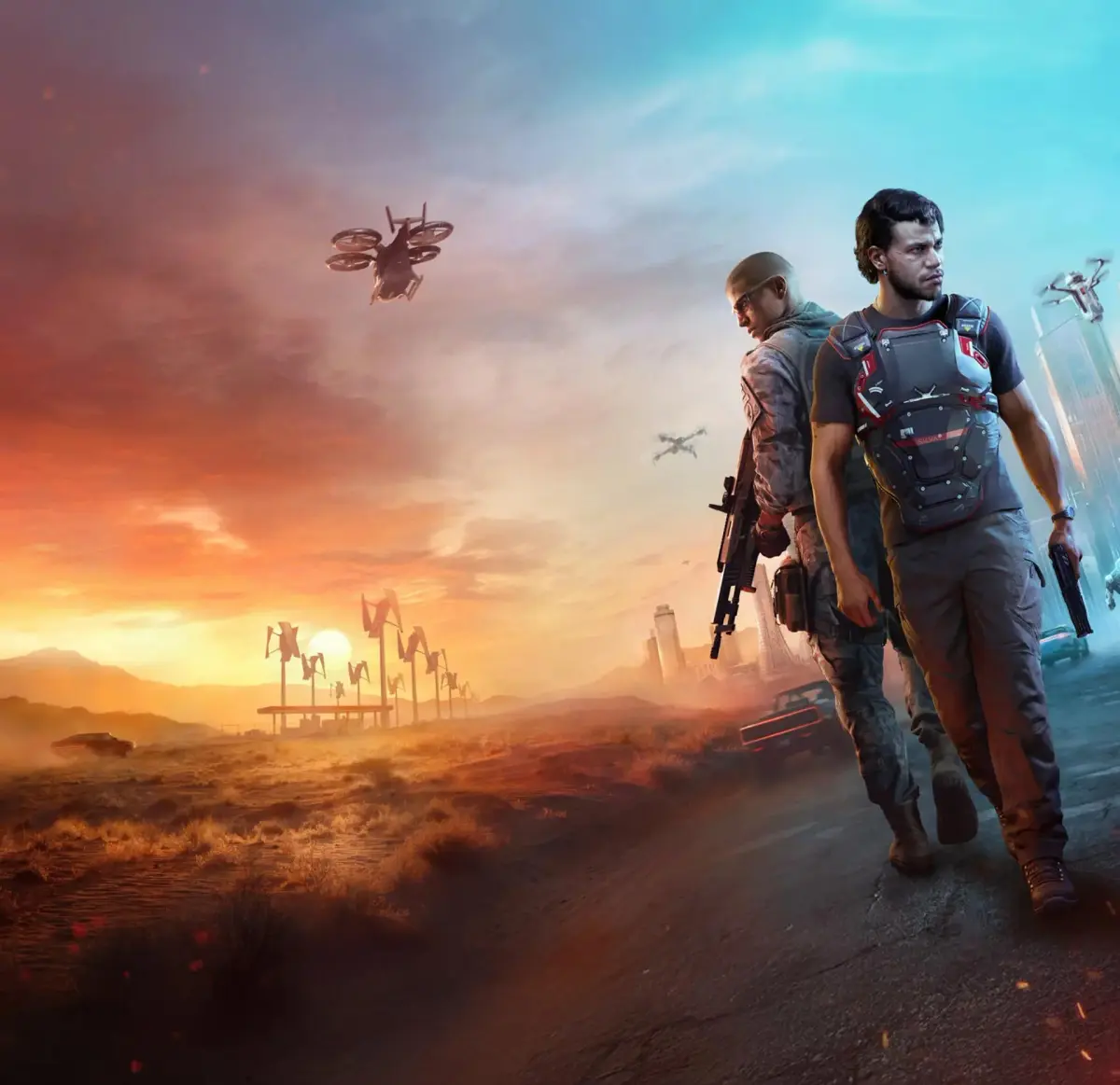
Navigate the MindsEye game world with ease. This guide breaks down the UI elements, helping you understand menus, HUD, and controls for a smoother gameplay experience.
This guide will help you understand the User Interface (UI) of MindsEye. While the game features an open world, its UI and mission structure can feel restrictive. This section will clarify how the UI functions and how to best interact with it.
| Action | Description |
|---|---|
| Mission Navigation | The game frequently locks you into story missions, directing you to specific locations. Deviating from the path or delaying arrival often results in in-game phone calls from NPCs reprimanding you for not reaching the destination promptly. |
| Driving | A significant portion of gameplay involves driving across the city or desert. The UI prompts you to reach destinations quickly, and the game actively discourages exploration outside of mission objectives. |
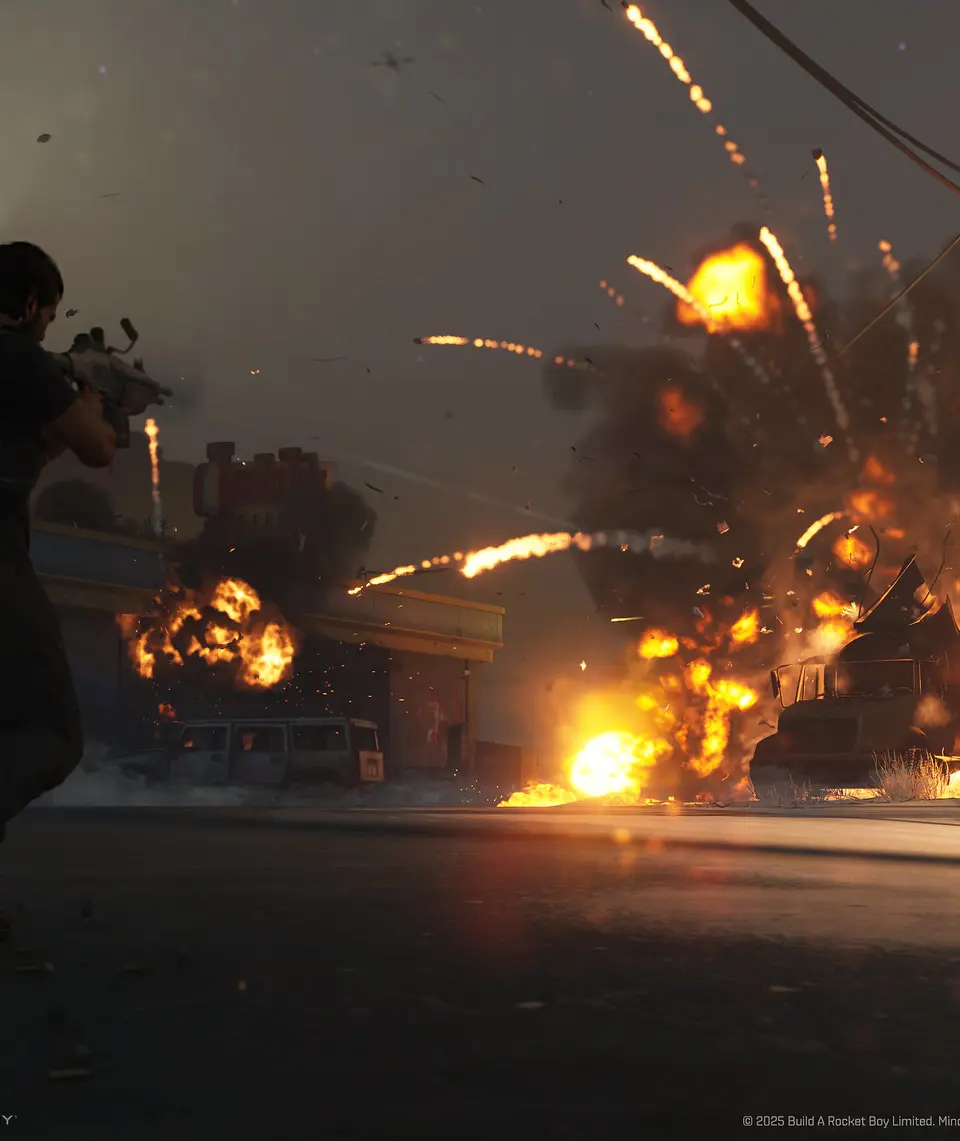
| Combat | Combat primarily consists of cover-based shooting against generally inept enemies. Jacob's drone superpower has a cooldown and can only eliminate a single target at a time. |
| Optional Challenges | Despite the linear mission structure, the game includes optional race challenges. These are often presented in menus rather than being organically discoverable within the open world, which can be a point of confusion regarding UI design. |
| Plot and Character Presentation | The game utilizes full motion-captured cutscenes and detailed character models. However, the plot's coherence and the motivations of characters, particularly the Elon Musk-like billionaire, are often unclear and fluctuate throughout the narrative, which is presented through the UI and cutscenes. |
| Menus | The game's menus contain information such as optional race challenges, which are not always clearly integrated into the main gameplay loop or presented in an intuitive manner within the UI. |
100% Human-Written. AI Fact-Checked. Community Verified. Learn how AntMag verifies content