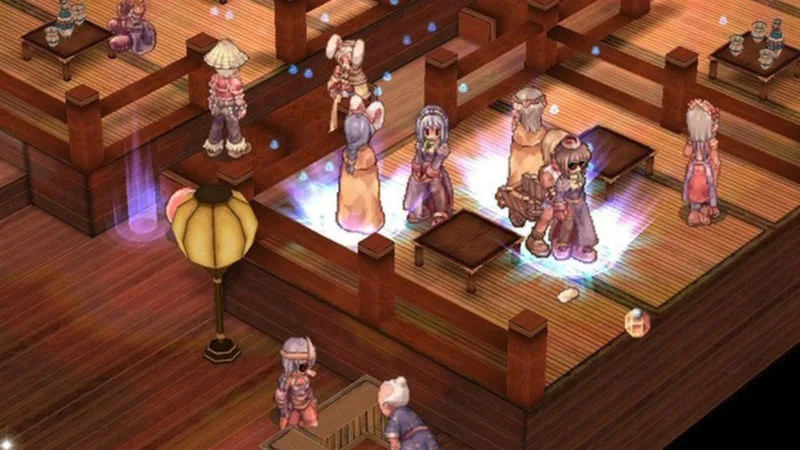
Learn how to protect your Ragnarok Online account from hackers with essential security tips, including firewall usage and password management.
Walkthrough
- 1Avoid making yourself a target by not broadcasting valuable item information, like possessing a "Triple Critical Jur", in public chat channels in towns like Prontera.
- 2Install and use a Firewall, regardless of your internet connection type (Dial-up, Cable, PPoE DSL). A Firewall screens internet traffic, acting like a security officer. Zone Alarm is a free option that may initially prompt frequently but quiets down over time. Norton Internet Security is a less intrusive paid alternative. Ensure you understand what programs (e.g., ABCD.exe) are requesting access before granting it.
- 3Run Anti-virus software constantly and update its virus definitions weekly. This is especially important if you are unfamiliar with differentiating file types like batch files from macros. Free online checks are available at housecall.antivirus.com.
- 4Avoid Peer-to-Peer (P2P) programs like Kazaa, as downloaded files can potentially contain viruses, worms, or keyloggers.
- 5Enable the viewing of file extensions and hidden files in your folder options. This allows you to identify disguised files (e.g., a VBS file masquerading as an MPEG) and makes hidden hacker programs visible. To do this, open any folder, go to Tools, Folder Options, click the View tab, select "Show Hidden files or folders", and uncheck "Hide extensions for known file types".
- 6Set an Administrator password for Windows 2000/XP. Ensure "Users must enter a name and password" is checked in Users and Passwords (accessible via Start, Settings, Control Panel), then click "Set password for all the users on your computer". Avoid simple passwords.
- 7Avoid logging in as an Administrator unless performing administrative tasks, as this grants hackers more access.
- 8Turn off File and Print Sharing. In Windows 9x, right-click Network Neighborhood, select properties, or double-click Network in Control Panel, then click "File and Print Sharing" and uncheck both options. In Windows 2000/XP, right-click "My Network Connections", select properties, right-click your internet connection, select properties again, and uncheck "File and Print Sharing for Microsoft Networks".
- 9Run Windows Update regularly, ideally weekly, to patch security vulnerabilities.
- 10Avoid visiting untrustworthy websites. Decline any security prompts asking to run unknown programs unless you are certain the website is safe.
- 11Do not enter sensitive data, such as credit card numbers, on websites unless the padlock icon is visible in the lower right corner, indicating an encrypted connection.
- 12Never open email attachments unless you have explicitly arranged to receive a specific file from a known sender. This is a primary method for virus and malware distribution.
- 13Exercise common sense in your online activities.
Tips
- Be cautious about sharing information regarding valuable items in public chat.
- Regularly update your antivirus software and operating system.
- Understand the purpose of programs before granting them internet access through your firewall.
- Enable file extension visibility to detect disguised malicious files.
- Use strong, unique passwords for your Ragnarok Online account and Windows login.
- Disable unnecessary network sharing services like File and Print Sharing.
- Be wary of unsolicited email attachments and suspicious website prompts.
100% Human-Written. AI Fact-Checked. Community Verified. Learn how AntMag verifies content