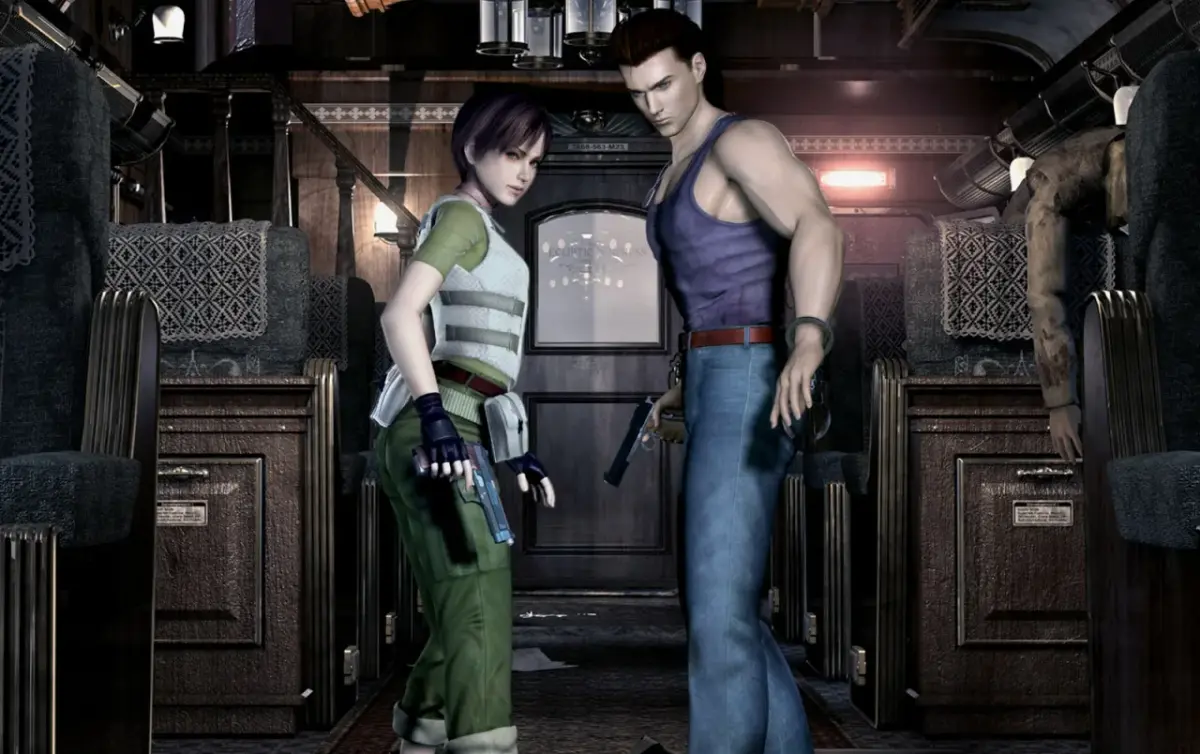
Learn the controls for Resident Evil 0, including character movement, button functions like the A button for actions and shooting, and the B button for running.
Controls:
- Movement: Use the control stick or pad to move your character. Pushing up moves forward, down moves backward, right rotates right, and left rotates left.
- 180 Degree Turn: Press and hold the Down direction on the control stick or pad simultaneously with the B button.
- L Button: Switches targets.
- R Button: Hold this button to ready your weapon.
- Z Button: Opens the map screen. You can also open the map screen via the inventory.
- X Button: Flips or switches between characters.
- Y Button: Opens the inventory/status screen.
- A Button: This is your action button. It confirms selections, picks up items, and shoots your weapon when the R button is held.
- B Button: This button cancels selections. It also functions as the run button when held down with a direction on the control stick or pad.
- C Stick: Controls the other character if both characters are in the same room.
- Start Button: The function of the Start button depends on whether you are in solo or team mode. In team mode, with a partner in the same room, pressing Start will trigger a short character talk, such as 'let me handle it', which automatically switches to solo mode. This is useful for speed players as it bypasses the need to visit the status screen.
100% Human-Written. AI Fact-Checked. Community Verified. Learn how AntMag verifies content