
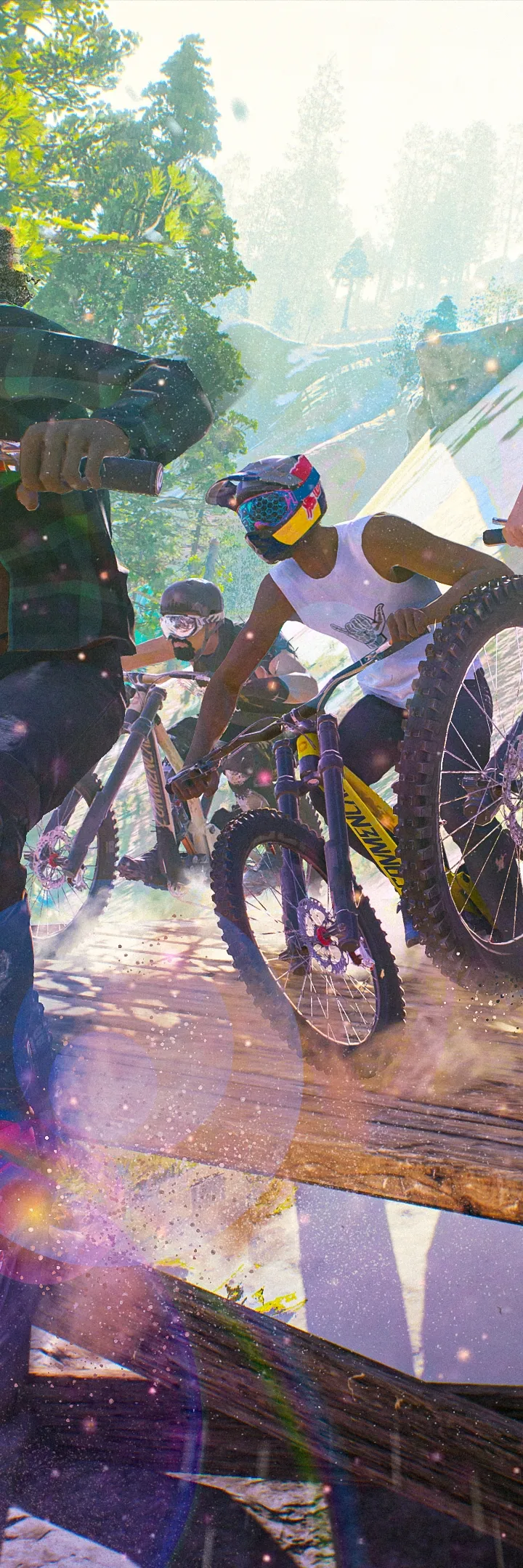
Master Riders Republic controls and UI. Learn controls for skiing, biking, rocket wing, and understand HUD elements for optimal gameplay.
Navigating the exhilarating world of Riders Republic requires a solid understanding of its controls and user interface (UI). Whether you're carving down a snowy slope, grinding rails on a bike, or soaring through a canyon, precise input is key to success. This guide will break down the essential controls for each sport and explain the key elements of the UI, ensuring you have a smooth and intuitive experience from your very first ride.
The game's UI is designed to provide you with all the necessary information at a glance, from your speed and stamina to your current objectives and collectibles. Mastering the controls allows you to execute complex tricks, maintain control at high speeds, and react quickly to changing terrain. how to effectively command your rider and interpret the information presented on your screen.
Core Movement and Camera Controls
These controls are generally consistent across most sports:
| Action | Default Control (Console Example) | Description |
|---|---|---|
| Move Rider | Left Analog Stick | Steer your rider left, right, forward, and backward. |
| Camera Control | Right Analog Stick | Adjust the camera angle to get a better view of your surroundings or to frame your tricks. |
| Jump / Ollie | A Button (Xbox) / X Button (PlayStation) | Initiate a jump or an ollie, crucial for clearing obstacles and starting tricks. |
| Boost / Sprint | B Button (Xbox) / Circle Button (PlayStation) | Engage your boost for increased speed. Drains stamina. |
| Brake / Slow Down | Right Trigger (Xbox) / R2 Button (PlayStation) | Apply brakes to slow down or control your descent. |
| Switch Sport / Gear | D-Pad Left/Right | Cycle through your available sports and gear. |
Sport-Specific Controls (Examples)
While core movement is similar, trick execution and specific actions vary:
- Skiing/Snowboarding:
- Trick Modifiers: Left Trigger (Xbox) / L2 Button (PlayStation) and Right Trigger (Xbox) / R2 Button (PlayStation) combined with Left Analog Stick for grabs and spins.
- Grabs: Hold Left Trigger/L2 and move Left Analog Stick.
- Spins: Hold Right Trigger/R2 and move Left Analog Stick.
- Flips: Double-tap Left Analog Stick up/down.
- Biking:
- Manual: Hold Left Trigger/L2 to balance on rear wheels.
- Grind: Approach rails/ledges and press A/X to initiate.
- Flip Tricks: Use Left Analog Stick for direction and timing with A/X.
- Rocket Wing:
- Pitch/Roll: Left Analog Stick for directional control.
- Dive/Climb: Right Analog Stick up/down.
Key UI Elements
Your Heads-Up Display (HUD) provides vital information:
- Speedometer: Displays your current speed.
- Stamina Bar: Indicates your available stamina for boosting and performing actions.
- Objective Tracker: Shows your current race position, next waypoint, or active challenge goals.
- Trick Meter: Displays your score for current tricks and multipliers.
- Mini-Map: A small map showing your immediate surroundings, objectives, and nearby collectibles.
- Event Timer: For timed events, this shows the remaining time.
You can customize the HUD layout and visibility in the game's settings menu to suit your preferences. Experiment with different control schemes in the options menu if the default settings don't feel right. Practice is key to mastering both the controls and the UI, allowing you to fully immerse yourself in the thrilling world of Riders Republic.
100% Human-Written. AI Fact-Checked. Community Verified. Learn how AntMag verifies content