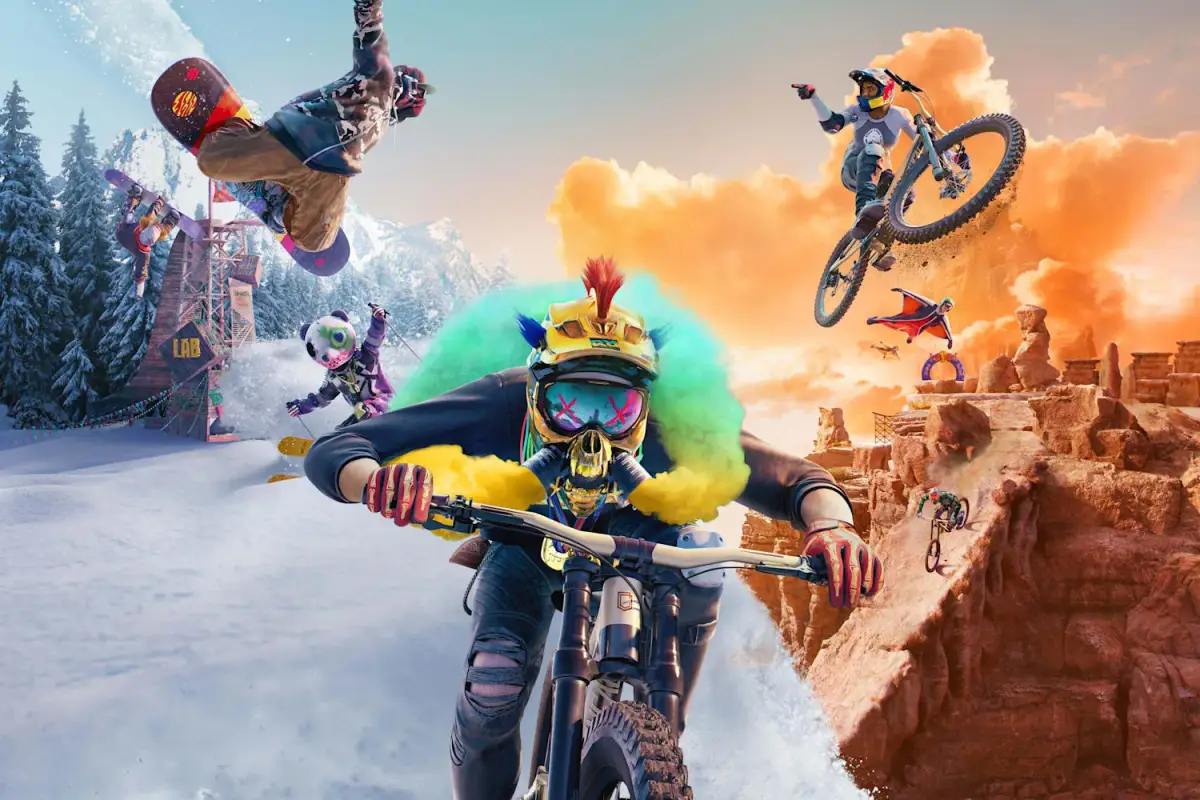
Connect and compete with players in Riders Republic. Learn how to use the Social Hub and other tools to enhance your experience and earn rewards.
Riders Republic thrives on its vibrant social ecosystem, offering numerous ways to connect, compete, and collaborate with other players. Mastering these social features will not only enhance your experience but also unlock exclusive rewards and opportunities. This section details how to effectively utilize the game's social tools.
The Social Hub: Riders Ridge
Your primary social nexus is Riders Ridge, a bustling central area where players congregate. Here, you can easily spot other riders, initiate interactions, and access various social functionalities.
- Player Proximity Chat: While in Riders Ridge or any open-world area, proximity chat allows you to communicate directly with players nearby. Look for the speech bubble icon above their heads to indicate active voice chat.
- Emotes & Tricks: Express yourself! Access your emote wheel (typically D-Pad Up on controllers, or a customizable keybind on PC) to perform a wide range of emotes, from waves to celebratory dances. You can also show off your best tricks to an audience, which sometimes triggers spontaneous trick battles.
- Group Up: To form a temporary group with nearby players, approach them and look for the "Invite to Group" prompt (usually a contextual button press). This is ideal for tackling challenges together or simply exploring.
Friending & Managing Your Friends List
Building a robust friends list is key to long-term social engagement in Riders Republic.
- Sending Friend Requests:
- From the Social Hub: Target a player in Riders Ridge. A prompt will appear to "View Profile" or "Add Friend." Select "Add Friend."
- From the Leaderboards: After a race or event, navigate to the leaderboards. Select a player's name and choose "Add Friend" from their profile options.
- From the Map: Open your map and locate a player's icon. Select it to bring up their profile and the "Add Friend" option.
- Accepting Friend Requests: Notifications for incoming friend requests will appear in the top-right corner of your screen. Open your "Social Menu" (accessible via the main menu) and navigate to the "Friend Requests" tab to accept or decline.
- Managing Your Friends: In the "Social Menu," under the "Friends" tab, you can see who is online, invite them to your group, send messages, or remove them from your list.
Group Play & Activities
Playing in a group unlocks exclusive benefits and makes many activities more enjoyable.
- Creating a Group:
- Open your "Social Menu."
- Select "Create Group."
- Invite friends from your friends list, or send open invitations to nearby players.
- Group Benefits:
- Shared XP: All members of a group receive bonus XP for completing events together.
- Cooperative Challenges: Many challenges are designed for groups, requiring coordinated efforts to achieve objectives. Look for challenges marked with a "Group" icon on the map.
- Mass Races: While Mass Races are open to all, grouping up with friends allows you to strategize and support each other through the chaos.
- Freeroam Exploration: Simply exploring the vast open world with friends is a rewarding experience, allowing for shared discoveries and spontaneous stunts.
- Leaving a Group: To leave your current group, open the "Social Menu," navigate to the "Group" tab, and select "Leave Group."
Competitive & Collaborative Events
Riders Republic offers a diverse range of events that encourage both friendly competition and cooperation.
- Mass Races: These chaotic, large-scale events pit dozens of players against each other across multiple disciplines. While competitive, working with temporary alliances (e.g., drafting behind other players) can be beneficial.
- Trick Battles: Enter the Trick Battle Arena to compete in teams of 6v6, performing the most stylish and high-scoring tricks to dominate zones. Communication with your team is crucial here.
- Free-For-All: Jump into a playlist of various events, competing against other players for the top spot.
- Community Challenges: Keep an eye on the "Community Challenges" section in the main menu. These often require collective effort from the entire player base to unlock rewards or progress global objectives.
Player-Created Content & Sharing
Unleash your creativity and share your experiences with the community.
- Replay Editor: After any event or during freeroam, access the "Replay Editor" from the pause menu. Capture your most epic moments, add cinematic camera angles, and apply filters.
- Sharing Replays: Once your replay is perfected, select "Share" to upload it to the Riders Republic community hub. Other You can then view, like, and comment on your creations.
- Photo Mode: Activate "Photo Mode" at any time (usually by pressing a specific key/button in the pause menu) to capture stunning screenshots of the Republic. Share these directly to your platform's social media or to the in-game community.
100% Human-Written. AI Fact-Checked. Community Verified. Learn how AntMag verifies content