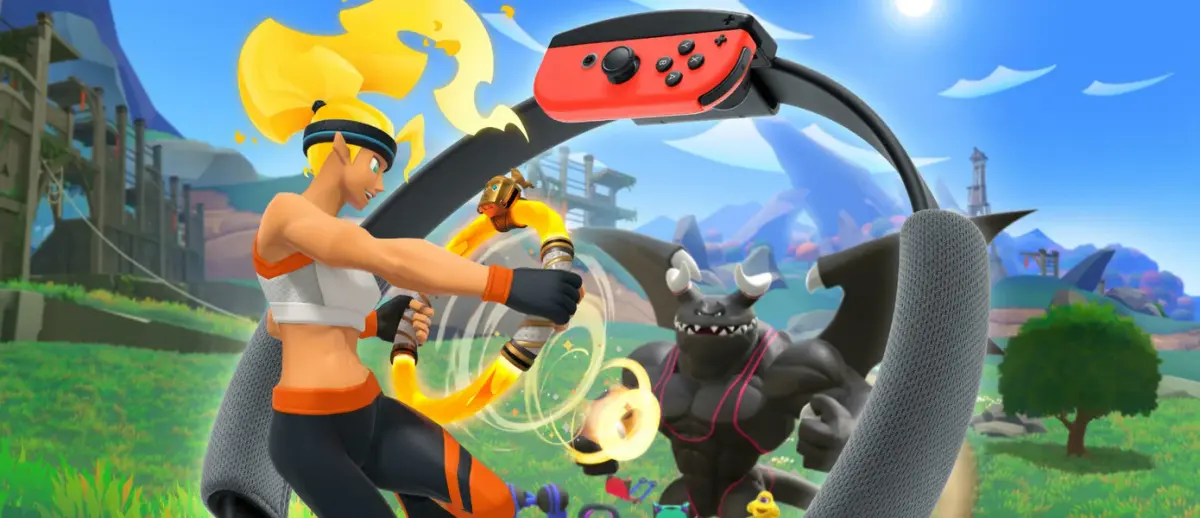
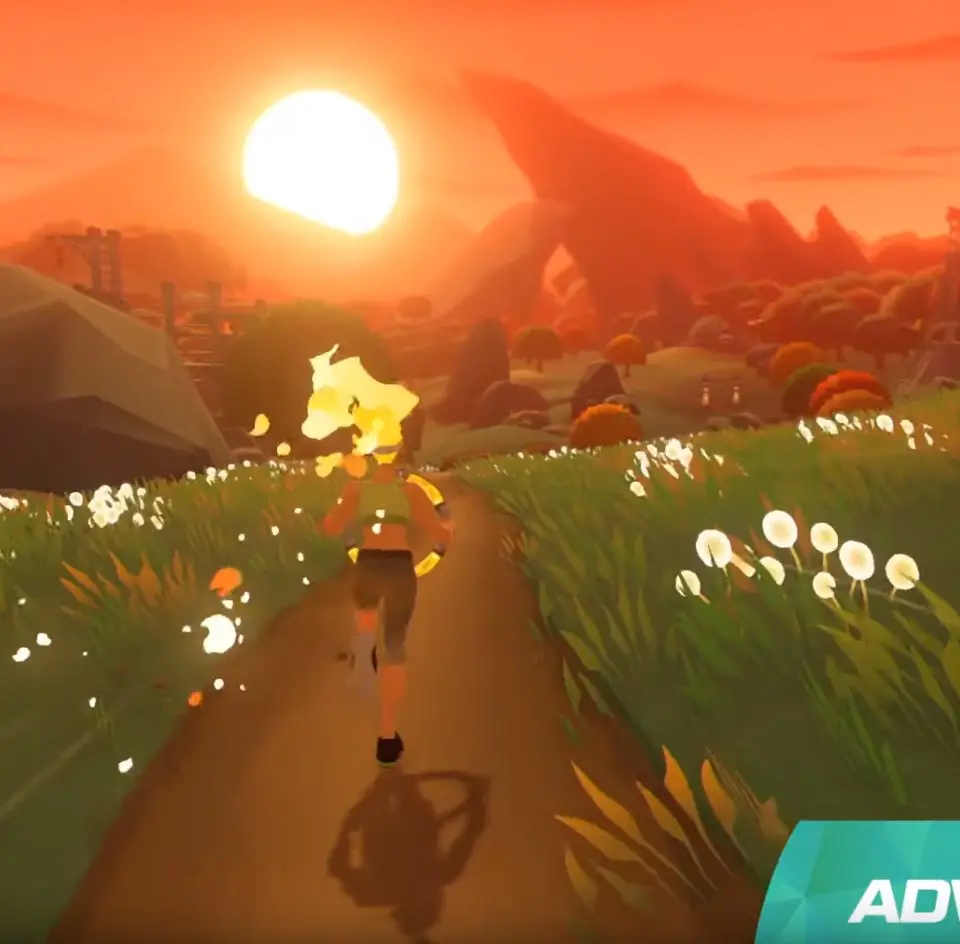
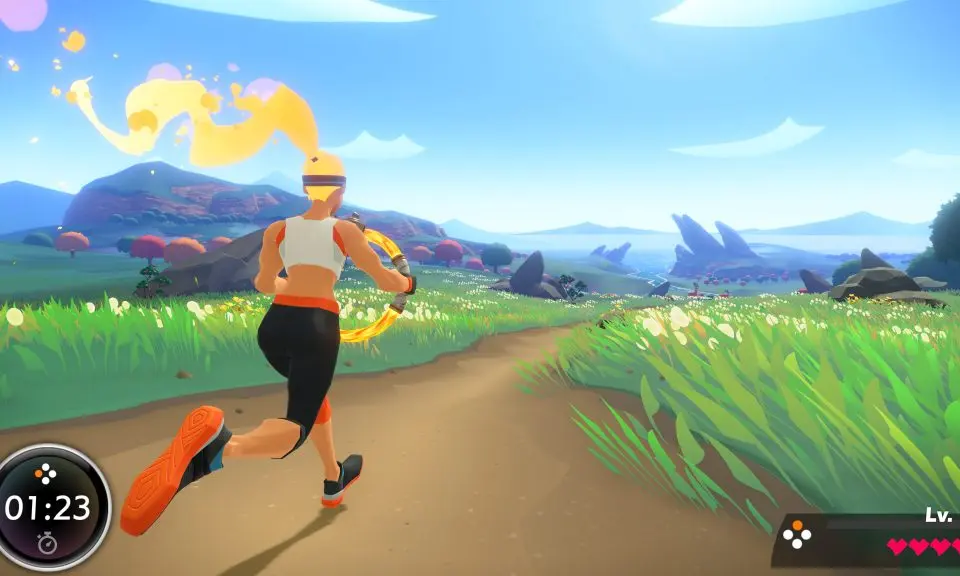
Welcome to Ring Fit Adventure, Nintendo's unique fitness RPG for the Nintendo Switch! Step into a vibrant fantasy world where your workout is your weapon. You'll jog in place to traverse colorful landscapes, perform yoga poses to defend yourself, and complete various exercises to defeat enemies and level up your character. It’s a full-body workout disguised as an epic adventure, perfect for anyone looking to get fit while having fun.
This guide is your ultimate companion to mastering Ring Fit Adventure. We'll break down everything you need to know, from understanding the core mechanics and optimizing your exercise routines for maximum effectiveness to tackling those particularly tough boss battles. Whether you're aiming to achieve a Gold Medal on every stage or simply want to get the most out of your fitness journey, we've got you covered.
Getting Started
Start your fitness journey in Ring Fit Adventure. Master the basics, set up your Ring-Con equipment, and navigate the user interface for an effective workout a.
Getting Started
Start your fitness journey in Ring Fit Adventure. Master the basics, set up your Ring-Con equipment, and navigate the user interface for an effective workout a.
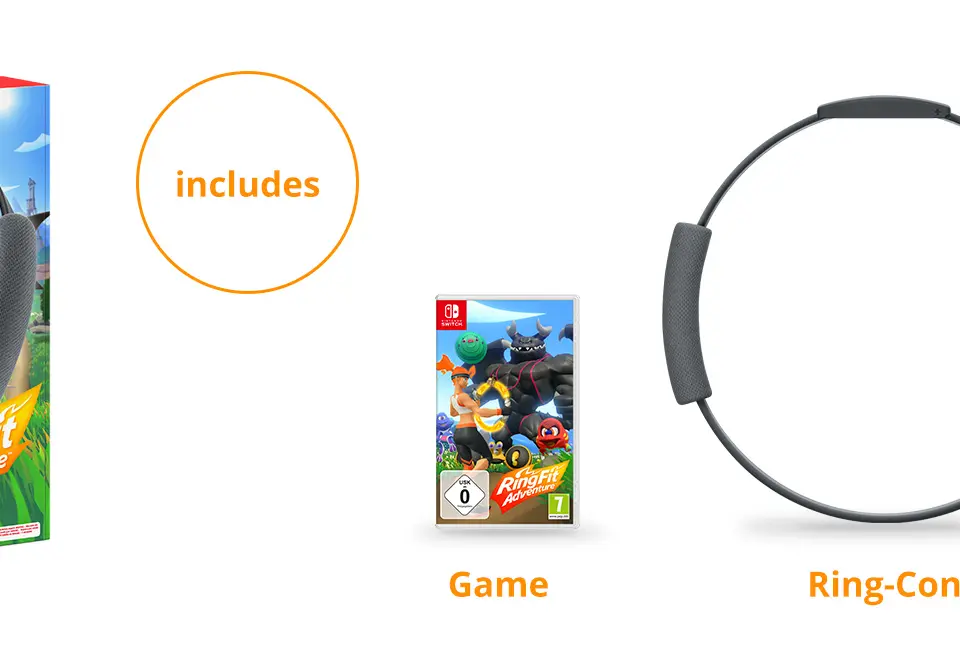
Initial Setup & Calibration
Learn how to properly set up your Ring-Con and Leg Strap, and calibrate your movements for an optimal Ring Fit Adventure experience.
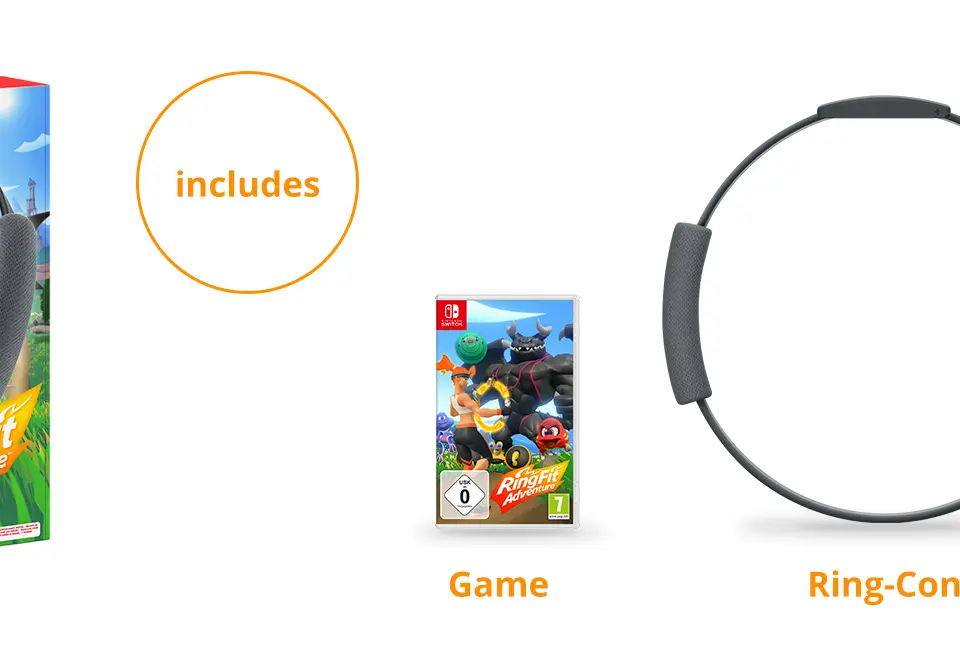
Before you even start the game, ensure your Nintendo Switch is docked or in tabletop mode with enough space around you. Attach the left Joy-Con to the Leg Strap and secure it snugly to your left thigh, just above the knee. Make sure the Joy-Con's analog stick is facing upwards. Attach the right Joy-Con to the Ring-Con by sliding it into the designated slot until it clicks. Once the game launches, it will guide you through a calibration process. This involves performing a few basic movements like squats and presses to determine your range of motion and strength. Be honest during this process, as it directly impacts the difficulty and effectiveness of your workouts. You can always recalibrate later from the settings menu if you feel it's too easy or too hard. This initial setup is vital for the game to accurately track your movements and provide appropriate resistance.
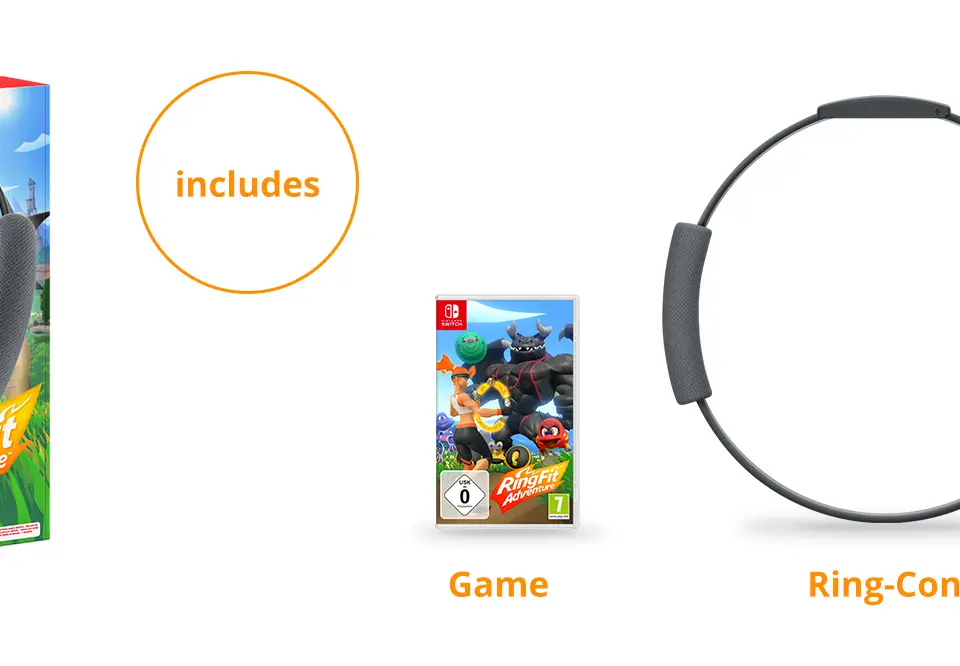
Understanding the Controls — Ring Fit Adventure Guide
Master the intuitive controls of Ring Fit Adventure using the Ring-Con and Leg Strap for movement, attacks, and menu navigation.
The Ring-Con and Leg Strap are your primary controllers in Ring Fit Adventure. The Ring-Con is used for various actions: squeezing it activates attacks and interacts with objects, pulling it expands your reach and performs certain exercises, and tilting it controls your character's movement in adventure mode. The Leg Strap, with the attached Joy-Con, tracks your leg movements for jogging, squats, and other lower-body exercises. In menus, you'll primarily use the Ring-Con to point and select, much like a Wii Remote. Pressing the 'A' button on the right Joy-Con (within the Ring-Con) confirms selections, while 'B' cancels. The 'X' and 'Y' buttons often bring up additional menus or information. Mastering these intuitive controls is key to seamlessly navigating the game world and executing exercises effectively.
Character Creation & Difficulty Settings
Customize your adventurer and set your ideal difficulty level in Ring Fit Adventure, including Silent Mode and workout goals.
Upon starting a new game, you'll be prompted to create your adventurer. You can choose your gender and customize your appearance with various hairstyles, skin tones, and outfits. While these choices are purely cosmetic, they allow for a personalized experience. More importantly, you'll be asked to set your 'Adventure Level'. This is Ring Fit Adventure's difficulty setting, ranging from 1 to 30. A higher level means more repetitions for exercises and stronger monster attacks. The game will recommend a level based on your initial calibration, but you can adjust it at any time from the System menu. Don't be afraid to start lower and increase it as you get fitter. You can also enable 'Silent Mode' if you need to exercise quietly, which replaces jogging with knee bends. Additionally, you can set a 'Workout Goal' for daily calorie burn or exercise time, which the game will track and encourage you to meet.
Similar guides you might like





100% Human-Written. AI Fact-Checked. Community Verified. Learn how AntMag verifies content