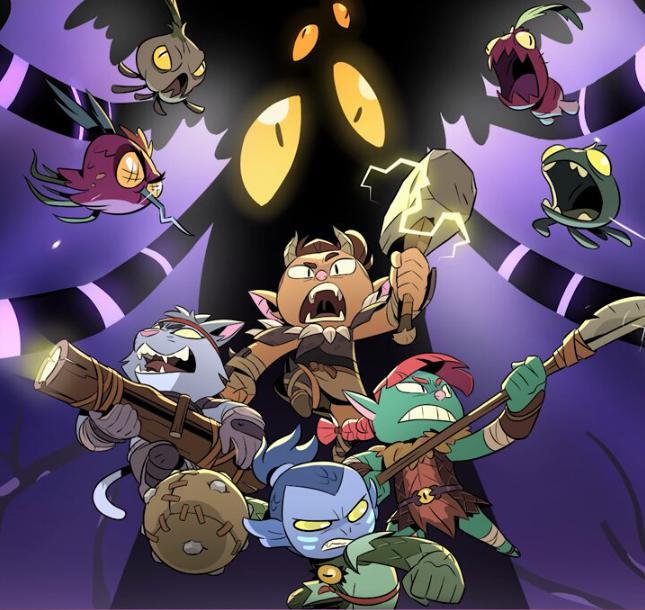
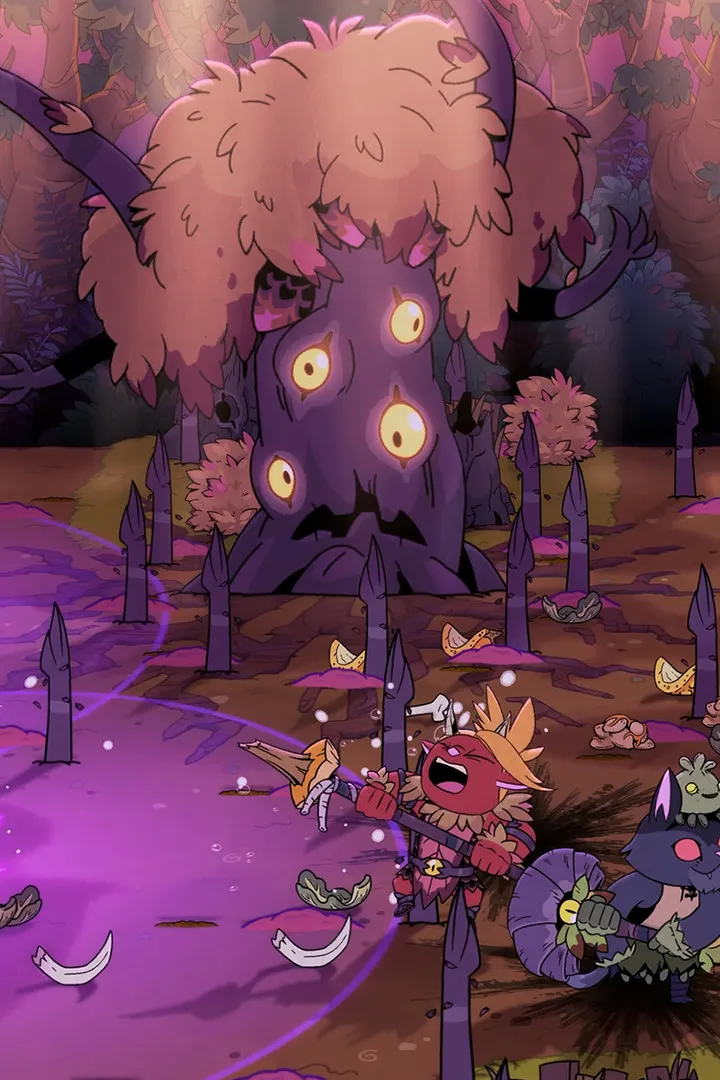
Guide on how to join a friend's game in Rotwood. Easily connect with your allies and begin your cooperative adventure through the dangerous woods together.
Joining a Friend's Game
Rotwood's cooperative gameplay shines when you team up with friends. To join a game hosted by a friend, you'll typically need to navigate to the multiplayer options within the game's main menu. The exact method can vary slightly depending on the game's current build, but the core principle remains consistent: initiating a connection through an in-game lobby system or a direct invite.
First, ensure that both you and your friend have the game installed and updated to the latest version. Mismatched game versions can often prevent successful connections. One player will need to act as the host, initiating a game session. This host player will then need to make their game discoverable or provide a way for their friends to join. This might involve setting the game to "Friends Only" or generating a unique lobby code that can be shared.
Once the host has set up their session, the joining player will need to access the "Join Game" or "Multiplayer" section of their own game menu. Here, they should look for an option to "Join Friend" or "Enter Code." If joining via code, input the shared code accurately. If the game is set to "Friends Only" and you are on the same platform's friend list (e.g., Steam friends), the host's game might appear in a list of available sessions to join. Select the correct session and confirm your entry.
Upon successful connection, you will likely appear in the host's game world, often in a starting area or hub like The Camp. From here, you can coordinate with your friend to begin your adventure, whether it's tackling a specific dungeon or exploring the wilds. Communication is key; use voice chat or in-game text chat to coordinate your actions and strategies, especially when facing challenging encounters or navigating complex environments. Remember that the game supports up to 4 players, so you can expand your party even further if desired.
If you encounter issues, double-check your network settings and ensure that no firewalls are blocking the game's connection. Sometimes, restarting both the game and the platform you are using can resolve connectivity problems. The goal is to seamlessly transition into your friend's world, ready to face the challenges of Rotwood together.
100% Human-Written. AI Fact-Checked. Community Verified. Learn how AntMag verifies content