
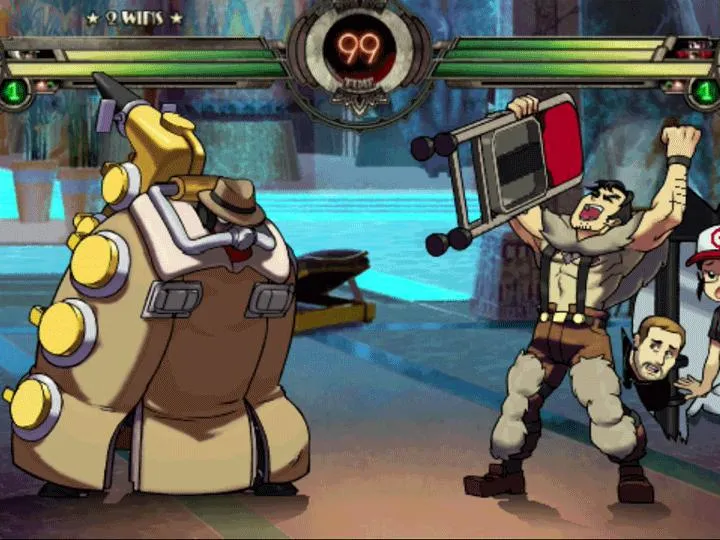
Improve your Skullgirls 2nd Encore gameplay by analyzing matches and sharing moments with the Replay System. It is an invaluable tool for all players.
The Replay System in Skullgirls 2nd Encore is an invaluable tool for both new and veteran players looking to improve their gameplay, analyze matches, and even share their most epic moments. Whether you're dissecting a loss to understand your weaknesses or celebrating a perfectly executed combo, the Replay System offers robust features to help you get the most out of your matches.
Accessing Replays
Replays are automatically saved for various game modes, but you can also manually save them for specific matches. To access your saved replays:
- From the Main Menu, navigate to the "Extras" option.
- Select "Replays" from the Extras submenu.
- This will bring you to the Replay Browser, where all your saved replays are listed.
Pro-Tip: While the game automatically saves a certain number of recent matches, it's highly recommended to manually save any match you deem particularly important for future study or sharing, as older auto-saved replays will eventually be overwritten.
Replay Browser Features
The Replay Browser provides several options to manage and view your replays:
- Match Information: Each replay entry typically displays key details such as the characters used by both players, the stage, the date and time of the match, and the outcome (Win/Loss). This helps you quickly identify specific matches.
- Sorting Options: You can often sort replays by various criteria, including date, character, or outcome. Utilize these options to efficiently find the replay you're looking for, especially if you have a large collection.
- Delete Replay: To free up space or remove irrelevant matches, select a replay and choose the "Delete" option. Confirm your choice carefully, as deleted replays cannot be recovered.
- Save Replay: For auto-saved replays you wish to keep permanently, select the replay and choose "Save." This will move it from the temporary auto-save list to your permanent saved replays.
Replay Playback Controls
Once you've selected a replay to watch, you'll be presented with a suite of playback controls designed for detailed analysis:
- Play/Pause: The most fundamental control, allowing you to start and stop the replay at any point. This is crucial for pinpointing specific frames.
- Fast Forward/Rewind: Speed up or slow down the playback. This is useful for quickly skipping through uneventful sections or slowing down intense exchanges to observe details.
- Frame-by-Frame Advance: This is arguably the most powerful feature for analytical purposes. By advancing the replay one frame at a time, you can precisely examine hitboxes, hurtboxes, frame data, and the exact timing of attacks and defensive maneuvers. This is invaluable for understanding character interactions and optimizing your own combos.
- Input Display: Toggle the input display on or off. When active, this shows the exact button presses and joystick movements of both players in real-time. Observing opponent inputs can reveal their habits, while reviewing your own inputs helps identify execution errors.
- Hitbox/Hurtbox Display: A critical tool for advanced players. Toggling this on will display the active hitboxes (areas that deal damage) and hurtboxes (areas that can be hit) for all characters on screen. This allows for a deep understanding of attack ranges, spacing, and how to exploit openings.
- Damage Display: Shows the damage values for each hit. Useful for understanding combo scaling and the effectiveness of different attacks.
- Return to Start/End: Quickly jump to the beginning or end of the match.
Strategies for Effective Replay Analysis
Don't just watch your replays; actively analyze them. Here are some strategies:
- Identify Key Moments: Focus on moments where you took significant damage, dropped a combo, or failed to punish an opponent. These are prime opportunities for learning.
- Analyze Opponent Habits: Watch for patterns in your opponent's playstyle. Do they always block low after a certain attack? Do they frequently jump in from a specific range? Understanding these habits can help you predict and counter them in future matches.
- Review Your Own Execution: Use the Input Display to check for dropped inputs or incorrect sequences during combos. Practice these specific sections in Training Mode until they are consistent.
- Study Frame Data (with Hitbox Display): For advanced players, use the Frame-by-Frame Advance and Hitbox/Hurtbox Display to understand the exact frame advantage/disadvantage of moves. This is crucial for optimizing pressure, mix-ups, and punishes.
- Experiment with Different Perspectives: Sometimes, watching a replay from your opponent's perspective can offer new insights into your own vulnerabilities.
- Share and Discuss: If you're part of the Skullgirls community, don't hesitate to share interesting replays with others. Getting feedback from more experienced You can accelerate your learning.
Mastering the Replay System is a significant step towards becoming a stronger Skullgirls 2nd Encore player. Utilize its comprehensive features to refine your skills and dominate the competition!
100% Human-Written. AI Fact-Checked. Community Verified. Learn how AntMag verifies content