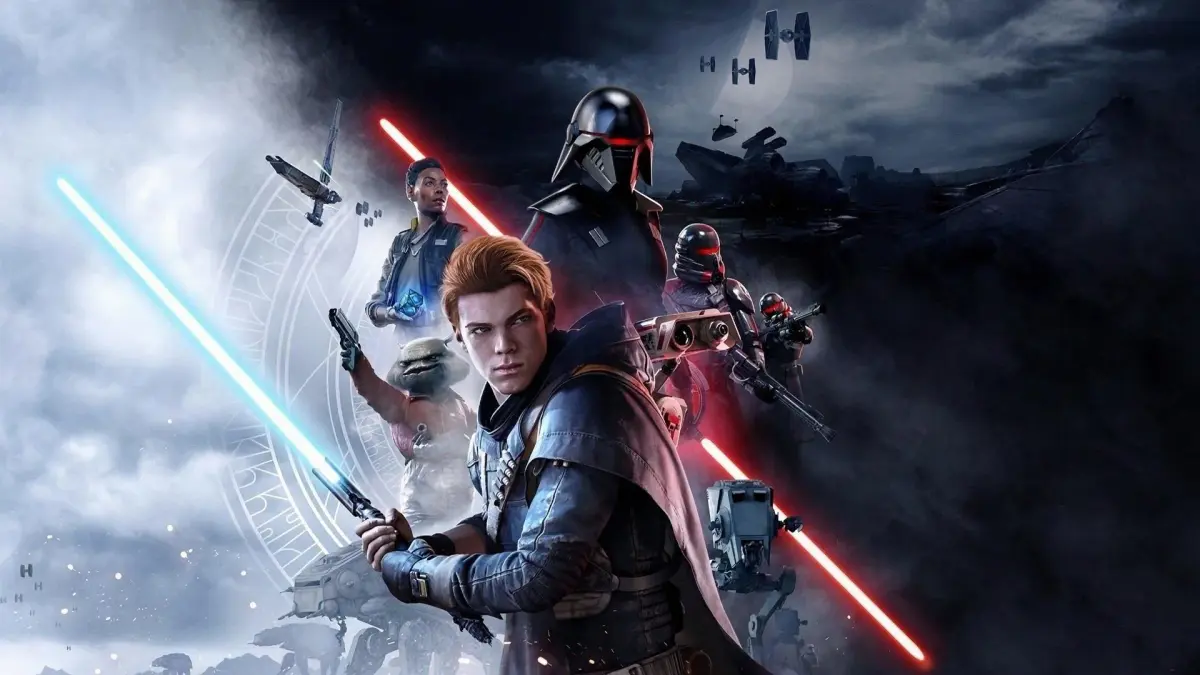
Experiencing audio or visual glitches in Star Wars Jedi: Fallen Order? Don't worry, we'll help you troubleshoot common issues and get back to your adventure as Cal Kestis.
Hey there! So, you've jumped into Star Wars Jedi: Fallen Order and maybe noticed some weird audio pops, visual stutters, or maybe textures not loading in quite right. It happens! Most of the time, these little hiccups are pretty minor and don't really impact the main story or gameplay too much. Think of them as just a little bit of Imperial interference in your Jedi journey.
If you're running into anything that's really breaking the immersion, like characters suddenly sounding like they're underwater or the screen flickering like a faulty HoloNet transmission, it's usually down to your system trying to keep up. Make sure your graphics drivers are up to date – that's often the first thing to check. Sometimes, simply restarting the game or even your console/PC can clear up temporary glitches.
For PC players, checking your game file integrity through Steam or your EA app can also help if you suspect something got corrupted. If a specific area or effect seems to be causing consistent problems, it might be worth noting down and seeing if others have reported it online. But honestly, for the most part, these visual and audio quirks are just minor annoyances that the game usually patches out over time. Just keep Cal Kestis focused on his mission, and you'll likely breeze past most of them!
100% Human-Written. AI Fact-Checked. Community Verified. Learn how AntMag verifies content