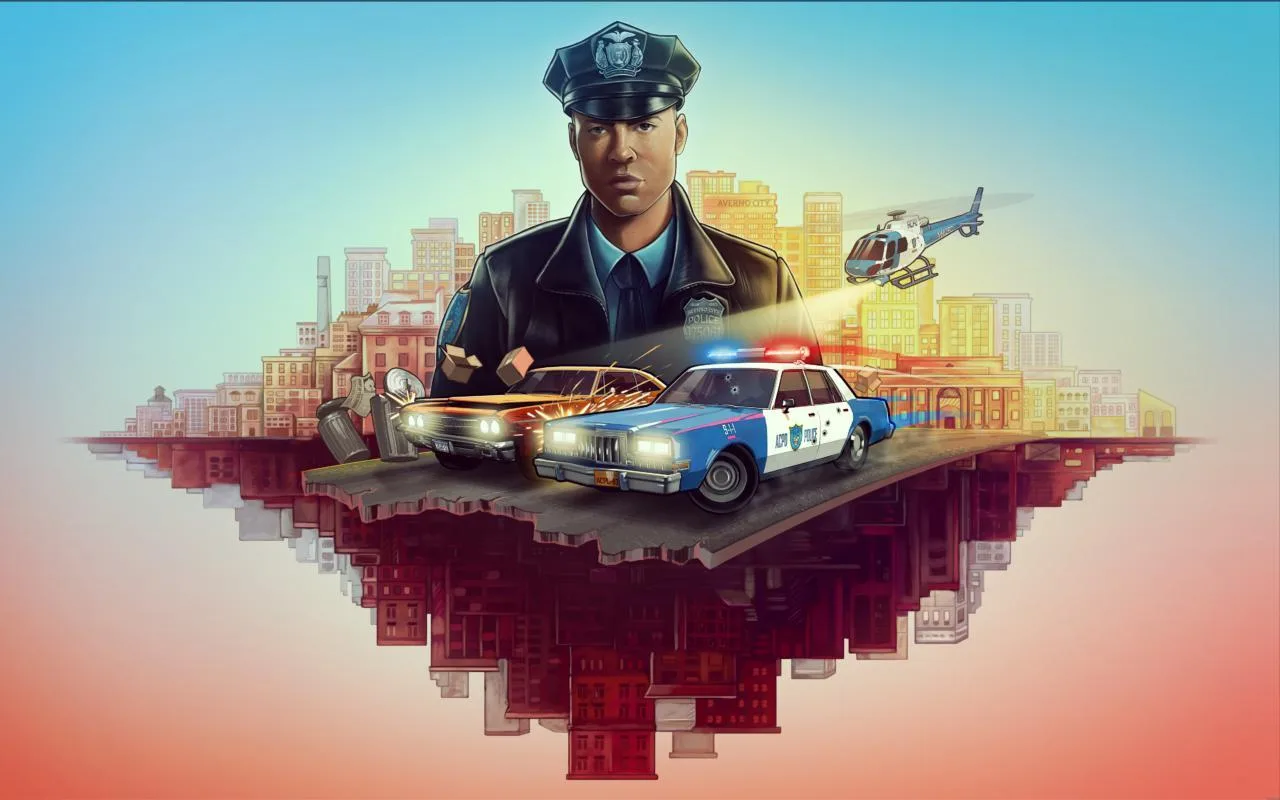
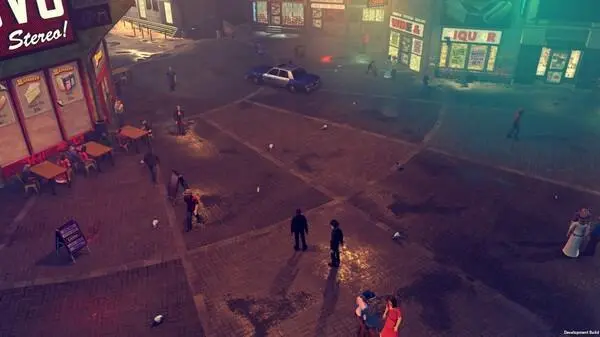
Customize your police officer's appearance in The Precinct, including initial choices and unlocking new cosmetic uniform options.
In The Precinct, while you won't be building a character from the ground up with intricate sliders, you do have meaningful opportunities to personalize your rookie officer, Officer Vesper. The focus is on creating a distinct visual identity within the established framework of the force, allowing you to express yourself as you patrol the crime-ridden streets of 1980s Axton.
Initial Character Setup: Your First Steps as a Cop
Upon starting a new game, you'll be guided through the initial character creation process. This foundational stage sets the basic appearance of Officer Vesper. Here's what you can customize:
- Gender: Choose between a male or female officer. This selection impacts the base body model and some voice lines.
- Facial Features: You'll be presented with a selection of pre-defined facial presets. While not a slider-based system, these presets offer distinct looks, including variations in:
- Face Shape: A few distinct options for jawline, cheekbones, and overall facial structure.
- Eye Shape & Color: Different eye styles and a palette of common eye colors (e.g., blue, brown, green, hazel).
- Hair Style & Color: A limited but period-appropriate selection of hairstyles (e.g., short, medium, parted, curly) and natural hair colors (e.g., black, brown, blonde, red).
- Skin Tone: A range of natural skin tones to choose from.
Important Note: The initial gender and facial feature choices are permanent once confirmed. There is no option to re-edit these aspects later in the game. Choose carefully!
Post-Creation Customization: Uniforms & Accessories
After your initial setup, the bulk of your customization will come from unlocking and equipping various uniform pieces and accessories. These items are purely cosmetic and have no impact on your officer's stats, abilities, or gameplay performance. They are designed to allow you to tailor your aesthetic to your preference, from a by-the-book patrol officer to a more rugged street cop.
Accessing Your Wardrobe
To change your officer's appearance after the initial creation, you must visit the Locker Room located within the Axton Police Department Headquarters. This is your central hub for managing all unlocked cosmetic items.
- Locate the Headquarters: The APD Headquarters is a prominent building marked on your map, typically in the central district of Axton.
- Enter the Building: Proceed through the main entrance.
- Find the Locker Room: The Locker Room is usually situated on the ground floor or basement level, often indicated by signage or a specific icon on your mini-map once inside.
- Interact with Your Locker: Approach and interact with your designated locker to open the customization interface.
Categories of Customizable Items
Within the Locker Room interface, you'll find several categories of cosmetic items to choose from:
- Headgear: Includes various hats, caps, and helmets.
- Examples: Standard Issue Patrol Cap, SWAT Helmet (unlocked via "Special Operations" side quest line), Detective Fedora (unlocked at Detective Rank).
- Upper Body: Different shirts, jackets, and vests.
- Examples: Standard Patrol Shirt, Leather Jacket (purchased from Quartermaster), Bulletproof Vest (unlocked after completing "Gang War" storyline).
- Lower Body: Various pants and trousers.
- Examples: Standard Patrol Trousers, Cargo Pants (unlocked via "Community Outreach" side quests), Jeans (purchased from Quartermaster).
- Footwear: Different types of boots and shoes.
- Examples: Standard Issue Boots, Tactical Boots (unlocked at Sergeant Rank), Sneakers (purchased from Quartermaster).
- Accessories: Items like sunglasses, watches, or specific badges.
- Examples: Aviator Sunglasses (purchased from Quartermaster), Gold Watch (reward for "High-Value Target" side quest), Commendation Badge (unlocked at Captain Rank).
Unlocking New Cosmetic Items
New cosmetic items are acquired through several methods, encouraging exploration and progression within Axton:
- Completing Side Quests: Many specific side quests offer unique cosmetic items as rewards. These are often tied to the theme of the quest.
- Example 1: The "Axton's Finest" quest chain, which involves apprehending all 10 Most Wanted criminals, rewards you with the exclusive "Elite Officer Uniform" set, including a distinctive jacket and cap.
- Example 2: Successfully resolving the "Undercover Operation" quest in the Northside Docks area might unlock the "Plainclothes Detective Outfit," allowing for a less formal appearance.
- Example 3: The "Neighborhood Watch" quest series, focusing on community patrols and minor crime prevention, could unlock the "Community Officer Vest" with reflective stripes.
- Achieving Ranks: As you gain experience and get promoted through the police ranks (e.g., Patrol Officer, Sergeant, Detective, Captain), new uniform options become available, reflecting your growing authority and prestige.
- Example 1: Reaching Sergeant Rank (requires 5000 XP) typically unlocks the "Sergeant's Chevron Patches" for your uniform and a more formal "Sergeant's Dress Uniform" jacket.
- Example 2: Attaining Detective Rank (requires 15000 XP) often grants access to the "Detective's Trench Coat" and a "Fedora Hat," iconic for plainclothes work.
- Example 3: Becoming a Captain (requires 30000 XP) might unlock the "Captain's Service Cap" and a highly decorated "Ceremonial Uniform."
- Purchasing from the Quartermaster: The Quartermaster, located within the APD Headquarters (often near the Locker Room), sells a rotating stock of cosmetic items for in-game currency (Axton Dollars). His inventory updates periodically, so check back often.
- Example: The Quartermaster frequently stocks items like "Aviator Sunglasses" ($250), "Tactical Gloves" ($180), or different color variations of "Standard Patrol Pants" ($150).
- Strategy Tip: Prioritize essential gear upgrades before spending heavily on cosmetics, especially early in the game.
- Special Events & Challenges: Occasionally, limited-time events or specific in-game challenges may offer unique cosmetic rewards. Keep an eye on in-game announcements for these opportunities.
- No Stat Boosts: Remember, all cosmetic items are purely visual. Don't expect a new vest to provide extra armor or a specific hat to increase your accuracy.
- Permanent Initial Choices: Reiterate that gender and initial facial features cannot be changed after creation.
- Explore & Complete: The best way to unlock a wide variety of customization options is to engage with all aspects of the game: complete main story missions, tackle side quests, and actively pursue promotions.
- Check the Quartermaster Regularly: His inventory changes, so a desired item might appear or disappear.
Common Pitfalls & Tips
100% Human-Written. AI Fact-Checked. Community Verified. Learn how AntMag verifies content