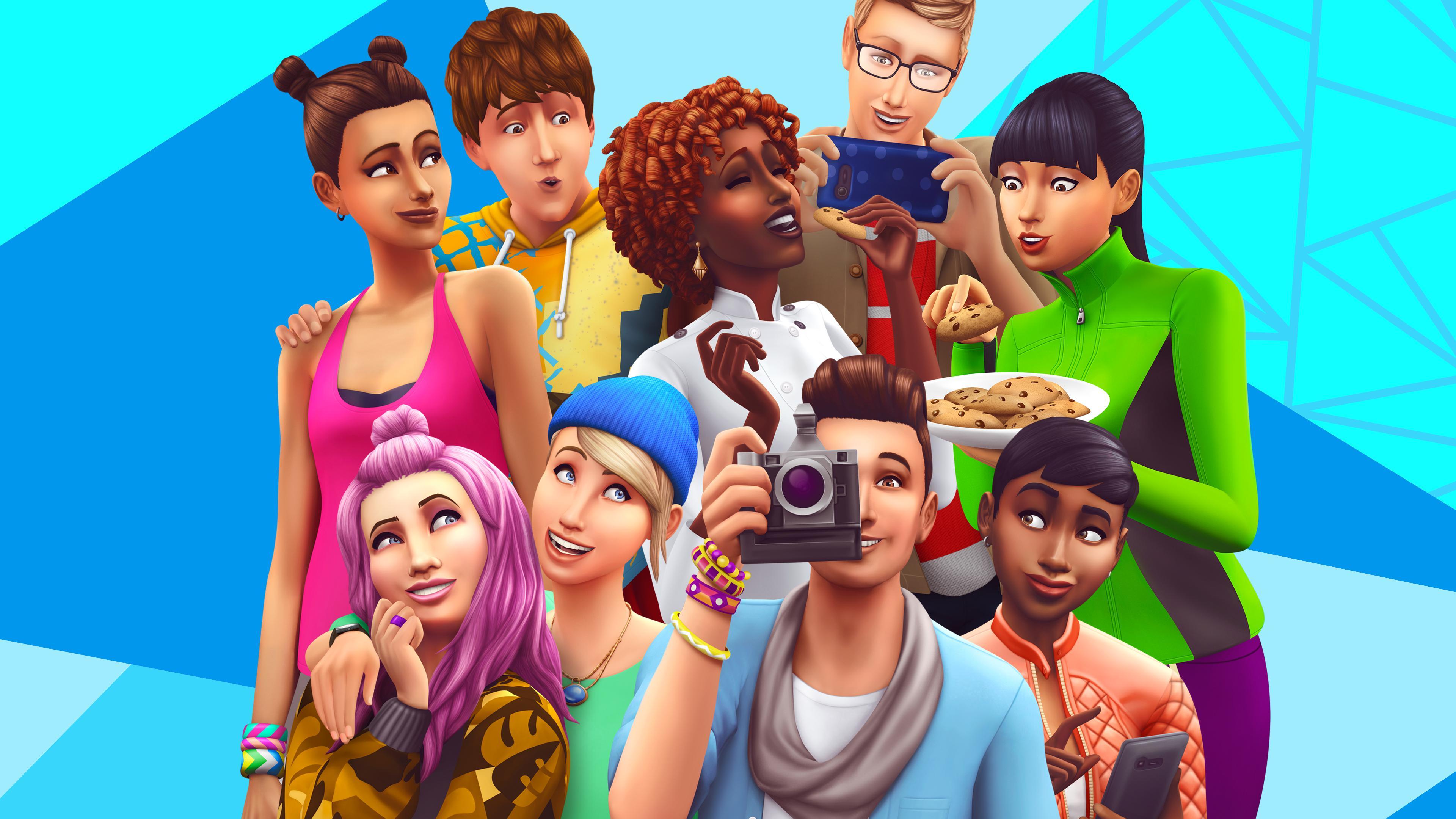
Explore The Sims 4: Royalty & Legacy's aesthetics, customizing options for Sims, and how age impacts gameplay. Learn about lifespan settings and detailed appearance choices.
In the top left corner of the initial screen in The Sims 4: Royalty & Legacy, you can set your Sim's gender, age, default walk style, and voice pitch. Only the age setting has a direct effect on gameplay. Lifespans vary based on the options menu settings:
- Short Lifespan: Approximately 40 days.
- Normal Lifespan (default): Roughly 70 days.
- Long Lifespan: Approximately 250 days.
Within a normal lifespan, a Baby lasts up to 3 days, a Child up to 7 days, a Teen about 7 days, Young Adult and Adult each last 10 days, and the Elderly stage duration depends on the Sim's health. These durations are effectively halved for a Short Lifespan and multiplied by about four for a Long Lifespan. For example, if a normal lifespan Sim spends 23 days as a Young Adult and Adult, the same Sim on a long lifespan would have about 92 days for these stages.
Clicking on your Sim reveals a comprehensive list of customization options, including skin tone, body type, clothing, accessories, and more. Experimenting with these features is encouraged to achieve your desired look. Additional options can be accessed by clicking the question marks below the customization box.
Interacting with your Sim presents two sliders on the left for muscle size and body width. To the right, you'll find categories for customization:
- Body
- Styled Looks
- Tops
- Full Body
- Bottoms
- Accessories
- Shoes
The 'Body' tab allows adjustments to body proportions, skin tone, and the addition of tattoos. You can make your Sim flabby, muscular, or any size desired. Clothing is categorized by environment: everyday, formal, sports, sleeping, party, and swimwear. Each category has subcategories with numerous options, all of which can be recolored.
'Styled Looks' offers pre-made, unique outfits. 'Tops' include shirts, sweatshirts, suits, bras, vests, and jackets. 'Full Body' options encompass jumpsuits, dresses, costumes, robes, lingerie, and swimsuits. 'Bottoms' feature pants, skirts, underwear, swimsuits, and shorts. 'Accessories' are plentiful, including wristbands, bracelets, gloves, rings, leggings, and socks. 'Shoes' range from sandals and flats to loafers, slippers, high heels, sneakers, and boots.
Use the two arrow buttons near your Sim's feet to rotate the view, or click and drag anywhere on the screen except on the Sim. Clicking and dragging directly on the Sim allows you to alter specific body regions. Below your Sim is a dice icon for complete randomization, with an adjacent arrow to randomize selected parts via a checklist. Undo and redo functions are available, as well as randomization based on gallery content.
Remember to name your Sim by clicking the "Hello, my name is..." button in the top left corner. After customizing your Sim's appearance, you can proceed to define their personality.
100% Human-Written. AI Fact-Checked. Community Verified. Learn how AntMag verifies content