
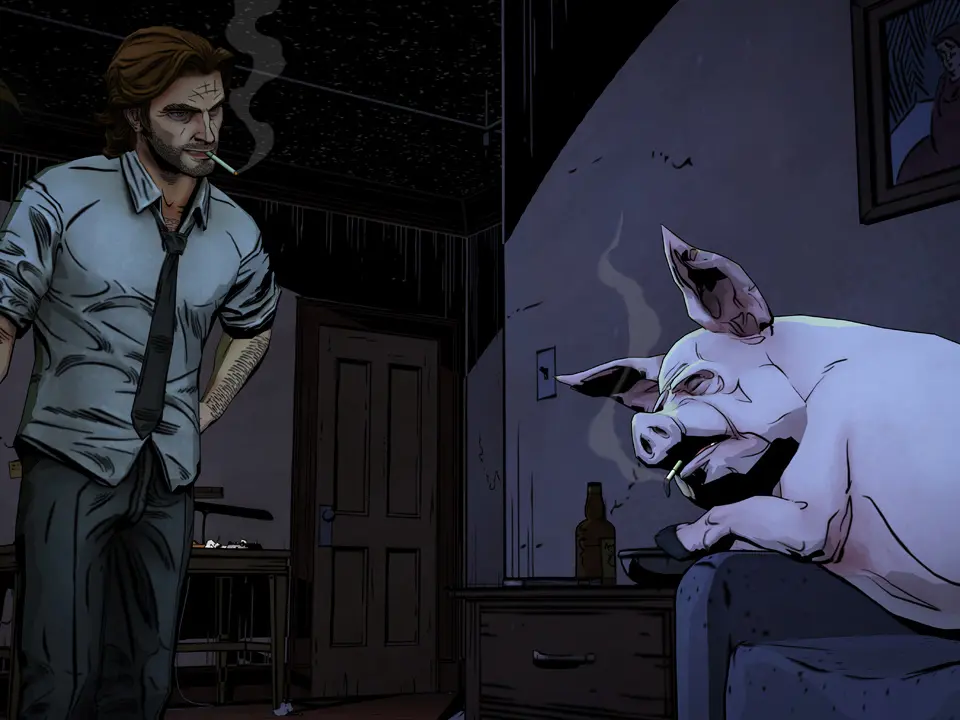
Navigate Fabletown like a pro! This guide details all controls, button prompts, and user interface elements in The Wolf Among Us, ensuring you master Bigby Wolf's every move.
This guide covers the controls and user interface elements for The Wolf Among Us, helping you understand how to interact with the game world and make crucial decisions as Sheriff Bigby Wolf.
| Action | Button |
|---|---|
| Move | Left Analog Stick |
| Look Around | Right Analog Stick |
| Interact / Examine | X (Xbox) / Square (PlayStation) |
| Dialogue Choices | D-pad / Left Analog Stick |
| Quick Time Events (QTEs) | Context-sensitive button prompts (e.g., Rapidly tap X, Hold A) |
| Inventory / Book of Fables | Y (Xbox) / Triangle (PlayStation) |
| Menu Navigation | D-pad / Left Analog Stick |
| Confirm | A (Xbox) / X (PlayStation) |
| Cancel / Back | B (Xbox) / Circle (PlayStation) |
The user interface in The Wolf Among Us is designed to be immersive, with key information often integrated diegetically. Dialogue choices appear as options at the bottom of the screen, and QTE prompts are clearly displayed when action is required. The Book of Fables, accessible from the menu, provides lore and tracks your progress and decisions.
100% Human-Written. AI Fact-Checked. Community Verified. Learn how AntMag verifies content