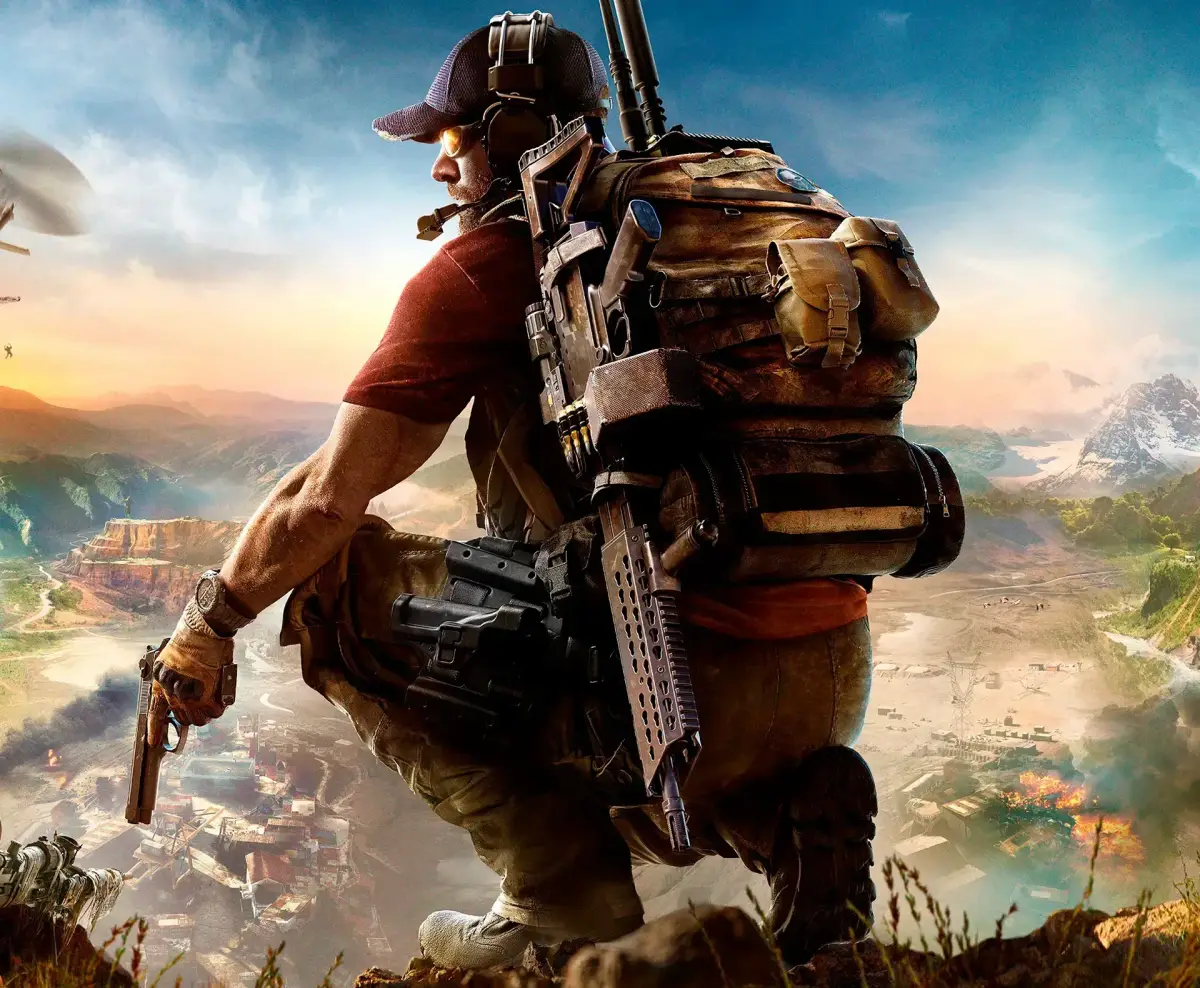
Learn how to create a match in Tom Clancy's Ghost Recon Wildlands, choosing between Cooperative, Team, and Solo match types and setting public or private sessions.
When you create a room in Tom Clancy's Ghost Recon Wildlands, you are hosting on your own server or internet connection. It is recommended not to use your internet connection for other activities, like downloading music, while hosting a game.
Match Type
You can choose the type of match for your game. The available options are Cooperative, Team, and Solo.
Session Type
You can make your room either private or public. A private room will only allow invited players to enter and will not appear when searching for a game.
Max Players
The default maximum number of players for a Cooperative or Team game is 12. For a Solo game, you can have up to 16 players. You may be able to hold one to three additional players if explosives are not allowed in the game.
100% Human-Written. AI Fact-Checked. Community Verified. Learn how AntMag verifies content