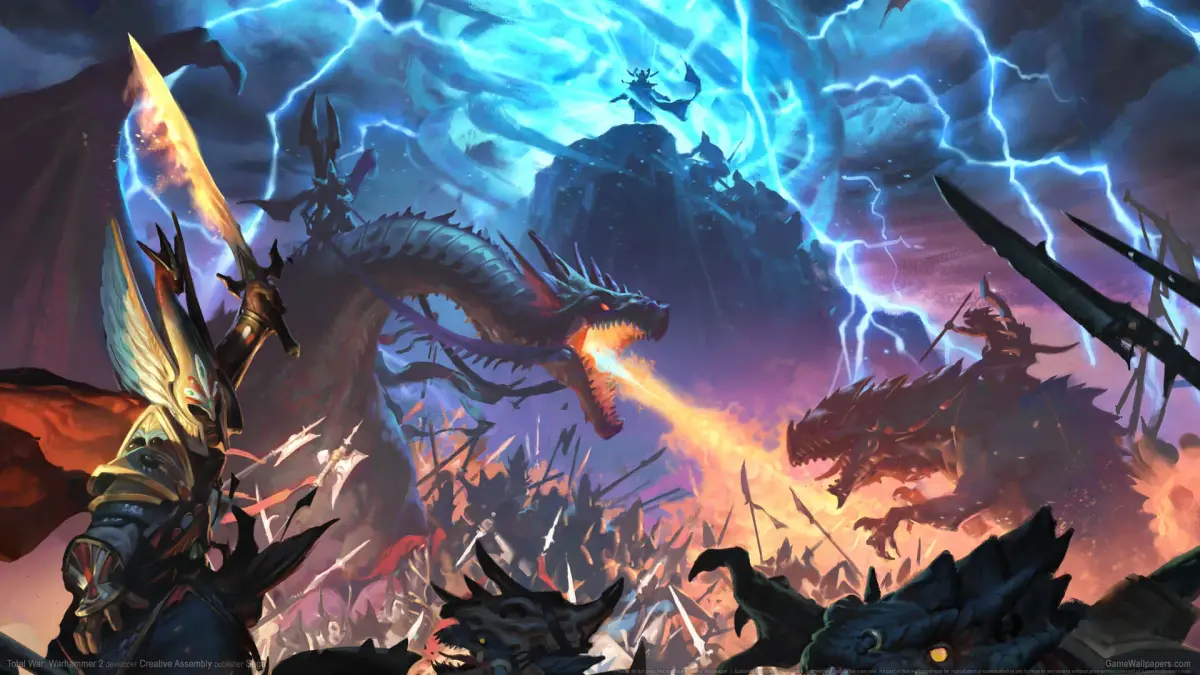
Enhance your Total War: Warhammer II campaigns and battles with community content and mods. Learn how to integrate new overhauls and quality-of-life improvemen.
While Total War: Warhammer II offers an immense amount of content in its vanilla state, the vibrant modding community takes the experience to an entirely new level. From quality-of-life improvements to massive overhauls, mods can dramatically alter your campaigns and battles. Engaging with the community also provides valuable insights, strategies, and even new ways to enjoy the game.
Accessing Mods: The Steam Workshop
The primary hub for Total War: Warhammer II mods is the Steam Workshop. This integrated platform makes subscribing, downloading, and managing mods incredibly straightforward.
Step-by-Step Guide to Mod Installation:
- Launch Steam: Ensure your Steam client is running and you are logged in.
- Navigate to Total War: Warhammer II: From your Steam Library, locate Total War: Warhammer II.
- Access the Workshop:
- Right-click on the game title in your library and select "Community Hub." From the Community Hub page, click on the "Workshop" tab.
- Alternatively, from the game's store page, scroll down and look for the "Workshop" section on the right-hand side.
- Browse and Subscribe:
- Use the search bar, filters (e.g., "Most Popular," "Most Subscribed," "Newest"), and categories (e.g., "Units," "Campaign," "Visuals") to find mods that interest you.
- Click on a mod to view its description, screenshots, and user comments. Always read the mod description carefully for compatibility notes, load order instructions, and any known issues.
- To install a mod, simply click the green "Subscribe" button on its workshop page. Steam will automatically download the mod files.
- Manage Mods with the Mod Manager:
- After subscribing, launch Total War: Warhammer II. Before the game fully loads, you will be presented with the official Mod Manager.
- Here, you can see all your subscribed mods. Check the box next to each mod you wish to activate for your current play session.
- Load Order: Some mods require a specific load order to function correctly or to avoid conflicts. The Mod Manager allows you to drag and drop mods to reorder them. Always refer to the mod author's instructions for recommended load orders. Common advice includes placing large overhaul mods higher in the list and smaller, specific changes lower.
- Mod Conflicts: If you experience crashes or unexpected behavior, it's often due to conflicting mods. The Mod Manager will sometimes highlight potential conflicts, but it's not foolproof. If issues arise, try deactivating mods one by one to identify the culprit.
- Unsubscribing: To remove a mod, simply click the "Unsubscribe" button on its Steam Workshop page. Steam will automatically delete the files.
Essential Mod Categories & Recommended Examples
The modding scene for Total War: Warhammer II is vast. Here are some popular categories and types of mods that can significantly enhance your gameplay:
1. Overhaul Mods
These mods fundamentally change core game mechanics, adding new factions, units, mechanics, and rebalancing existing ones. They often require a fresh campaign start.
- SFO Grimhammer II (Steel Faith Overhaul): A massive overhaul that rebalances almost every aspect of the game, from unit stats and abilities to campaign mechanics and magic. It aims for a more lore-friendly and challenging experience. Highly recommended for veteran players seeking a fresh challenge.
- Radious Total War Mod: Another comprehensive overhaul focusing on expanding unit rosters, rebalancing battles, and adjusting campaign mechanics for a different strategic feel. Offers a distinct alternative to SFO.
2. Quality of Life & UI Mods
These mods improve the user interface, provide clearer information, or streamline tedious aspects of the game without drastically altering core gameplay.
- UI Modding Framework: A foundational mod that many other UI-related mods build upon. Often a prerequisite for other visual enhancements.
- Better Camera Mod: Allows for greater control over the in-game camera, letting you zoom out further on the campaign map or get closer to the action in battles. Essential for cinematic screenshots or tactical overviews.
- Skip Intro Videos: A simple yet effective mod that bypasses the game's introductory logos and videos, getting you into the main menu faster.
- One Button Respec: Simplifies the process of re-speccing Lord and Hero skill trees, often making it a single-click action rather than a manual point-by-point allocation.
3. Unit & Roster Expansion Mods
These mods add new units, lords, heroes, or even entire sub-factions to existing races, expanding strategic options and visual variety.
- Mixu's Legendary Lords 1 & 2: Adds a plethora of new Legendary Lords and Heroes for various factions, complete with unique skill trees, starting positions, and faction effects. Great for adding replayability to your favorite races.
- Cataph's Southern Realms (TEB): Introduces the Tilean, Estalian, and Border Princes factions as fully playable entities, complete with unique unit rosters and mechanics. A fantastic way to expand the Old World.
- Expanded Roster -
: Many individual modders create expanded rosters for specific races (e.g., "Expanded Roster - High Elves," "Expanded Roster - Skaven"). These add lore-friendly units that fill gaps or provide new tactical options.
4. Visual & Immersion Mods
These mods focus on graphical enhancements, new animations, or sound changes to make the game world feel more alive and immersive.
- Reshade Presets: While not strictly a Steam Workshop mod, Reshade is a post-processing injector that can dramatically alter the game's visual style. Many community members share their custom presets on forums or mod pages.
- Dryrain's Reskin Mods: A series of popular mods that retexture and reskin various units to give them a more gritty, lore-friendly, or distinct appearance without changing their stats.
- Gore & Dismemberment (Blood for the Blood God DLC Enhancement): While the official DLC adds blood, some mods enhance its effects, making battles even more visceral.
Engaging with the Community
Beyond modding, the Total War: Warhammer II community is a valuable resource for players of all skill levels.
- Steam Community Hub: The "Discussions" tab on the Steam Community Hub is a great place to ask questions, share strategies, and find other players. Many mod authors also have dedicated threads here.
- Reddit (r/totalwar and r/totalwarhammer): These subreddits are incredibly active, featuring discussions on game mechanics, lore, modding, news, and user-created content like battle reports and memes.
- Official Total War Forums: Creative Assembly hosts official forums where you can find news, participate in discussions, and report bugs.
- YouTube & Twitch: Numerous content creators produce guides, campaign playthroughs, battle analyses, and mod showcases. Searching for specific factions, strategies, or mod reviews can yield excellent results.
By exploring the vast world of mods and connecting with the passionate community, you can continuously discover new ways to experience the epic conflicts of Total War: Warhammer II, ensuring that the game remains fresh and engaging for hundreds, if not thousands, of hours.
100% Human-Written. AI Fact-Checked. Community Verified. Learn how AntMag verifies content