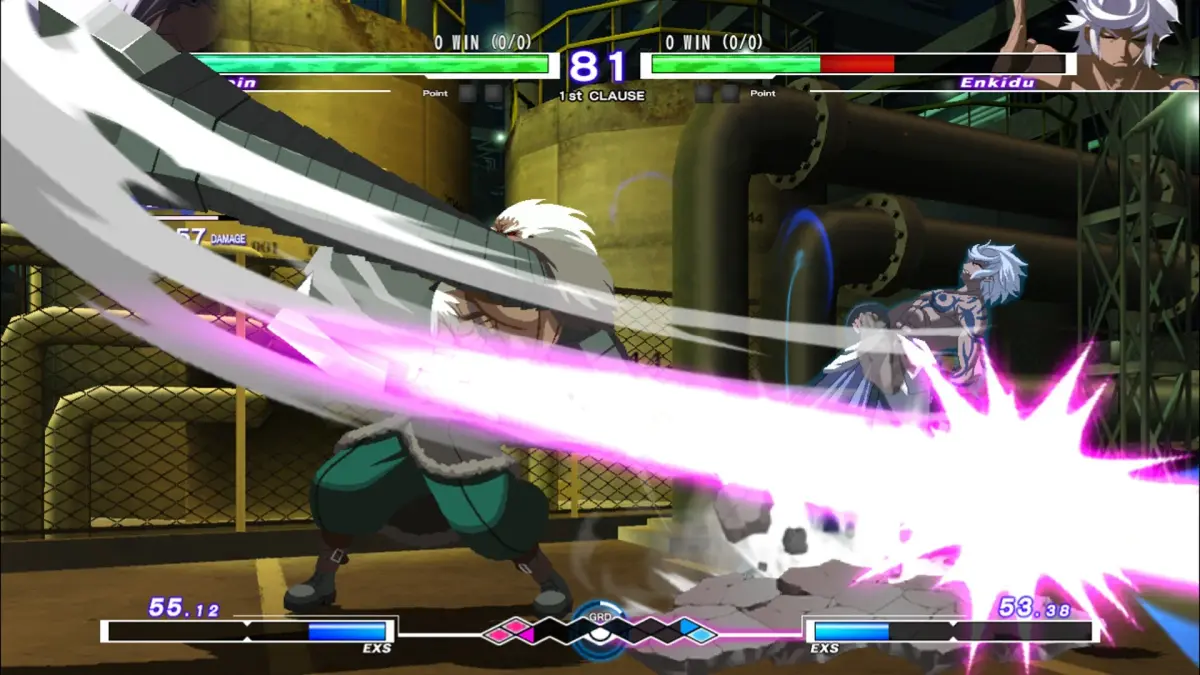
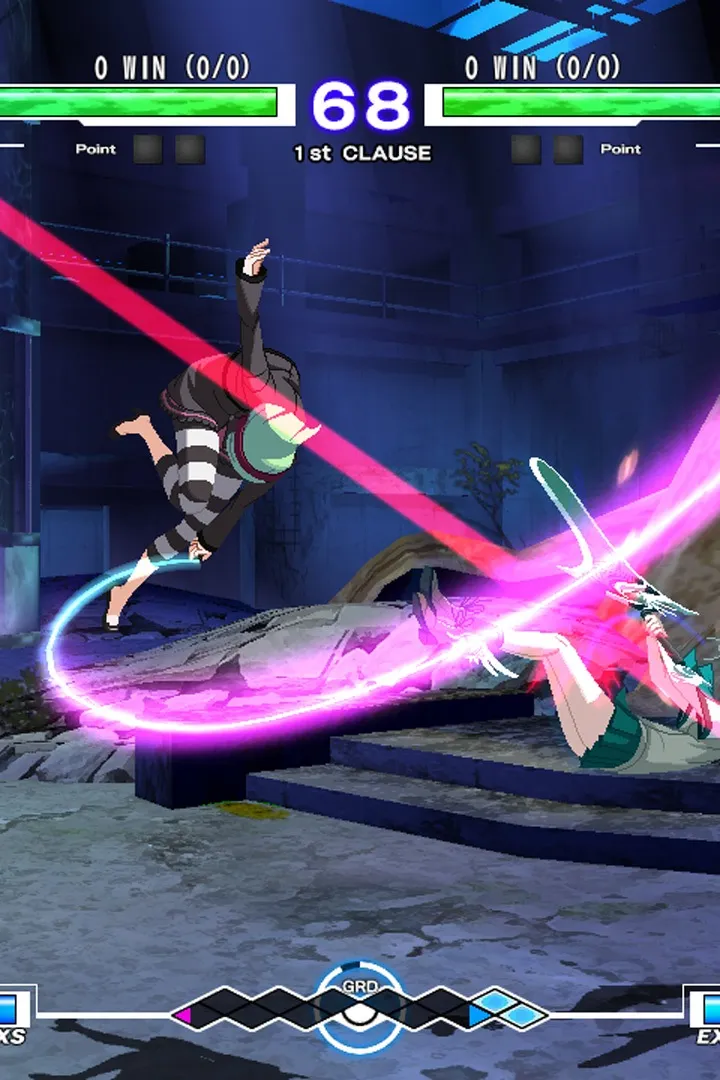
Utilize Replay Mode in Under Night In-Birth Exe:Late[cl-r] to refine skills, analyze matches, and learn from gameplay. Maximize this powerful feature.
The Replay Mode in Under Night In-Birth Exe:Late[cl-r] is an invaluable tool for both new and veteran players looking to refine their skills, analyze matches, and learn from others. This comprehensive guide will walk you through accessing, utilizing, and maximizing the benefits of this powerful feature.
Accessing Replays
To enter the Replay Mode, navigate to the main menu. From there, select the "Network" option, then choose "Replay." You will be presented with several sub-categories for viewing replays:
- My Replays: This section houses all replays you have saved locally. These can be from any game mode, including Arcade, Versus, or Online matches.
- Ranked Match Replays: Here you can find replays of your past Ranked Matches. This is particularly useful for tracking your progress and identifying patterns in your competitive play.
- Player Search: Allows you to search for replays from specific players using their Player ID. An excellent way to study high-level play from your favorite pros or rivals.
- Leaderboard Replays: View replays from players at the top of the game's leaderboards. This provides direct insight into advanced strategies and character optimizations.
- Download Replays: Access a broader selection of replays uploaded by other players. You can filter these by character, rank, or date to find exactly what you're looking for.
Replay Controls and Features
Once you've selected a replay to watch, you'll gain access to a suite of controls designed for detailed analysis. Familiarize yourself with these options:
- Pause/Play: Standard control to stop and resume the replay.
- Fast Forward (R2/RT): Speed up the replay to quickly skip through less relevant sections.
- Rewind (L2/LT): Go back in time to re-examine specific moments or sequences.
- Frame-by-Frame Advance (R1/RB): Crucial for analyzing precise timings, hitboxes, and frame data. Pressing this button advances the replay one frame at a time.
- Input Display (L1/LB): Toggle on/off the display of both players' inputs. This is perhaps the most critical feature for learning. Observe exactly which buttons and directions were pressed to execute specific combos, blocks, or movement options.
- Hitbox Display (Triangle/Y): Activates a visual representation of character hitboxes and hurtboxes. Essential for understanding attack ranges, priority, and why certain attacks connect or whiff.
- Frame Data Display (Square/X): Shows the frame data for active moves, recovery, and blockstun. This advanced feature is vital for competitive players to understand attack properties and counter-play.
- Change Viewpoint (Right Stick): Adjust the camera angle to get a better perspective on the action.
- Save Replay (Options/Menu Button): If you are watching a downloaded or online replay, you can choose to save it to your "My Replays" section for future reference.
Strategic Use of Replays
Self-Improvement
- Identify Bad Habits: Watch your own losses, especially against opponents you struggle with. Pay close attention to your defensive options, common mistakes, and dropped combos. The Input Display is invaluable here.
- Refine Combos: If you dropped a combo, use the Frame-by-Frame Advance and Input Display to see exactly where your timing was off or which input was missed.
- Analyze Neutral Game: Observe your movement, spacing, and poke attempts. Were you too aggressive or too passive? Did you correctly anticipate your opponent's approach?
- Understand Character Matchups: Replay matches against characters you find difficult. Study how your opponent approached the matchup and look for openings or weaknesses in their strategy.
Learning from Others
- Study High-Level Play: Download replays from top-ranked players using the "Leaderboard Replays" or "Player Search" functions. Focus on their decision-making, optimal combos, and defensive techniques.
- Character Specific Strategies: If you're learning a new character, search for replays of skilled players using that character. Pay attention to their blockstrings, pressure, and how they open up opponents.
- Counter-Play Development: Watching how other players handle specific characters or situations can give you ideas for your own counter-strategies. For example, if you struggle against Hyde's pressure, watch how a top player successfully defends against it.
Tips for Effective Replay Analysis
- Focus on Specific Aspects: Don't try to analyze everything at once. Pick one or two areas to focus on per replay session (e.g., "my anti-airs," "their pressure on block," "my combo execution").
- Take Notes: Keep a notepad or digital document handy to jot down observations, new combo ideas, or areas for improvement.
- Compare and Contrast: Watch a replay of yourself against a specific opponent, then watch a replay of a high-level player against the same opponent. Note the differences in their approaches.
- Don't Get Discouraged: It's easy to get frustrated seeing your mistakes. Remember that replay analysis is a tool for growth, not self-criticism.
By diligently utilizing the Replay Mode, you will gain a deeper understanding of Under Night In-Birth Exe:Late[cl-r] mechanics and significantly accelerate your journey to becoming a stronger player.
100% Human-Written. AI Fact-Checked. Community Verified. Learn how AntMag verifies content