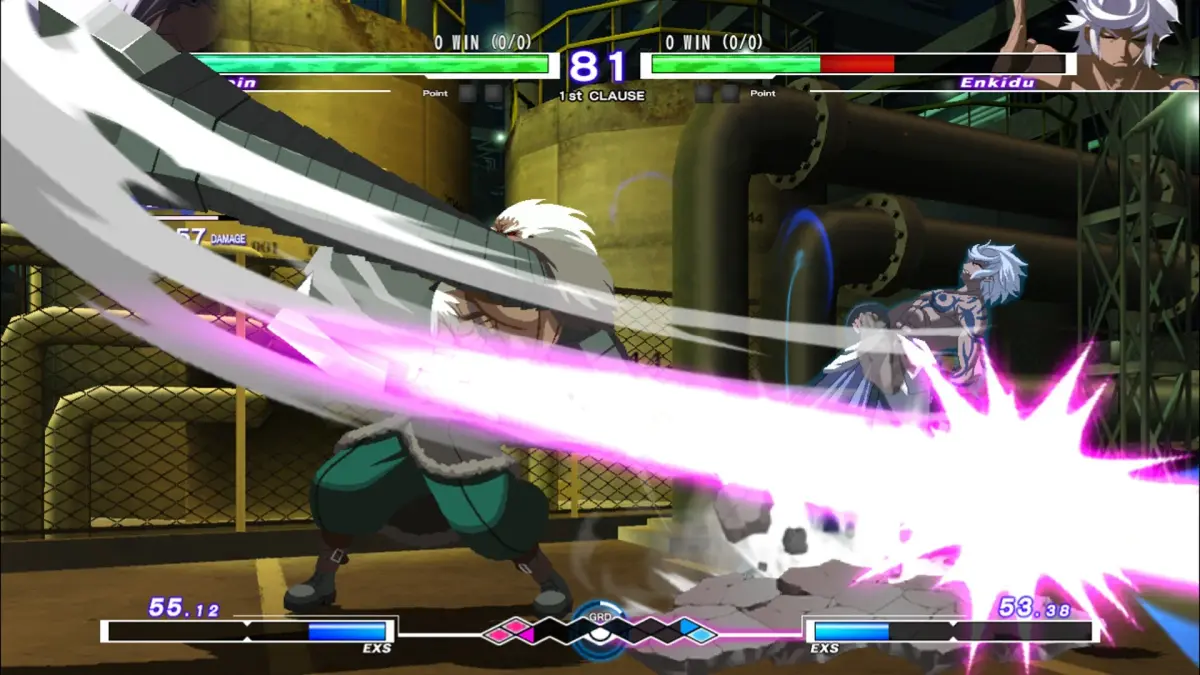
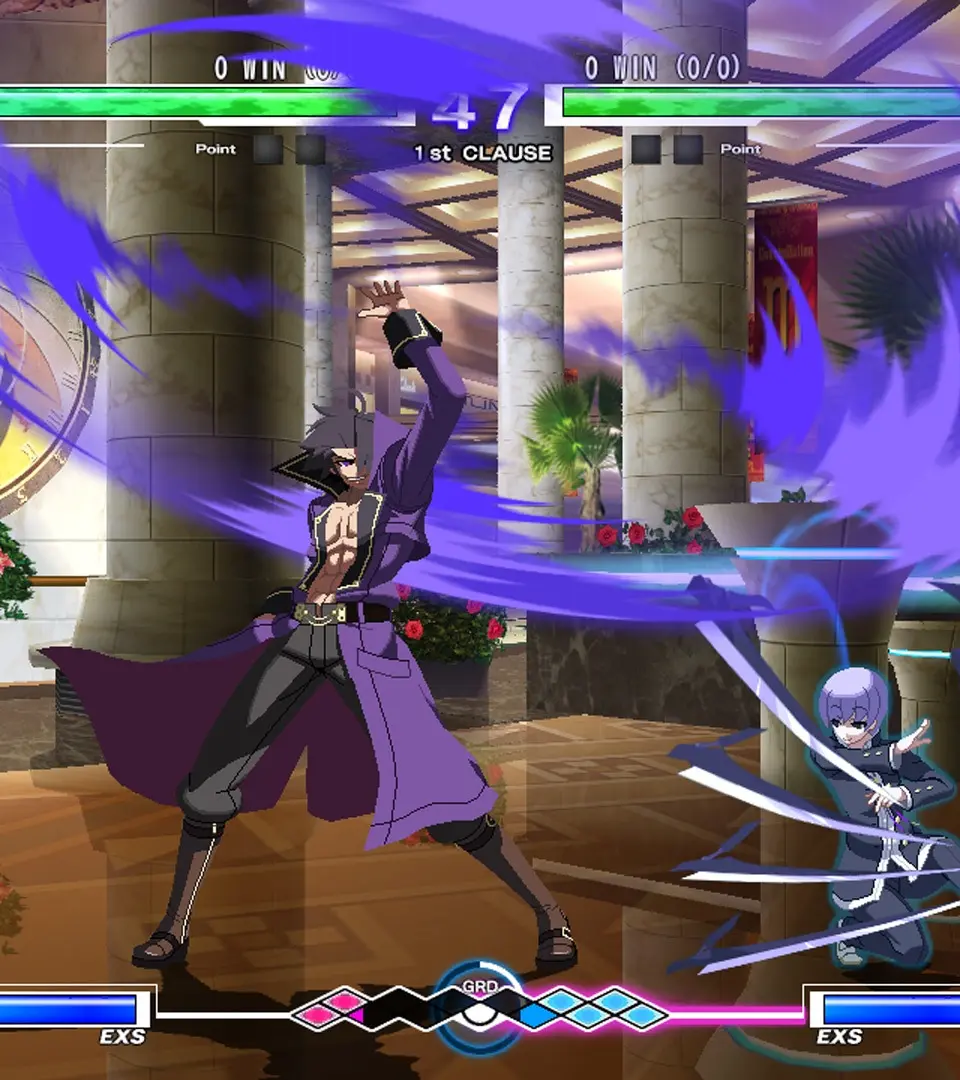
Master Under Night In-Birth Exe:Late[cl-r] mechanics in Training Mode. Learn character nuances and build effective strategies for your In-Birth journey.
Mastering the intricate mechanics of Under Night In-Birth Exe:Late[cl-r] is paramount for any aspiring In-Birth. The game's robust Training Mode offers an unparalleled environment for honing your skills, understanding character nuances, and developing effective strategies. This section will guide you through optimizing your practice sessions.
Accessing Training Mode
From the main menu, navigate to "Training". Here, you'll select your character and an opponent character. While you can choose any character, it's often beneficial to pick a character you struggle against or a common online opponent to simulate real match-ups.
Training Mode Settings Overview
Once in Training Mode, press the START/OPTIONS button to bring up the Training Settings menu. This menu is your command center for customizing your practice environment. Familiarize yourself with these options:
- Opponent State: Controls how the dummy character behaves.
- Gauge Settings: Manages EXS and GRD gauges for both players.
- Action Settings: Defines specific actions for the dummy to perform.
- Display Settings: Toggles on/off various visual aids.
- Save/Load State: Crucial for practicing specific scenarios.
Key Training Mode Options and Strategies
1. Opponent State
This is arguably the most important setting for general practice. Experiment with these options:
- Stand/Crouch/Jump: Basic stances for practicing hit confirms and anti-airs.
- Guard:
- All Guard: Dummy blocks everything. Useful for testing blockstrings and pressure.
- First Attack Guard: Dummy blocks the first hit, then allows subsequent hits. Excellent for practicing frame traps and mix-ups after an initial hit.
- Random Guard: Dummy randomly guards high/low/none. Essential for developing reactive mix-ups and confirming overheads/lows.
- Guard Recovery:
- Normal: Dummy recovers from guard stun normally.
- Instant: Dummy recovers instantly. Use this to test the safety of your blockstrings against immediate counter-attacks.
- Counter Hit: Sets the dummy to be in a Counter Hit state. Practice combos that only work on Counter Hit.
- Recovery:
- Normal: Dummy recovers from knockdowns normally.
- Quick Recovery: Dummy performs a quick recovery. Practice your wake-up pressure and timing against quick recoveries.
- No Recovery: Dummy stays down. Useful for practicing oki (wake-up) situations without interruption.
2. Gauge Settings
Managing gauges is vital for understanding resource management.
- EXS Gauge (Player/Opponent):
- Normal: Gauge fills naturally.
- Max: Gauge is always full. Perfect for practicing Infinite Worth (IW) combos or EX moves.
- Empty: Gauge is always empty. Good for practicing basic combos without EX moves.
- Fixed: Set to a specific amount. Use this to practice scenarios where you have limited EXS.
- GRD Gauge (Player/Opponent):
- Normal: GRD fills naturally.
- Max: GRD is always full. Practice Veil Off conversions or Chain Shift usage.
- Empty: GRD is always empty.
- Fixed: Set to a specific amount.
3. Action Settings (Dummy Recording)
This is where Training Mode truly shines for advanced practice. You can record up to four different actions for the dummy to perform.
- Select an Action Slot (1-4).
- Choose "Record". The game will prompt you to perform the desired action with the dummy character. This could be anything from a simple jab, a full combo, an anti-air, or even a throw.
- After recording, set the "Action Playback" to "Loop", "Once", or "Random".
- Strategic Use:
- Recording Reversals: Record the dummy performing an invincible reversal (e.g., Hyde's EX Black Orbiter) on wake-up. Practice timing your safe-jumps or baiting the reversal.
- Recording Blockstrings: Record a common blockstring from an opponent character. Practice finding gaps, push-blocking, or punishing specific moves.
- Recording Pressure: Record the dummy performing a pressure sequence. Practice escaping, defending, or finding your turn.
- Recording Anti-Airs: Record the dummy jumping and attacking. Practice your anti-air timing and conversions.
4. Display Settings
These visual aids provide crucial feedback for understanding game mechanics.
- Input Display: Shows your button inputs. Essential for checking command accuracy and execution.
- Frame Data Display: Shows the active, recovery, and advantage frames of attacks. Absolutely critical for understanding move properties, blockstring safety, and combo timing. Learn to read this!
- Damage Display: Shows damage per hit and total damage. Useful for optimizing combos.
- Hitbox Display: Visualizes the hitboxes and hurtboxes of characters. Helps understand attack ranges, priority, and how to avoid certain moves.
- GRD Display: Shows the GRD bar and cycle. Important for understanding GRD mechanics and Vorpal state timing.
5. Save/Load State
This feature allows you to instantly return to a specific game state, saving immense time during repetitive practice.
- Save State: Press the designated button (often L3/LS) to save the current positions, gauges, and character states.
- Load State: Press the designated button (often R3/RS) to instantly revert to the saved state.
- Strategic Use:
- Combo Practice: Save state right before a difficult combo input. If you drop it, instantly load state and try again without resetting the entire scenario.
- Oki Setups: Save state after a knockdown. Practice different wake-up options for your opponent and your subsequent pressure.
- Specific Scenarios: Save state during a particular pressure sequence or mix-up you want to practice escaping or punishing.
Effective Practice Routines
- Warm-up: Start with basic movement, special move inputs, and simple combos to get your hands warmed up.
- Combo Practice: Focus on one or two new combos. Use Save/Load State extensively. Pay attention to Input Display and Frame Data.
- Blockstring & Pressure Practice: Set the dummy to All Guard or First Attack Guard. Practice your safe blockstrings, frame traps, and mix-ups. Use Frame Data Display to ensure safety.
- Defense Practice: Use Action Settings to record common opponent pressure or mix-ups. Practice blocking, push-blocking, and finding your escape routes.
- Anti-Air & Whiff Punish Practice: Record the dummy jumping or performing a whiffed attack. Practice your anti-air timing and punishing unsafe moves.
- Resource Management: Experiment with different Gauge Settings to understand when to use EX moves, Veil Off, or Chain Shift.
Consistent and focused practice in Training Mode is the fastest way to improve in Under Night In-Birth Exe:Late[cl-r]. Don't just mash; understand why things work and how to execute them reliably.
100% Human-Written. AI Fact-Checked. Community Verified. Learn how AntMag verifies content