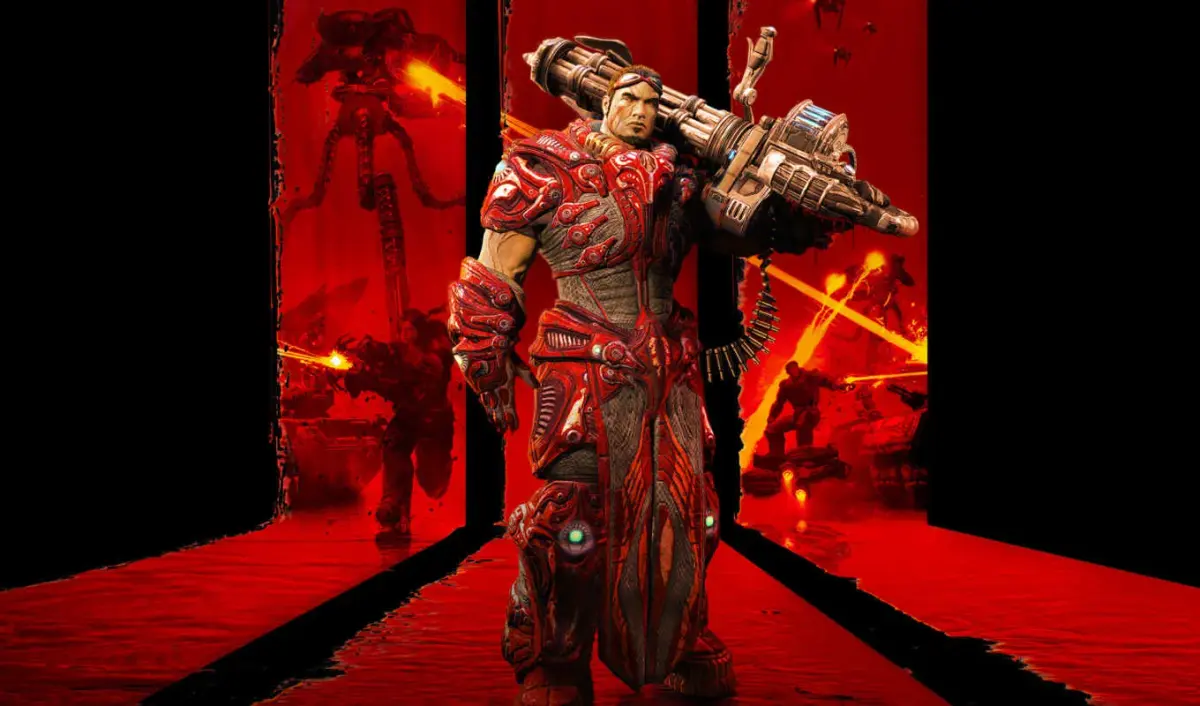
Learn the ins and outs of the Mine Layer weapon in Unreal Tournament 3. Discover its primary and secondary fire modes, stats, and effective tactics for defense and offense.
Mine Layer - Primary Fire Mode:
- Damage vs. People: 50* (splash damage estimate)
- Damage vs. Vehicles: 140
- Rate of Fire: 1/1s
- Ammo per Shot: 1
- Max. Ammo: 25 in stock | 8 active
- Charge Time: N/A
- Special Features: projectile; knockback; homing; detonates against players and vehicles and upon operator death or weapon loss; unlimited fuse; can be shot down; affected by gravity; mobile; team-safe**; splash damage
*This is a splash damage estimate. If anyone has been able to measure it, please, drop me a line.
**The mines will land safely on the roofs of vehicles, but if they hit the sides before they activate, they will explode. Also, mines exploding in general will hurt team mates.
Mine Layer - Primary Fire Introduction:
Primary fire launches a spider mine in a short flat arc. The mine will immediately detonate if it impacts an enemy or the side of a vehicle (including friendly vehicles) before it lands and activates. Once active, it will keep its current position until an enemy vehicle or foot soldier comes too close, at which point it will chase the soldier/vehicle, jump on him/it and explode. Up to 8 spider mines can be in the field at a time and the total number currently in the field is shown in the lower right corner. Spider mines will detonate (but not deal any damage) if you are killed, or if you throw the Mine Layer. Also, spider mines can be destroyed by gunfire and will again deal no damage. Other than that, spider mines have no fuse, so they will live as long as you do, even if you switch away from the Mine Layer (but not throw it away). Also, although a spider mine is a homing projectile, it’s method of operation makes it impossible to apply a “turning curve” to it.
Mine Layer - Secondary Fire Mode:
This is not a Fire Mode at all, but rather a utility. It projects a visible red beam, highlighting a point on the map and ordering all of the spider mines you have on the field to move towards that point (thus “mobile”). While moving, spider mines will climb over hills and jump over low obstacles. While on the way, they can be given orders to move elsewhere and they will drop what they were doing and move to the new point. While moving, spider mines will not attack the enemy before they reach their destination. They will not detonate even if an enemy player or vehicle were to move directly over them.
Mine Layer - Tactics:
- Since they’re mines, their primary function is to defend an area. If you’re trying to defend a chokepoint, try to spread the mines evenly and avoid moving them unnecessarily, since they’ll bunch up.
- Alternatively, you can purposely bunch them up to aim for bigger targets if the space is not too wide – you don’t want to leave holes in your minefield.
- Always be alert and keep your Mine Layer out, since you need to replace exploded mines.
- Faster vehicles may pass through the minefield with some damage and people on foot will waste a lot of mines (they’re not good against people), so keep that in mind.
- It’s sometimes better to switch to another weapon and kill attackers on foot, rather than rely solely on the Mine Layer.
- Use the secondary fire to direct mines to specific locations, creating mobile defenses or ambushes.
- Mines can be destroyed by gunfire, so be aware of enemy fire.
- Mines will detonate harmlessly if you are killed or drop the Mine Layer.
100% Human-Written. AI Fact-Checked. Community Verified. Learn how AntMag verifies content