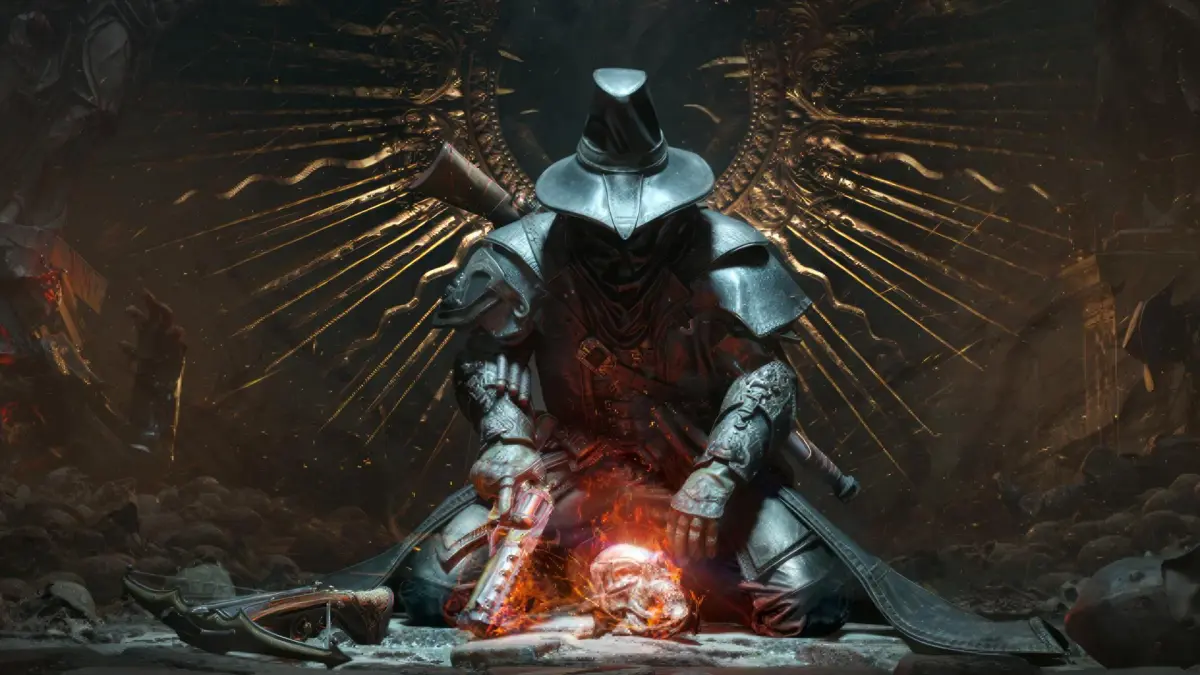
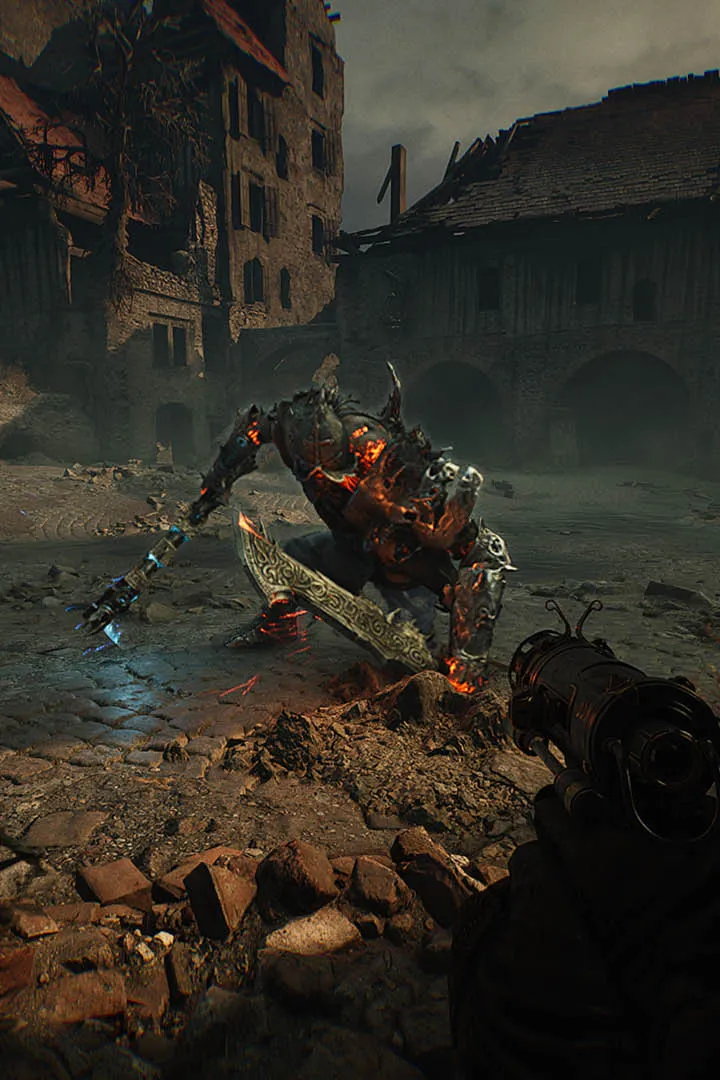
Master Witchfire's controls and UI. Learn keybinds for combat, inventory, and spells to navigate the game effectively.
Understanding the controls and user interface (UI) of Witchfire is your first step towards mastering its challenging gameplay. A clear grasp of how to move, interact, and manage your inventory will significantly improve your combat effectiveness and exploration efficiency. The UI provides vital information at a glance, from your health and stamina to your equipped items and active effects.
Witchfire features a control scheme that is familiar to fans of first-person action games, with some unique twists to accommodate its magical elements. The UI is designed to be informative without being overwhelming, presenting crucial data in a clean and accessible manner. Familiarizing yourself with these elements will prevent unnecessary deaths and allow you to focus on the action.
Here's a breakdown of key controls and UI elements:
| Action | Default Keybind (PC) | Description |
|---|---|---|
| Movement | WASD | Standard directional movement. |
| Jump | Spacebar | Used for traversal and evading attacks. |
| Crouch | Ctrl | Allows for stealth and dodging under certain attacks. |
| Primary Attack | Left Mouse Button | Your main weapon attack. |
| Secondary Attack/Aim | Right Mouse Button | Aim down sights for firearms or use secondary weapon function. |
| Interact | E | Used to pick up items, open doors, and activate objects. |
| Reload | R | Replenish ammunition for firearms. |
| Use Consumable | Q | Quickly use a selected potion or item. |
| Inventory | Tab | Access your inventory, equipment, and character screen. |
| Map | M | View the game's map and your current location. |
| Spell/Ability Slot 1-4 | 1-4 | Activate equipped spells or abilities. |
Key UI Elements to Watch:
- Health Bar: Your current health status. Depletion leads to death.
- Stamina Bar: Governs actions like sprinting, dodging, and heavy attacks. Regenerates over time.
- Ammo Count: Displays the remaining ammunition for your currently equipped firearm.
- Active Effects: Icons indicating buffs or debuffs currently affecting your character (e.g., poison, regeneration).
- Crosshair: Indicates your aiming point. Changes color to indicate targeting an enemy.
Take a moment in a safe area to experiment with all the controls. Understanding your movement options, attack variations, and how to quickly access your inventory and consumables will make a significant difference in your survival rate.
100% Human-Written. AI Fact-Checked. Community Verified. Learn how AntMag verifies content