
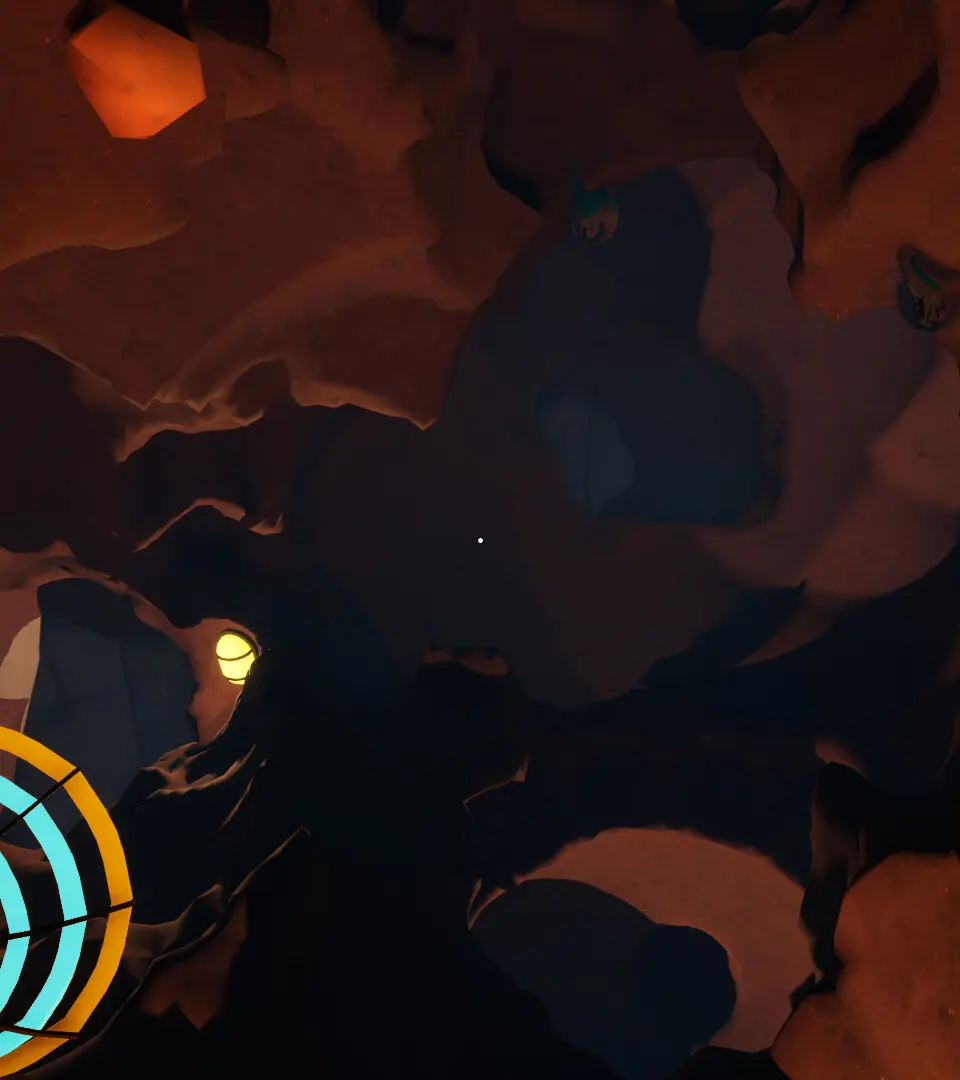
Navigate A Game About Digging A Hole safely by learning about environmental hazards and dangerous foes. Prepare your gear to overcome the obstacles beneath the.
While A Game About Digging A Hole is a casual experience, the deeper you delve, the more you'll encounter obstacles that require strategic thinking and the right tools. This section will prepare you for the various challenges lurking beneath the surface.
Environmental Hazards
These are static dangers that can impede your progress or damage your digging equipment. Always be aware of your surroundings!
- Loose Rock Piles: Found primarily in the upper layers (0-50 meters deep). These piles require multiple clicks to clear, slowing down your digging.
- Strategy: Use your basic Shovel for efficiency. Upgrading to the Reinforced Shovel (available at the General Store for $500) significantly reduces the number of clicks needed.
- Advanced Tip: If you've unlocked the Gold Shovel / Drill (by completing all game achievements), these piles become trivial, often clearing in a single click.
- Dense Clay Veins: Common between 50-150 meters. These thick layers are resistant to standard digging.
- Strategy: Your basic Shovel will struggle here. The Steel Pickaxe (purchasable from the Blacksmith for $1,200) is highly effective.
- Warning: Attempting to dig through Dense Clay with a basic Shovel will cause accelerated wear and tear, potentially leading to premature tool breakage.
- Underground Water Pockets: Encountered randomly below 100 meters. These pockets can flood your immediate digging area, making it temporarily impassable.
- Strategy: Equip the Water Pump Attachment for your drill (available at the Advanced Tools shop for $3,500). Activate it to quickly drain the pocket.
- Alternative: If you don't have the pump, you'll have to wait for the water to naturally dissipate, which can take several in-game minutes. This is not recommended for deep digs.
- Volatile Gas Pockets: A rare but dangerous hazard found below 200 meters. Hitting one without proper precautions will cause a small explosion, damaging your current tool and potentially stunning your character for a few seconds.
- Strategy: The Ventilation System Upgrade for your drill (available from the Advanced Tools shop for $7,000) automatically dissipates these pockets safely.
- Detection: Keep an eye out for faint shimmering tiles; these often indicate a nearby gas pocket. Proceed with caution or use a Seismic Scanner (one-time use item, $250 each at the General Store) to reveal their exact location.
Subterranean Creatures
As you venture deeper, you'll encounter creatures that aren't too keen on you disturbing their homes. While not directly hostile in a combat sense, they can cause disruptions.
- Grub Worms: Small, harmless creatures found throughout the digging layers. They don't pose a threat but can sometimes block a tile, requiring an extra click to clear.
- Strategy: No special strategy needed. They are easily cleared with any tool.
- Bonus: Occasionally drop a small amount of "Grub Slime," which can be sold for a few dollars at the General Store.
- Tunneling Beetles: More robust than Grub Worms, these beetles appear below 75 meters. They can temporarily "steal" a recently dug resource (like an ore chunk) if you don't collect it quickly.
- Strategy: Collect resources immediately after digging them up. If a beetle grabs one, you'll need to dig the adjacent tile to scare it away, causing it to drop the resource.
- Tool Tip: The Sonic Repeller drill attachment (purchasable at the Advanced Tools shop for $2,000) creates a small radius around your drill that scares away Tunneling Beetles, preventing them from stealing resources.
- Crystal Spiders: Found in crystalline caverns below 150 meters. These creatures don't attack, but their webs can significantly slow down your digging speed in affected areas.
- Strategy: The Flamethrower Attachment for your drill (available from the Advanced Tools shop for $4,500) is the most effective way to clear webs quickly.
- Alternative: Repeatedly clicking through the web will eventually clear it, but it's a slow process and can wear down your tools faster.
Managing Tool Durability
Your digging tools are your most valuable assets. Neglecting their durability is a major hazard in itself!
- Durability Meter: Always monitor the small bar next to your equipped tool icon. When it turns yellow, consider repairing. When it turns red, repair immediately!
- Repair Kits: Purchase Basic Repair Kits ($100) from the General Store for minor repairs, or Advanced Repair Kits ($500) for more significant damage.
- Automatic Repair Upgrade: The Self-Repairing Module for your drill (a late-game upgrade from the Advanced Tools shop for $10,000) will slowly repair your drill over time, even while digging, reducing your reliance on manual repair kits.
- Tool Breakage: If a tool breaks, you'll be forced to return to the surface to purchase a new one, losing valuable digging time and potential resources. Avoid this at all costs!
100% Human-Written. AI Fact-Checked. Community Verified. Learn how AntMag verifies content