
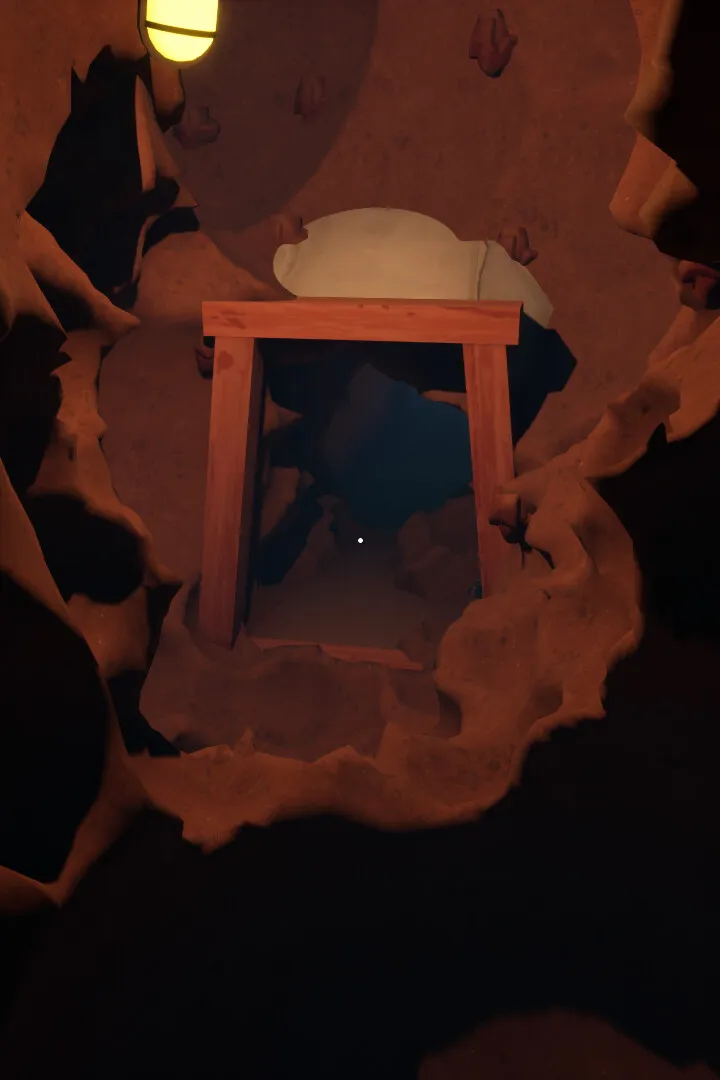
Learn how to save your progress and load your game in A Game About Digging A Hole. This guide covers the essential steps to ensure you don't lose your hard-earned progress.
Hey there! So, you're getting into A Game About Digging a Hole and wondering how to keep all your digging progress safe? It's super important to know how saving and loading works so you don't accidentally lose hours of work. Let's get you sorted!
Saving Your Game
In A Game About Digging a Hole, the game usually autosaves at certain checkpoints. You'll often see a little icon pop up on the screen, usually in a corner, to let you know it's saving. Think of it like the game giving you a little nod that your progress is being stored.
If you want to be extra sure, or if you're about to tackle something tricky, it's always a good idea to manually save if the option is available. Look for a 'Save' option in the game's menu. You can usually access this by pressing the 'Escape' key on your keyboard or a specific button on your controller.
Loading Your Game
When you want to jump back into your digging adventure, just launch the game. On the main menu, you should see an option like 'Load Game' or 'Continue'. Select that, and you'll be presented with your saved games. Pick the one you want to load, and you'll be dropped right back into the action where you last left off.
Important Notes:
- Keep an eye out for those autosave indicators! They're your best friend.
- If you're unsure about manual saving, check the game's settings or tutorial for specific instructions.
- Always make sure the game has fully saved before quitting, especially if you're turning off your console or PC. A sudden shutdown can sometimes corrupt save files.
That's pretty much it! Saving and loading in A Game About Digging a Hole is straightforward, but paying attention to the autosave and knowing how to manually save will save you a lot of headaches down the line. Happy digging!
100% Human-Written. AI Fact-Checked. Community Verified. Learn how AntMag verifies content