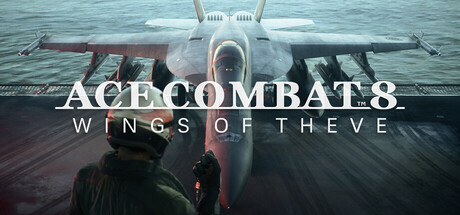
Master the skies with the Standard Control Scheme for Ace Combat 8: Wings of Theve on PC. Learn keyboard and mouse controls for optimal aerial combat and navigation.
This guide details the standard PC keyboard and mouse control scheme for Ace Combat 8: Wings of Theve. Understanding these controls is crucial for effective aerial combat and navigation.
| Action | Key |
|---|---|
| Throttle Up | W |
| Throttle Down | S |
| Pitch Up | Up Arrow / Mouse Up |
| Pitch Down | Down Arrow / Mouse Down |
| Yaw Left | Left Arrow / Mouse Left |
| Yaw Right | Right Arrow / Mouse Right |
| Roll Left | A |
| Roll Right | D |
| Brake / Reverse Thrust | Spacebar |
| Fire Primary Weapon | Left Mouse Button |
| Fire Special Weapon | Right Mouse Button |
| Lock On Target | Tab |
| Change Weapon | Mouse Wheel Scroll |
| Afterburner | Shift |
| Eject | Ctrl |
| Radar Zoom | Z |
| View Target | C |
| View Rear | X |
| Flaps Down | F |
| Flaps Up | G |
| G-Force Meter | V |
| Targeting Reticle | B |
| HUD Mode | H |
| Radio Message | R |
| Pause | Esc |
100% Human-Written. AI Fact-Checked. Community Verified. Learn how AntMag verifies content