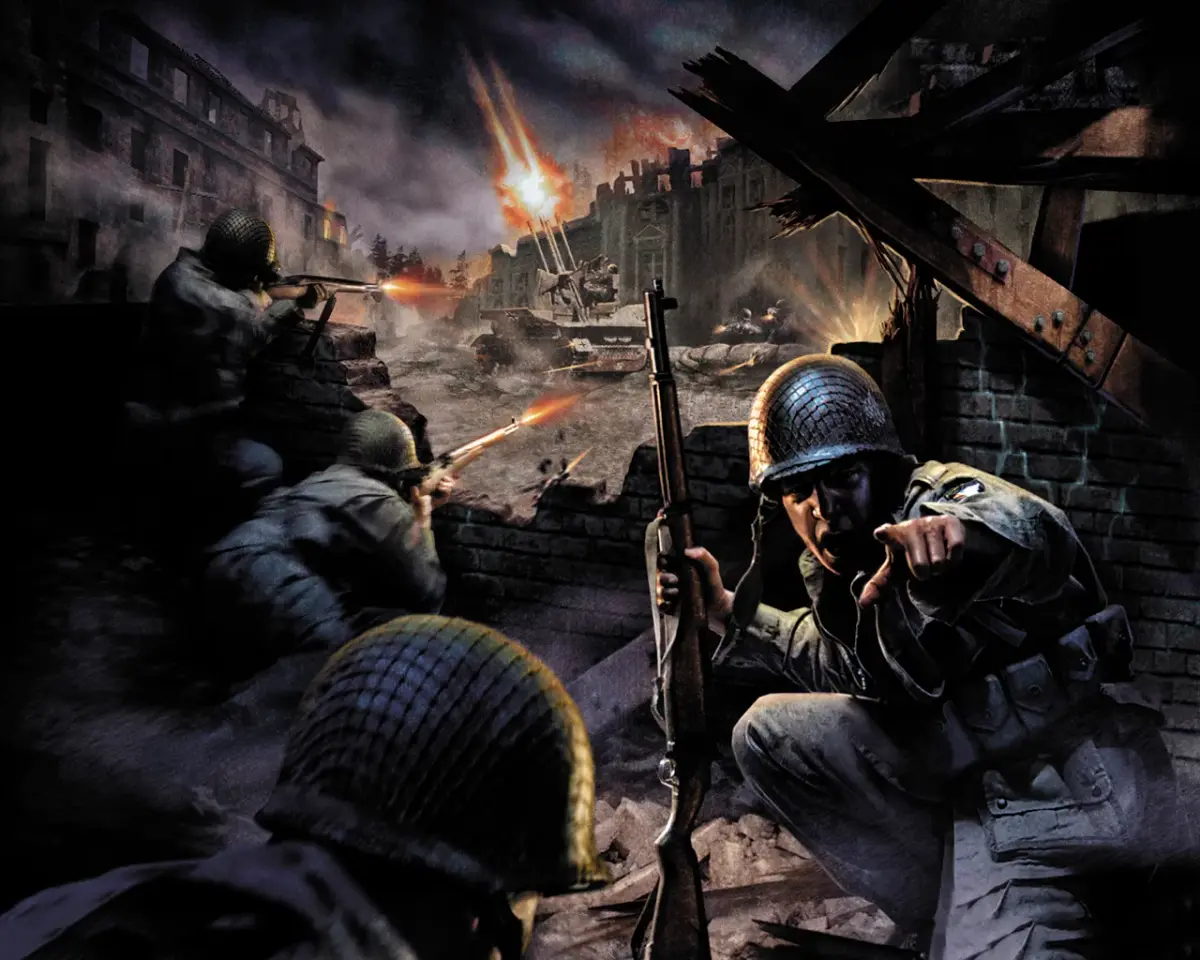
Learn how to use the 'r_showportals' command in Call of Duty to display accessible areas. This guide explains its function and how it helps players navigate the game world.
The r_showportals command in Call of Duty is a developer console command that, when enabled, visually displays the portals within the game world. These portals represent the connections between different areas or map segments, helping players understand how the game loads and transitions between locations.
How to Use:
- Open the developer console (typically by pressing the tilde key `~`).
- Type
r_showportals 1and press Enter to enable it. - Type
r_showportals 0and press Enter to disable it.
Purpose:
- Visualizes map connections and transitions.
- Aids in understanding game level design and loading processes.
- Primarily used for debugging and development, but can offer insight into game mechanics for curious players.
100% Human-Written. AI Fact-Checked. Community Verified. Learn how AntMag verifies content