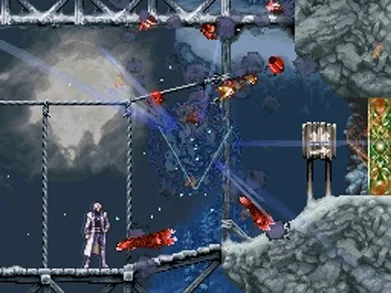
Master Castlevania: Dawn of Sorrow controls. Learn button functions for attack, jump, special attacks, and switching equipment.
Controls:
- A Button: Performs a special attack (varies by weapon and costs MP) or confirms selections in menus.
- B Button: Used for jumping or canceling selections in menus.
- Y Button: Performs a standard attack.
- X Button: Switches equipment. You must acquire the Doppleganger soul from the Garden of Madness first to use this function.
- L Button: Allows Soma to dash backwards.
- R Button: Activates a Guardian soul.
- Up Direction: Activates warp points or the 'Epitomize You're So Vain' ability.
- Down Direction: Makes Soma duck.
- Left Direction: Moves Soma left.
- Right Direction: Moves Soma right.
- Start Button: Opens the main menu.
- Select Button: Changes the displayed screen on the top screen of the Nintendo DS. This function is further explained in the Menu section.
Tips
- Special attacks performed with the A button consume MP and their effectiveness depends on your currently equipped weapon.
- The ability to switch equipment using the X button is unlocked after obtaining the Doppleganger soul.
- The Select button's function is related to the dual-screen display of the Nintendo DS.
100% Human-Written. AI Fact-Checked. Community Verified. Learn how AntMag verifies content