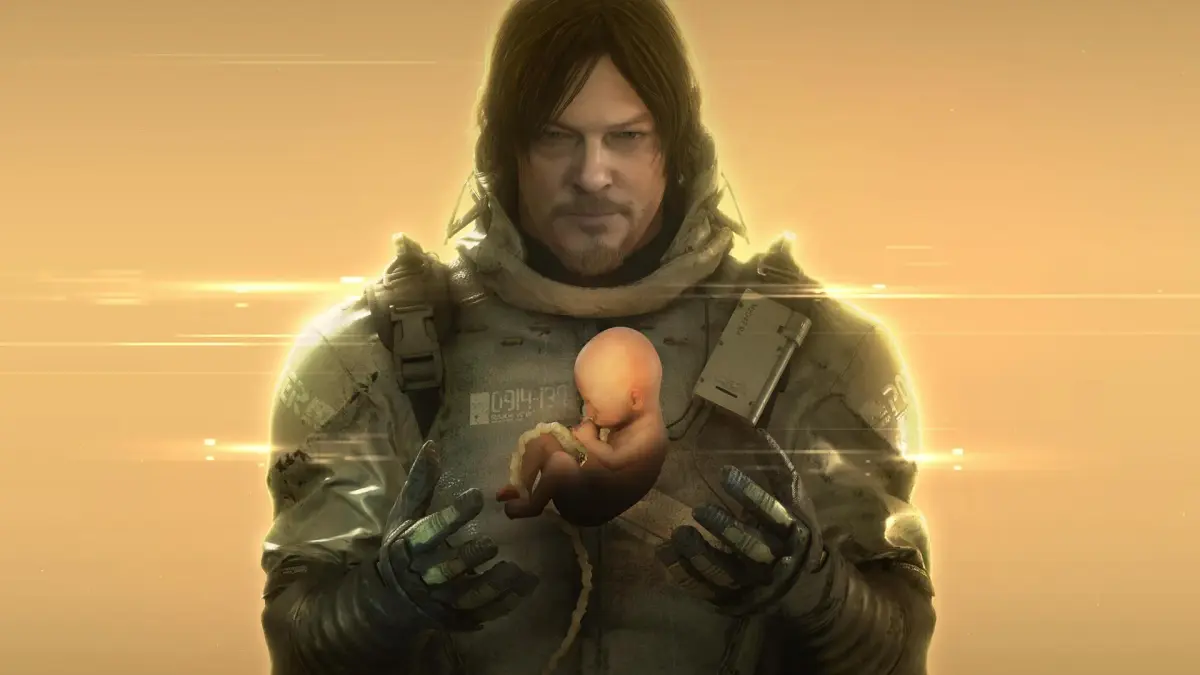
Learn all the button mappings and actions for Death Stranding Director's Cut. Master movement, scanning, combat, and inventory management with this essential guide.
Alright, let's get you squared away with how to actually *move* and *interact* in Death Stranding Director's Cut. It might seem a bit overwhelming at first, but once you get the hang of these controls, you'll be navigating the treacherous landscape like a seasoned porter. Think of this as your cheat sheet for Sam's every move.
| Main Controls | |
| Button | Action |
| Left Analog Stick | This is how you move Sam around. What's cool is that it's sensitive to pressure – push harder and Sam walks faster, ease up and he'll move more slowly. Perfect for sneaking or when you're carrying a lot of fragile cargo. |
| L3 (Press down on Left Analog) | Hit this to make Sam run. You can also use it to give any equipment Sam's wearing a little boost. Handy when you need to make up time or want to get away from a sudden BT encounter. |
| Right Analog Stick | This one's for the camera. Pan around, get a better look at your surroundings, or check out that scenic vista. |
| R3 (Press down on Right Analog) | This is a neat trick: press it down to switch the camera view between Sam's right and left sides. Super useful when you're squeezing through tight spots or trying to get a better angle on something. It also zooms in when you're using the compass or a Waystation. |
| L1 | Pull up your compass. This also opens up a sub-menu where you can do things like look down to check on BB. Essential for keeping your little cargo safe and sound. |
| R1 | Time to scan! This uses your Odradek scanner to highlight cargo, structures, and other points of interest. It also shows you a quick overlay of terrain steepness nearby. Keep in mind, the scan is directional, so you might need to sweep it around a bit to get a full 360-degree view. Oh, and holding this down covers Sam's mouth – he'll hold his breath, which can help with noise, but he'll eventually have to gasp for air, making a big racket. So use it wisely! |
| L2 | This is your Left Hand Action. You can use it to grab things, but more often it's for tilting Sam's weight to his left. If you're caught in a river, this helps you paddle left. It's also what you use to ready your weapons and grenades. |
| R2 | Your Right Hand Action. Similar to L2, but for the right side. The big difference? If you've got a weapon or grenade ready, R2 is what you use to fire it or throw it. |
| L2+R2 | This combo isn't always obvious, but it's a lifesaver! Sam will grip the front of his backpack straps. This is HUGE for maintaining balance on steep slopes, whether you're going up or down. It also helps you slow down or stop if you're skidding and can give you extra grip when you're wading through rivers. Don't underestimate this one! |
| DPad Up | This lets you select equipment you can wear – think boots, hats, glasses. It's also how you equip things like sandalweed, which can be a lifesaver for your feet and helps reduce noise. |
| DPad Down | On its own, this doesn't do much, but it's context-sensitive for
100% Human-Written. AI Fact-Checked. Community Verified. Learn how AntMag verifies content |