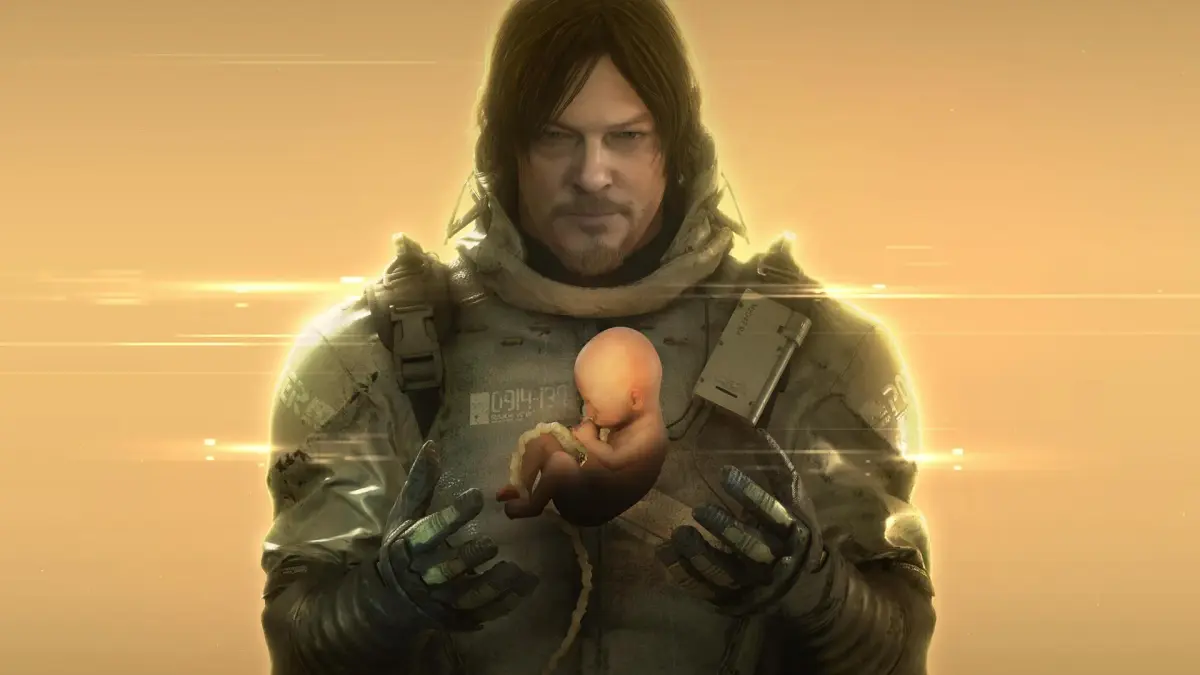
Guide to Death Stranding Director's Cut Prologue Section 1: The Man Who Delivers. Learn how to recover cargo, find shelter, and meet Fragile.
Walkthrough
- 1Once you have control, recover your cargo and find shelter from the rain. You may not be able to find all cargo before finding shelter.
- 2Grab the parcel directly in front of you and put it on your back.
- 3Press Options to bring up the Pause menu to adjust settings, especially camera settings.
- 4Scan the terrain using R1 (press the button to use the radar (your minimap with nearby blips and threats marked)) to find more packages destined for "Central Knot City."
- 5Pick up the nearest package by going right and around large rocks, or by scrambling over rocks to the left.
- 6This package is "Lost Cargo," meaning it's not part of Sam's order and was dropped by an NPC (Non-Player Character). You can deliver these for extra likes, especially if the destination is a location you don't have full connection with yet. Later, some lost items will belong to other players and returning them helps that player directly. Your own lost items can be returned by others. You get one like just for picking up the package.
- 7After picking up this package, turn to note the non-cargo marker indicating the cave you need to reach.
- 8Move forward through a gap in the rocks until another cutscene (a non-interactive cinematic the game plays automatically) begins.
- 9This cutscene introduces Fragile, BTs (Beings That Are), and cryptobiotes. It also introduces DOOMS levels; Sam is level two, able to sense BTs but not see them. Fragile has a much higher DOOMS level.
- 10The game will provide tips on the left side of the screen, which can also be found in the "Tips" menu. The game explains sections of the HUD (Heads-Up Display).
- 11Behind you in the cave is another package of Lost Cargo. Pick it up.
- 12Exit the cave. Credits will play as you move forward. If you haven't seen a new name for a while, you may need to turn around.
- 13Ahead, you'll see a coral formation with tardigrades floating around it, a cryptobiote nest. Hold down the Square button to catch and eat one.
- 14Cryptobiotes can be eaten for blood if needed, or caught and stored for future use. They are useful even when other healing methods are available.
- 15Turn and look to the side of the cave entrance (left if facing into the cave) to find a path down to a river.
- 16Grip your backpack straps with L2+R2 (hold both buttons to maintain grip) and start heading down the path.
Tips
- Don't worry too much about collecting all cargo immediately; focus on finding shelter first.
- Picking up Lost Cargo can provide benefits, including likes and helping other players.
- Eating cryptobiotes is recommended for healing and storage, even later in the game.
- Pay attention to the HUD (Heads-Up Display) for game information.
- Use R1 to scan your surroundings and locate packages.
100% Human-Written. AI Fact-Checked. Community Verified. Learn how AntMag verifies content