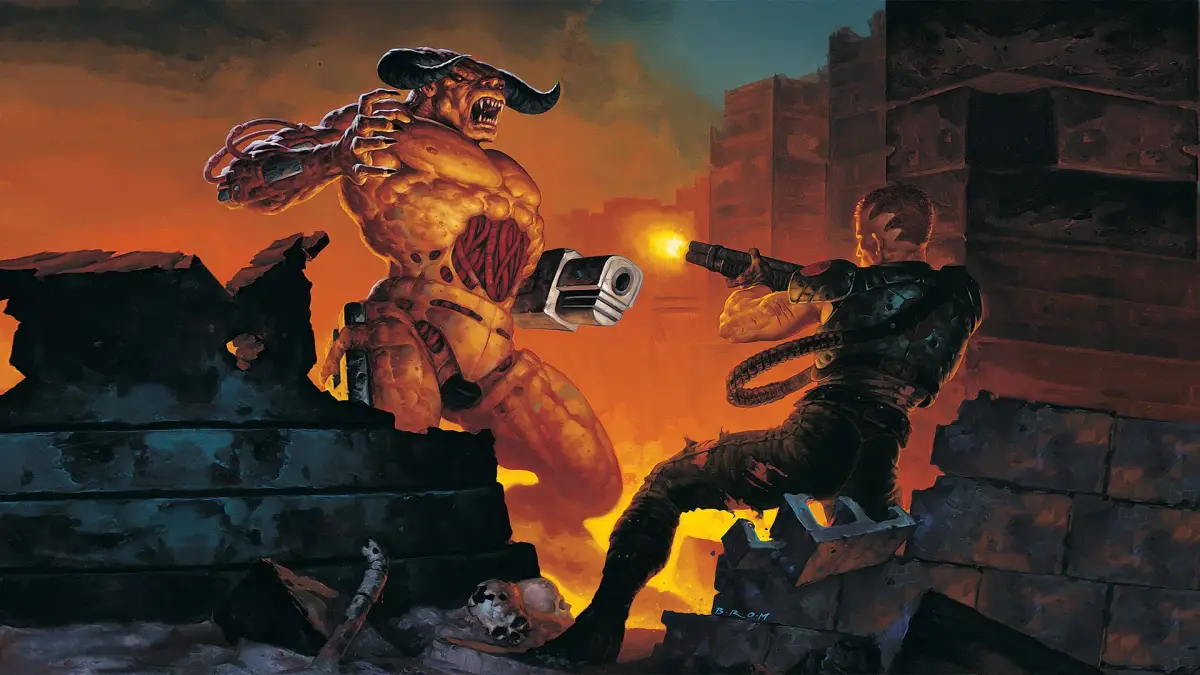
Learn all the Doom II controls! Master movement, weapon switching, running, and interacting with the environment. Your ultimate guide to navigating Hell.
Alright, let's get you up to speed on how to actually *play* Doom II. It's pretty straightforward once you know what does what, so think of this as your cheat sheet. You can tweak some things in the Gameplay menu too, like 'Always Run' which flips the L2 button's function, or the 'Motion Sensor Function' if you're on PS4 and want to wave your controller around to aim. Weird, I know, but hey, options!
Here's the breakdown of your controller:
| Control | Action |
| D-Pad | Switch between weapons |
| Left Analog Stick | Move around in respective direction |
| Right Analog Stick | Turn |
| Options | Pause the action & bring up Pause Menu |
| Circle | Go back to previous menu (menu screens) |
| Cross | Confirm selections (menu screens) "Use" objects (open doors, activate switches) |
| Triangle | Show Automap feature; press again to hide |
| Square | Not used |
| L1 | Cycle to previous available weapon within inventory |
| L2 | Hold to run while moving |
| R1 | Cycle to next available weapon within inventory |
| R2 | Fire currently equipped weapon |
100% Human-Written. AI Fact-Checked. Community Verified. Learn how AntMag verifies content