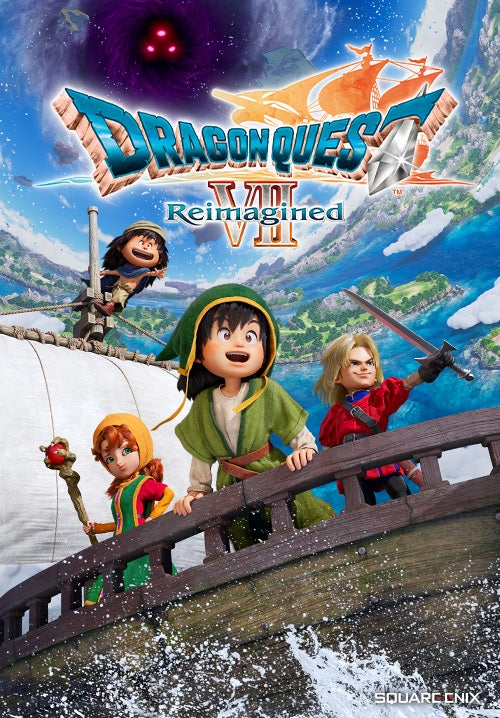
Optimize your Dragon Quest VII Reimagined graphics settings for the best visual fidelity and performance on PC. Adjust resolution, anti-aliasing, and textures.
Dragon Quest VII Reimagined's HD-2D visual style offers a beautiful blend of pixel art charm and modern graphical techniques. Optimizing these settings on PC will be key to achieving a balance between visual fidelity and smooth performance. The primary settings to focus on will include resolution, anti-aliasing, texture quality, shadow detail, and post-processing effects. For players with mid-range hardware, starting with a resolution of 1920x1080 (1080p) is a good baseline. If performance dips below a stable 60 frames per second, consider lowering the resolution to 1600x900 or even 1280x720, though the HD-2D style often holds up well at lower resolutions due to its inherent pixel-based nature.
Anti-aliasing is crucial for smoothing out jagged edges, especially on character models and environmental details. Options like FXAA or SMAA are generally less demanding than MSAA. If your GPU can handle it, enabling a moderate level of anti-aliasing will significantly improve the visual clarity without a drastic performance hit. Texture quality should ideally be set to High if your VRAM allows; this will ensure that the detailed sprites and backgrounds appear crisp. If you experience stuttering or texture pop-in, reducing this to Medium is the first step.
Shadow detail can be a significant performance hog. Lowering shadow quality from High to Medium or even Low can yield substantial frame rate improvements. While shadows might become less detailed or appear with softer edges, the overall gameplay experience will be smoother. Post-processing effects, such as bloom, depth of field, and motion blur, can also impact performance. Bloom can add a nice atmospheric touch, but if performance is an issue, disabling it or reducing its intensity is recommended. Motion blur, often a divisive setting, can be turned off entirely for a sharper image, especially during fast-paced combat sequences. experiment with these settings individually, making small adjustments and testing the impact on their frame rate in various scenarios, from the bustling streets of Pilchard Bay to the dark depths of ancient dungeons.
For those with higher-end systems, pushing the resolution to 1440p or even 4K, along with maximum settings for textures, shadows, and post-processing, will offer the most visually impressive experience. However, even on powerful hardware, it's wise to monitor performance and ensure a consistent frame rate. The game's engine is likely well-optimized, but understanding these core graphical settings will empower players to tailor their Dragon Quest VII Reimagined experience to their specific hardware, ensuring both visual splendor and fluid gameplay as they embark on their grand adventure.
100% Human-Written. AI Fact-Checked. Community Verified. Learn how AntMag verifies content