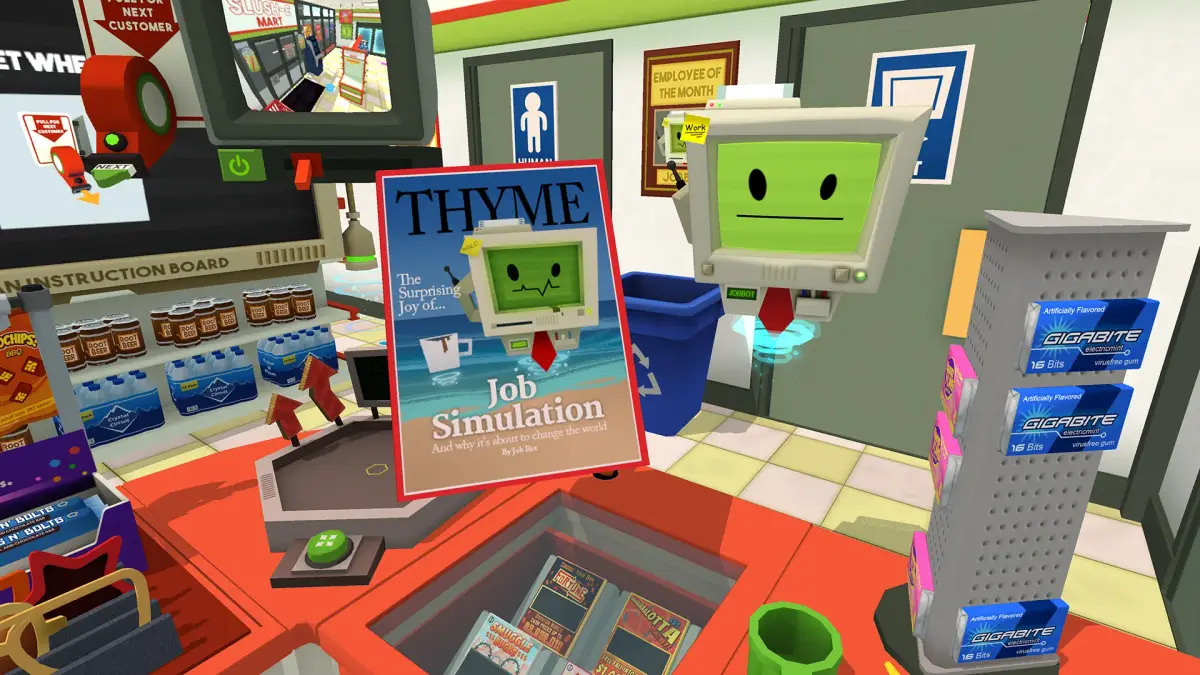
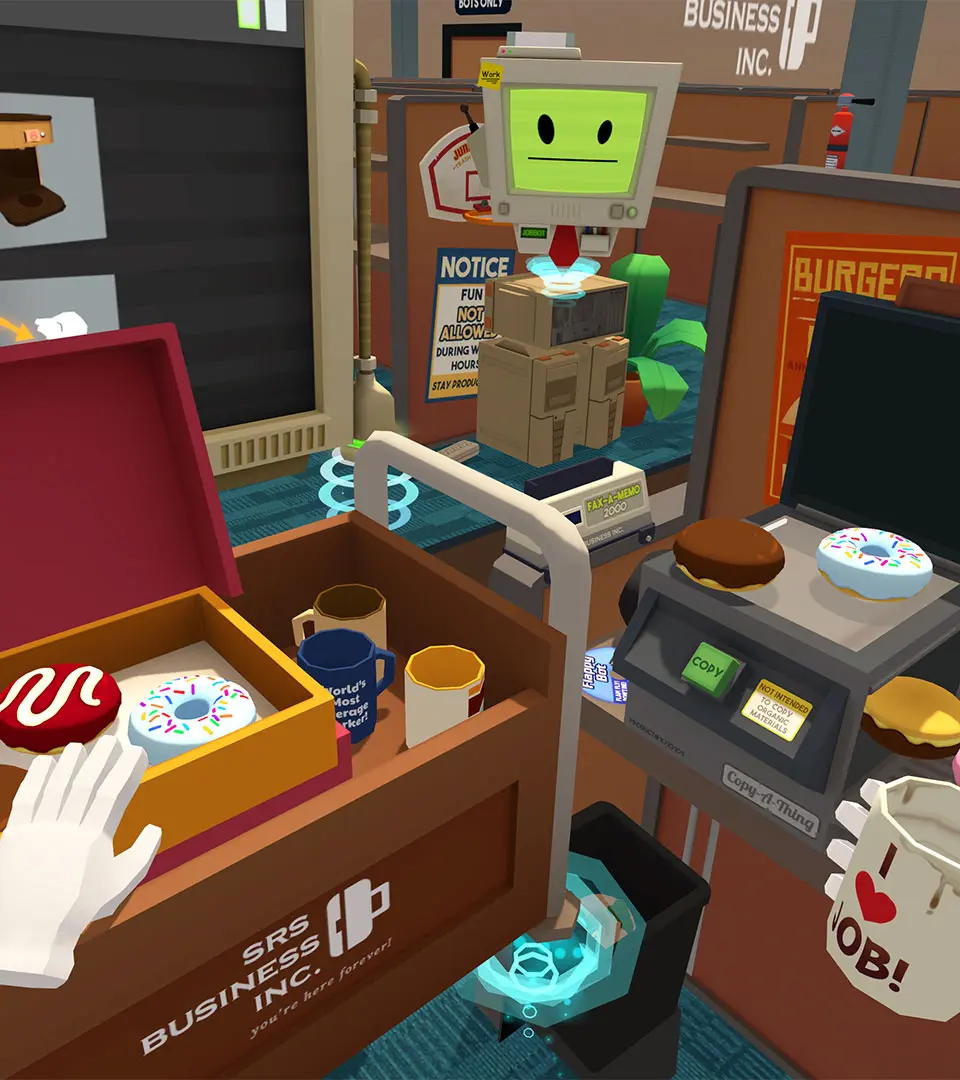
Personalize your Job Simulator workspace by arranging items and decorating dishes to reflect your unique style.
While Job Simulator isn't an RPG with deep character customization trees, it excels in offering delightful, sandbox-style personalization within each of its simulated work environments. The game encourages players to interact with almost everything, fostering a sense of ownership and humor as you make your robotic workspace uniquely your own. This section details the various ways you can personalize your experience across all four jobs.
General Principles of Personalization
- Interactive Environments: Nearly every object in each job's environment can be picked up, moved, thrown, or manipulated. This forms the core of personalization.
- Express Yourself: Use the available items to create humorous scenes, organize your workspace (or disorganize it completely!), and leave your unique robotic "signature."
- No Right or Wrong Way: There are no penalties for creative chaos. The game embraces experimentation and encourages players to break the rules.
Job-Specific Personalization Opportunities
Office Worker
The office cubicle is a prime canvas for expressing your inner corporate robot. While you can't change the cubicle's structure, the sheer volume of desk items allows for extensive personalization.
- Desk Arrangement:
- Organized Professional: Stack files neatly, arrange pens in holders, and position your monitor perfectly.
- Chaotic Genius: Toss papers everywhere, build towers of staplers, or create a fortress of binders around your computer.
- Item Examples:
- Photos: Place family photos (of other robots, naturally) around your desk.
- Plants: Arrange potted plants to bring a touch of nature to your digital grind.
- Mugs & Drinks: Customize your coffee mug collection or arrange various beverages.
- Office Supplies: Staplers, paper clips, pens, pencils, sticky notes – all can be used for decorative or destructive purposes.
- Personal Trinkets: Look out for small toys, stress balls, or other unique items to add character.
- Cubicle Decor: Utilize the walls and shelves to display items. You can even stick notes or pictures to surfaces.
Gourmet Chef
The kitchen offers a different kind of personalization, focusing on the presentation and creation of your culinary (or un-culinary) masterpieces.
- Dish Decoration:
- Artistic Plating: Carefully arrange ingredients on plates, adding garnishes like lettuce, tomatoes, or sauces for aesthetic appeal.
- Abstract Creations: Pile ingredients haphazardly, mix incompatible items, or create towering food sculptures.
- Ingredient Experimentation:
- Sauce Art: Use ketchup, mustard, or other sauces to draw patterns or write messages on food.
- Ingredient Stacking: Build towering burgers or sandwiches with every ingredient imaginable.
- Unconventional Combinations: Mix and match ingredients in the blender or on the grill to see what bizarre (and often hilarious) creations you can make.
- Kitchen Organization: Arrange pots, pans, and utensils to your liking, or create a chaotic cooking environment.
Auto Mechanic
The auto mechanic garage provides opportunities for practical and playful personalization, primarily centered around the vehicles and tools.
- Vehicle Customization (Temporary):
- Paint Jobs: Use the paint gun to spray different colors onto the car's body. Experiment with patterns or full color changes.
- Wheel Swaps: Change out the tires and rims for different styles, affecting the car's appearance.
- Accessory Placement: Attach various car accessories like spoilers, air fresheners, or even random objects found in the garage to the vehicle.
- Tool & Garage Organization:
- Tool Arrangement: Keep your wrenches, screwdrivers, and other tools neatly organized on the workbench or hanging on the wall.
- Clutter Core: Embrace the mess! Scatter tools, car parts, and oil cans around the garage floor for a more "lived-in" feel.
- Interactive Elements: Use the car lift to position vehicles, or experiment with the various machines and gadgets in the garage.
Store Clerk
The convenience store allows for creative merchandising and playful interaction with products and customers.
- Shelf Stocking & Display:
- Neat & Tidy: Arrange products perfectly on shelves, facing labels forward and organizing by type.
- Creative Displays: Build towers of cereal boxes, create pyramids of fruit, or stack items in unusual configurations.
- Thematic Groupings: Group items together humorously, like placing all the "junk food" together or creating a "robot survival kit."
- Product Interaction:
- Price Tag Placement: Experiment with where you place price tags, or even create custom "sales" by moving items around.
- Customer Service Personalization: Offer customers unusual items, or engage in playful interactions with the store's robotic patrons.
- Counter & Checkout Area:
- Cash Register Chaos: Fill the checkout counter with random items, or try to scan everything in sight.
- Personalized Greetings: Use the microphone to deliver unique announcements or greetings to customers.
In Job Simulator, personalization isn't about unlocking new outfits or character models; it's about the freedom to interact with and shape your immediate environment. Each job provides a rich sandbox of items and opportunities to express your robotic personality, whether through meticulous organization, chaotic creativity, or humorous experimentation. Don't be afraid to pick up everything, throw anything, and make each simulated job truly your own.
100% Human-Written. AI Fact-Checked. Community Verified. Learn how AntMag verifies content