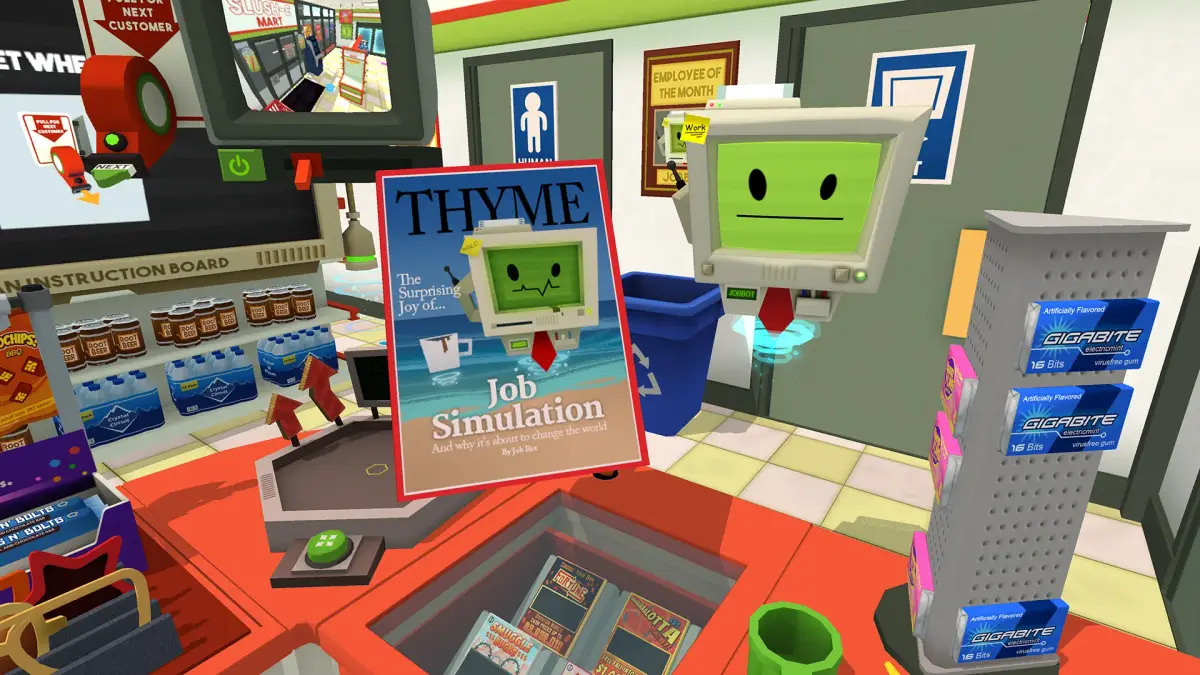
Ace Job Simulator's Mid-Day Tasks by mastering communication and data processing. Learn how to handle new responsibilities and maintain robotic performance.
Mid-Day Tasks: Navigating the Office Grind
As the virtual clock ticks past the morning rush, your Job Bot overlord will introduce a new set of responsibilities designed to test your efficiency and adaptability. The mid-day in Job Simulator often involves a blend of communication, data processing, and, of course, essential breaks to maintain optimal robotic performance.
1. Communication Central: Answering the Office Phone
The office phone is a primary conduit for mid-day directives. Expect it to ring with increasing frequency. Here's how to handle those crucial calls:
- Locate the Phone: The classic rotary or push-button phone is typically situated on your desk, often near your computer monitor.
- Answer the Call: Physically reach out and grab the phone receiver. You'll hear a distinct ringing sound, and the Job Bot will usually provide a visual cue or verbal prompt.
- Follow Instructions: Once the receiver is lifted, the Job Bot will relay specific instructions or requests. These can range from simple tasks like "transferring a call" (which might involve pressing a specific button on the phone or interacting with a nearby object) to more complex directives requiring you to fetch items or interact with other office equipment.
- Hang Up: After completing the task or receiving your instructions, place the receiver back onto the phone cradle. Failure to hang up might result in the Job Bot reminding you or the phone continuing to emit a dial tone.
Strategy Tip: Pay close attention to the Job Bot's tone and visual cues. Sometimes, the instructions are delivered quickly, so be ready to react. Don't be afraid to experiment with the phone's buttons; some might trigger humorous responses or hidden interactions.
2. Data Entry: The Digital Drudgery
The computer workstation becomes a central hub for data entry tasks during the mid-day. This isn't just about random key mashing; the game presents specific, albeit humorous, scenarios for digital input.
- Accessing the Computer: Your computer monitor will typically display a prompt or a specific form that needs filling. The keyboard and mouse are your primary tools.
- Specific Data Entry Scenarios:
- Form Filling: You might be presented with a "Customer Feedback Form" or an "Expense Report." The Job Bot will instruct you to input specific information, such as "customer name," "product ID," or "reason for complaint." You'll need to physically type (or smash) the corresponding keys on the keyboard. The game often highlights the required input field.
- Email Composition: Occasionally, you'll be asked to "send an email." This involves typing a subject line and a brief message. The content is usually open-ended, allowing for creative (or chaotic) input.
- Spreadsheet Updates: Some tasks involve updating a "spreadsheet" with numerical data. The Job Bot might ask you to "input sales figures" or "update inventory counts." Look for highlighted cells on the screen.
- Password Creation: A classic office task, you might be tasked with creating a "secure password." The game often provides humorous constraints or suggestions.
- Confirmation: After entering the required data, the Job Bot will often prompt you to "submit" or "save" the information. This might involve clicking a virtual button on the screen with the mouse or pressing a specific key.
Common Pitfall: Don't just randomly hit keys if you're unsure. While the game is forgiving, trying to follow the Job Bot's instructions for specific fields will lead to quicker task completion and often unlock unique dialogue or reactions.
3. The Essential Break: Lunch and Refreshments
Even robots need to recharge! The mid-day often includes a designated "lunch break" or opportunities for quick refreshments. This is your chance to interact with various office edibles and activities.
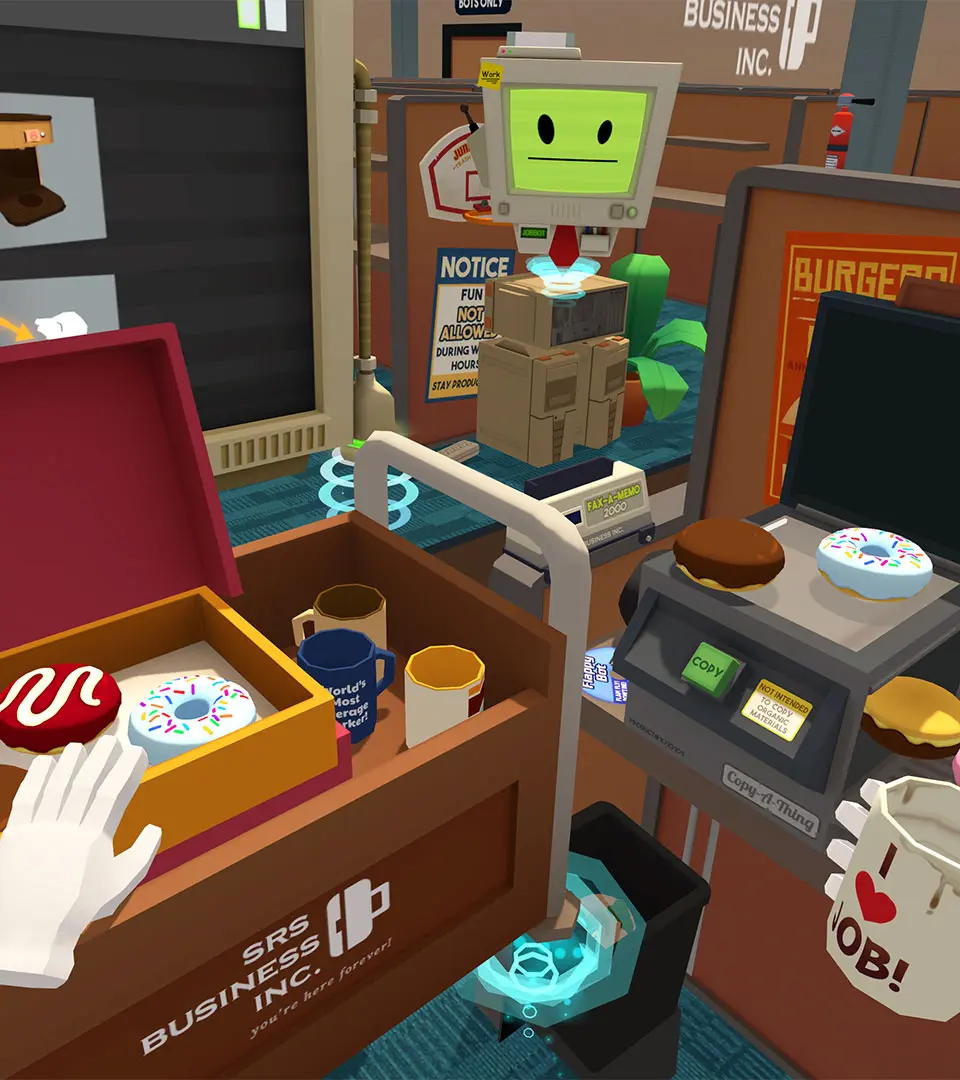
- Donut Delights: The classic donut is a staple. Look for a box of donuts on your desk or a nearby counter. Simply grab one and bring it to your virtual mouth to "eat" it.
- Other Office Snacks: Beyond donuts, keep an eye out for:
- Coffee/Tea: A coffee machine or kettle might be present. Interact with it to brew a cup, then enjoy your virtual beverage.
- Fruit: Bowls of fruit (apples, bananas) are sometimes available.
- Vending Machine Goodies: If a vending machine is present, you might be able to dispense various snacks like chips or candy.
- Water Cooler: A quick drink from the water cooler can be a refreshing break.
- Breaktime Activities: While eating, you can also engage in other light activities:
- Newspaper/Magazine: A newspaper or magazine might be lying around, offering humorous headlines or articles to peruse.
- Fidget Toys: Some desks might have small interactive toys or stress balls you can play with.
- Socializing (Robotic Style): While not explicitly a "social" game, you can sometimes interact with other background Job Bots or office objects in a playful manner during your break.
Strategy Tip: Don't rush your break! The game encourages playful interaction with these items. Eating multiple snacks or trying different combinations can sometimes trigger unique Job Bot commentary or achievements.
100% Human-Written. AI Fact-Checked. Community Verified. Learn how AntMag verifies content