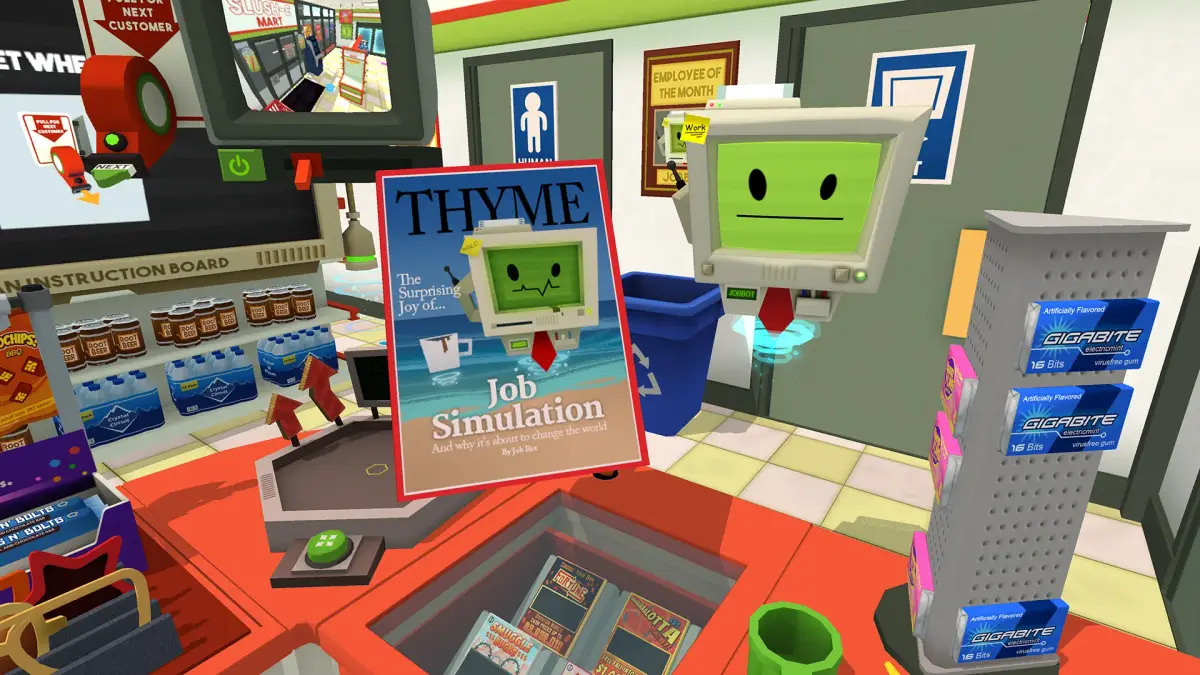
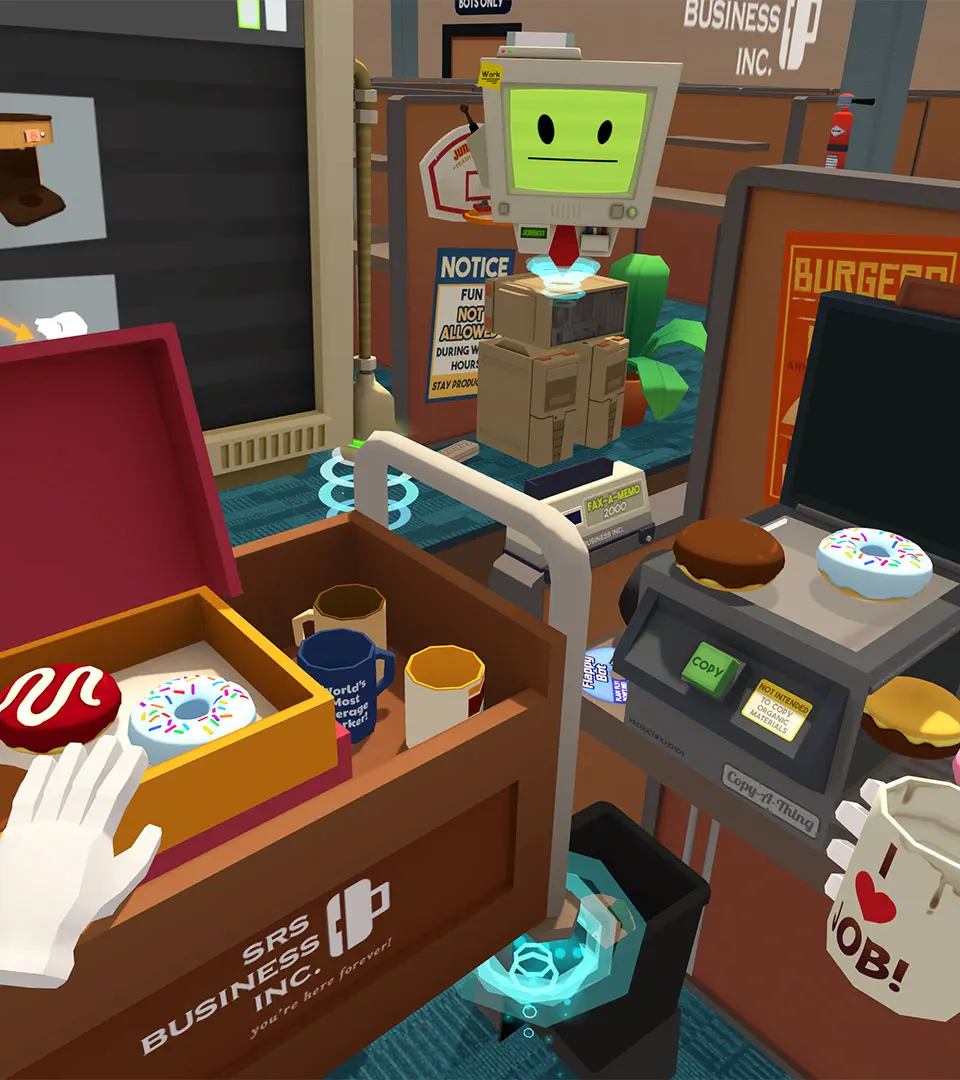
Navigate Job Simulator's progression to unlock new job experiences and enhance your robotic potential. Learn how tasks create an open-ended career advancement.
Welcome, aspiring Job Simulator bot! This section will guide you through the core progression of the game, detailing how to unlock new job experiences and maximize your robotic potential. Unlike the linear story modes of older human simulations like The Sims, Job Simulator offers a more open-ended approach to career advancement, focusing on completing tasks within each job to earn "Memory Data" and unlock new opportunities.
Initial Job Selection & Tutorial
Upon booting up Job Simulator for the first time, you'll be greeted by the friendly JobBot. He will present you with your initial job options. To begin your journey, you must first complete the tutorial for one of the four primary jobs:
- Auto Mechanic: Learn the basics of vehicle repair, tire rotation, and fluid changes.
- Gourmet Chef: Master the culinary arts, from chopping vegetables to serving demanding customers.
- Office Worker: Experience the thrilling world of cubicles, staplers, and endless paperwork.
- Store Clerk: Practice customer service, scanning items, and managing inventory.
We recommend starting with the Office Worker job as its tasks are generally straightforward and provide a good introduction to interacting with the environment and objectives. During this initial tutorial, JobBot will guide you through basic interactions like picking up objects, using tools, and completing simple requests. Pay close attention, as these fundamental skills are transferable across all jobs.
Earning Memory Data & Unlocking New Experiences
The primary currency for progression in Job Simulator is Memory Data. You earn Memory Data by successfully completing tasks within each job. Each job has a series of objectives, ranging from simple requests to more complex multi-step processes. The more tasks you complete, the more Memory Data you accumulate.
Task Completion Strategy:
- Listen to JobBot: JobBot will always provide clear instructions for your current task. Pay attention to his vocal cues and the visual prompts that appear on your wrist display.
- Experiment with Objects: Don't be afraid to interact with everything! Many objects have hidden functionalities or can be used in unexpected ways to complete tasks. For example, in the Gourmet Chef job, you might discover that certain ingredients can be combined to create unique dishes, even if not explicitly requested.
- use Tools: Each job station is equipped with several specialized tools. Learn their functions and when to apply them. The Wrench in the Auto Mechanic job, the Spatula in the Gourmet Chef job, the Stapler in the Office Worker job, and the Scanner in the Store Clerk job are all essential for efficient task completion.
- Embrace Chaos (Occasionally): While efficiency is key, sometimes a bit of playful destruction or unconventional problem-solving can lead to unexpected Memory Data bonuses or humorous interactions.
Unlocking Advanced Jobs
Once you've accumulated enough Memory Data, you'll gain access to new, more complex job experiences. The game doesn't have a strict "leveling" system like some RPGs; instead, Memory Data acts as a cumulative score that unlocks content. The specific Memory Data thresholds for each job are not explicitly displayed, but generally, completing a significant portion of tasks in one job will unlock the next.
The advanced jobs typically build upon the skills learned in the initial four. For instance, the "Master Chef" experience might require more intricate cooking techniques and ingredient knowledge than the basic Gourmet Chef role. Similarly, a "Senior Office Administrator" might involve managing more complex data entry and inter-office communications.
Recommended Unlocking Order (General Progression):
- Complete at least 75% of tasks in one of the initial four jobs (Auto Mechanic, Gourmet Chef, Office Worker, Store Clerk). This will typically be enough to unlock your first advanced job.
- Focus on a specific career path: If you enjoyed the Gourmet Chef, continue completing tasks there to unlock related culinary roles. If you preferred the Office Worker, aim for more administrative challenges.
- Explore all initial jobs: Even if you have a favorite, completing tasks in all four starting jobs will provide a broader range of skills and unlock a wider variety of advanced experiences more quickly. Think of it as gaining diverse "skill points" that contribute to your overall robotic proficiency.
Replaying Jobs for Maximum Memory Data
Don't feel pressured to complete every single task in a job before moving on. You can always revisit any unlocked job at any time. Replaying jobs is an excellent way to:
- Earn additional Memory Data: Some tasks are repeatable, and you can always strive for higher scores or faster completion times.
- Discover hidden interactions: The game is full of subtle details and humorous Easter eggs that you might miss on your first playthrough.
- Practice specific skills: If you're struggling with a particular mechanic, replaying a job that heavily features it can help you master it.
By consistently engaging with the various job experiences and striving for task completion, you'll quickly progress through Job Simulator, unlocking every robotic career path and becoming the most efficient bot in the simulation!
100% Human-Written. AI Fact-Checked. Community Verified. Learn how AntMag verifies content