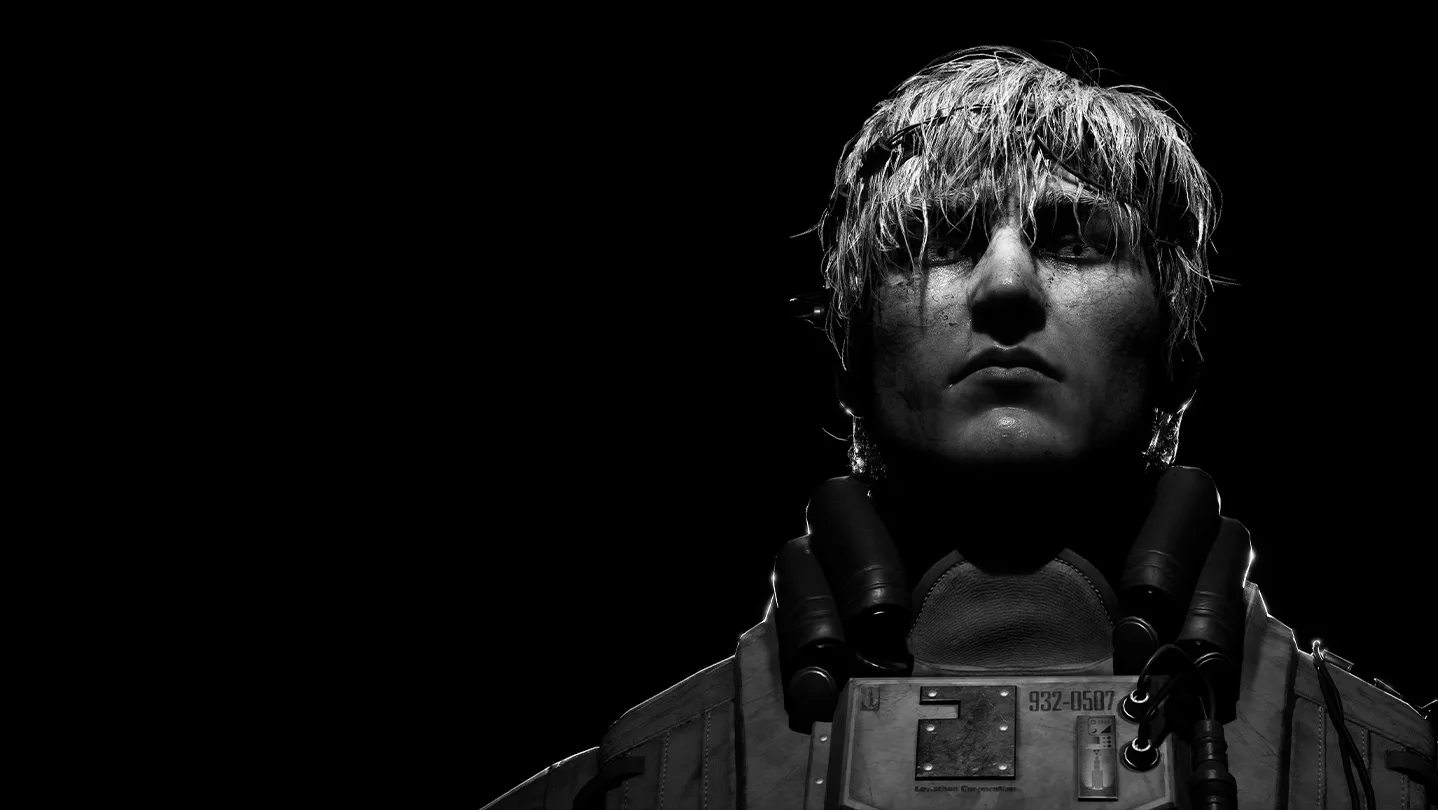

Master Karma: The Dark World controls. Learn movement, interaction, and how to use Sprint effectively for navigating its first-person world.
Karma: The Dark World utilizes a standard first-person control scheme. Familiarize yourself with these core actions:

- Movement (W/A/S/D or Left Stick): Navigate the environment.
- Look (Mouse or Right Stick): Control your camera and gaze.
- Interact (E or X/Square): Open doors, pick up items, activate mechanisms, and speak with NPCs.
- Sprint (Left Shift or L3): Move faster, but be mindful of your Stamina Gauge. Sprinting consumes Stamina and can alert nearby entities.
- Crouch (C or Circle/B): Reduce your visibility and noise. Essential for stealth sections.
- Focus (Right Click or L2): Zoom in slightly, often used for examining details or aiming specific Mind-Abilities.
- Mind-Ability Wheel (Tab or D-Pad Up): Access your equipped Mind-Abilities.
- Inventory (I or Touchpad/View Button): Open your inventory to manage items and equip gear.
- Journal (J or D-Pad Left): Review objectives, lore entries, and character notes.
Practice these movements in the opening tutorial area to get a feel for the character's responsiveness. Pay close attention to the subtle haptic feedback if playing on a controller, as it often signals nearby threats or interactive elements.
100% Human-Written. AI Fact-Checked. Community Verified. Learn how AntMag verifies content