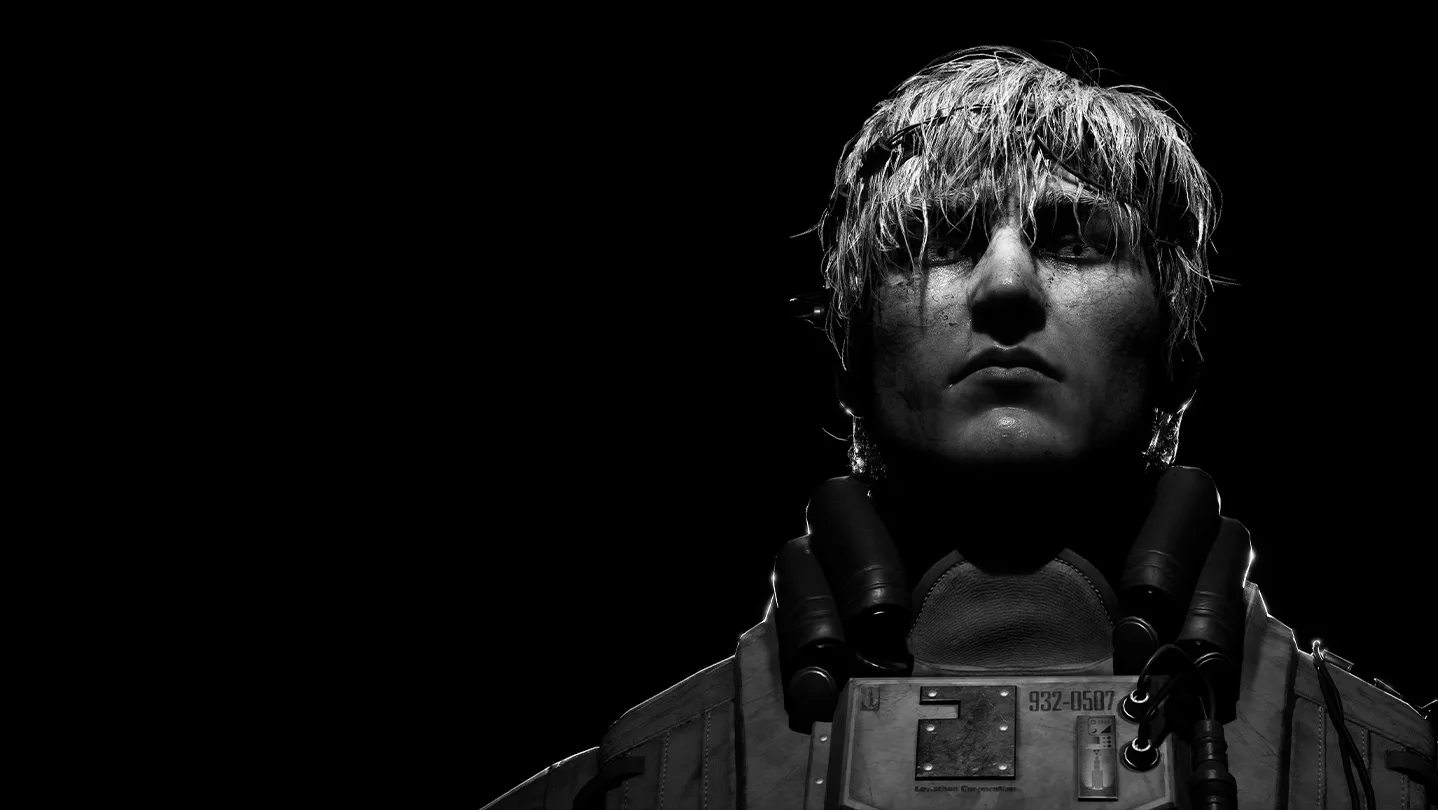
Welcome to Karma: The Dark World, a singleplayer, story-rich sci-fi horror experience from POLLARD STUDIO. As Arthur, you'll navigate the fractured psyche of a forgotten hero, delving into themes of memory and trauma. This first-person title blends challenging combat and stealth as you explore a dark, atmospheric world, piecing together a fractured mind.
This guide will help you master Arthur's descent, covering everything from initial setup and understanding intricate cognitive mechanics to confronting challenging boss encounters like the Greater Shade. We'll provide insights to help you overcome the game's toughest obstacles and fully experience its narrative depth.
Getting Started
Learn the basics of Karma: The Dark World. This guide covers essential mechanics, character creation, and early game strategies to help you begin your journey.
Getting Started
Learn the basics of Karma: The Dark World. This guide covers essential mechanics, character creation, and early game strategies to help you begin your journey.



Controls & UI — Karma: The Dark World Guide
Master the controls and UI in Karma: The Dark World. This guide breaks down every button, mechanic, and interaction so you can navigate the game like a pro.
Installation & Initial Setup
Learn how to install Karma: The Dark World and configure initial settings for optimal gameplay experience.
Installation & Initial Setup
Learn how to install Karma: The Dark World and configure initial settings for optimal gameplay experience.

System Requirements — Karma: The Dark World Guide
Check the system requirements for Karma: The Dark World. Ensure your PC is ready for its atmospheric depth, intricate mechanics, and haunting visuals.
Welcome, brave soul, to the world of Karma: The Dark World! Before you embark on this perilous journey through a realm fractured by despair and ancient evils, it's crucial to ensure your system is prepared for the trials ahead. While Karma: The Dark World is an indie title, its atmospheric depth, intricate mechanics, and haunting visuals demand a certain level of hardware to truly shine. This section will guide you through the necessary checks and recommendations to guarantee a smooth, immersive, and terrifying experience, free from the frustrations of stuttering frame rates or unplayable lag.
Minimum Requirements: The Shrouded Path
These specifications represent the baseline for entering the shadowed lands of Karma: The Dark World. With these components, you will be able to launch and play the game, but expect to make concessions in graphical fidelity. Performance may dip in densely populated areas such as the bustling, yet treacherous, Whispering Market, or during intense, overwhelming encounters with swarms of Shadow Lurkers and their fiendish brethren. To maximize your experience on this path, careful adjustment of in-game settings will be paramount.
- Operating System: Windows 10 (64-bit)
- Processor (CPU): Intel Core i5-4460 or AMD FX-6300
- Memory (RAM): 8 GB RAM
- Graphics Card (GPU): NVIDIA GeForce GTX 760 (2GB VRAM) or AMD Radeon R7 260X (2GB VRAM)
- DirectX: Version 11
- Storage: 25 GB available space. An SSD (Solid State Drive) is highly recommended for significantly faster loading times of crucial lore entries, detailed item descriptions, and the transition between the oppressive gloom of the Sunken Crypts and the desolate plains of the Wailing Steppes.
Actionable Steps for Minimum Specs:
- Update Your Drivers: Before even contemplating the descent into darkness, ensure your graphics card drivers are the latest available. Visit the official NVIDIA or AMD websites and download the most recent stable drivers for your specific GPU model. This single step can often provide a substantial performance boost and resolve compatibility issues.
- Optimize In-Game Settings: Upon your first launch, immediately navigate to the "Options" menu. To achieve a playable frame rate, prioritize lowering the following settings:
- Texture Quality: Set to 'Low' or 'Medium'. High-resolution textures are a major performance hog.
- Shadow Detail: Set to 'Low' or 'Off'. Dynamic shadows are computationally expensive.
- Anti-aliasing: Set to 'Off' or 'FXAA'. More advanced anti-aliasing techniques like MSAA or TAA will significantly impact performance.
- Post-Processing Effects: Reduce or disable effects like Bloom, Motion Blur, and Depth of Field.
- V-Sync: Experiment with disabling V-Sync. While it can prevent screen tearing, it often caps your frame rate and can introduce input lag. If tearing becomes unbearable, re-enable it.
- Close Unnecessary Background Applications: Any running programs not directly related to playing Karma: The Dark World will consume precious CPU and RAM resources. This includes web browsers (even those with many GameFAQs tabs open!), streaming services, chat applications (Discord, Skype), and any other non-essential software. Close them all before launching the game.
- Monitor System Performance: Utilize a lightweight monitoring tool like MSI Afterburner or HWMonitor to keep an eye on your CPU and GPU usage, as well as RAM consumption. If any component is consistently at 100% usage, you may need to further reduce graphical settings or consider a hardware upgrade.
Recommended Requirements: The Illuminated Path
For the optimal, uncompromised experience, allowing you to witness the true, terrifying beauty and intricate details of Karma: The Dark World with higher graphical fidelity, smoother frame rates, and immersive visual effects, we strongly recommend the following specifications. This configuration will ensure you can fully appreciate the atmospheric lighting in the Forgotten Archives and the chaotic particle effects during the boss fight against the Abyssal Horror in the Altar of Whispers.
- Operating System: Windows 10/11 (64-bit)
- Processor (CPU): Intel Core i7-8700K or AMD Ryzen 5 3600
- Memory (RAM): 16 GB RAM
- Graphics Card (GPU): NVIDIA GeForce RTX 2060 (6GB VRAM) or AMD Radeon RX 5700 XT (8GB VRAM)
- DirectX: Version 12
- Storage: 25 GB SSD (Solid State Drive) is mandatory for significantly reduced loading times between the oppressive environments of the Forgotten Archives and the eerie silence of the Altar of Whispers. This ensures a seamless flow as you progress through the narrative and explore every nook and cranny of the world.
Actionable Steps for Recommended Specs:
- Enable High-Performance Power Plan: Ensure your operating system is configured to utilize your hardware to its fullest. Navigate to Windows Settings > System > Power & sleep > Additional power settings. Select the "High performance" plan. This prevents the CPU and GPU from downclocking unnecessarily.
- Monitor and Manage Temperatures: Even with recommended hardware, excessive heat can lead to performance throttling, reducing your frame rate and overall experience. Use monitoring tools (e.g., MSI Afterburner, HWMonitor) to track CPU and GPU temperatures during gameplay. Ensure your PC has adequate airflow, clean fans, and consider investing in better cooling solutions if temperatures consistently exceed safe operating limits (e.g., above 80°C for CPUs, 75°C for GPUs).
- Leverage Resolution Scaling and Upscaling Technologies: For resolutions higher than 1080p, or if you desire consistently high frame rates at 1080p/1440p, utilize in-game resolution scaling or GPU-specific upscaling technologies.
- NVIDIA DLSS (Deep Learning Super Sampling): If you have a compatible NVIDIA RTX graphics card, enable DLSS in the game's graphics settings. Choose a preset like 'Quality' or 'Balanced' to render the game at a lower internal resolution and intelligently upscale it to your native display resolution, offering a significant performance boost with minimal visual degradation.
- AMD FSR (FidelityFX Super Resolution): For AMD graphics cards, or even NVIDIA cards not supporting DLSS, FSR offers similar functionality. Select an FSR preset in the game's settings to achieve comparable performance gains.
- Optimize Graphics Settings for Visual Fidelity: With recommended hardware, you can afford to push most settings higher. Prioritize visual immersion by:
- Setting Texture Quality to 'High'.
- Enabling High or Ultra Shadow Detail.
- Using High or Ultra Anti-aliasing (TAA is often a good balance of quality and performance).
- Enabling advanced Post-Processing Effects for a more cinematic look.
- Ensure Ambient Occlusion and Screen Space Reflections are enabled for enhanced depth and realism.
- SSD Installation is Crucial: While the minimum requirements recommend an SSD, for the recommended specs, it's almost a necessity. The game's world is vast and filled with intricate details. Loading assets directly from an SSD dramatically reduces stuttering and pop-in, especially when traversing large areas or during rapid scene changes, such as fleeing from a Soul Eater through the Cursed Catacombs.
Platform Availability
Karma: The Dark World is currently a PC exclusive title. We understand the desire for players on other platforms such as PlayStation 5, Xbox Series X, or Nintendo Switch to experience the darkness. However, at this time, there are no official plans for console ports. We encourage all interested players to stay vigilant and monitor our official announcements via the news feed and engage with the community on the official community boards for any future developments regarding additional systems or platform expansions.
Similar guides you might like





100% Human-Written. AI Fact-Checked. Community Verified. Learn how AntMag verifies content