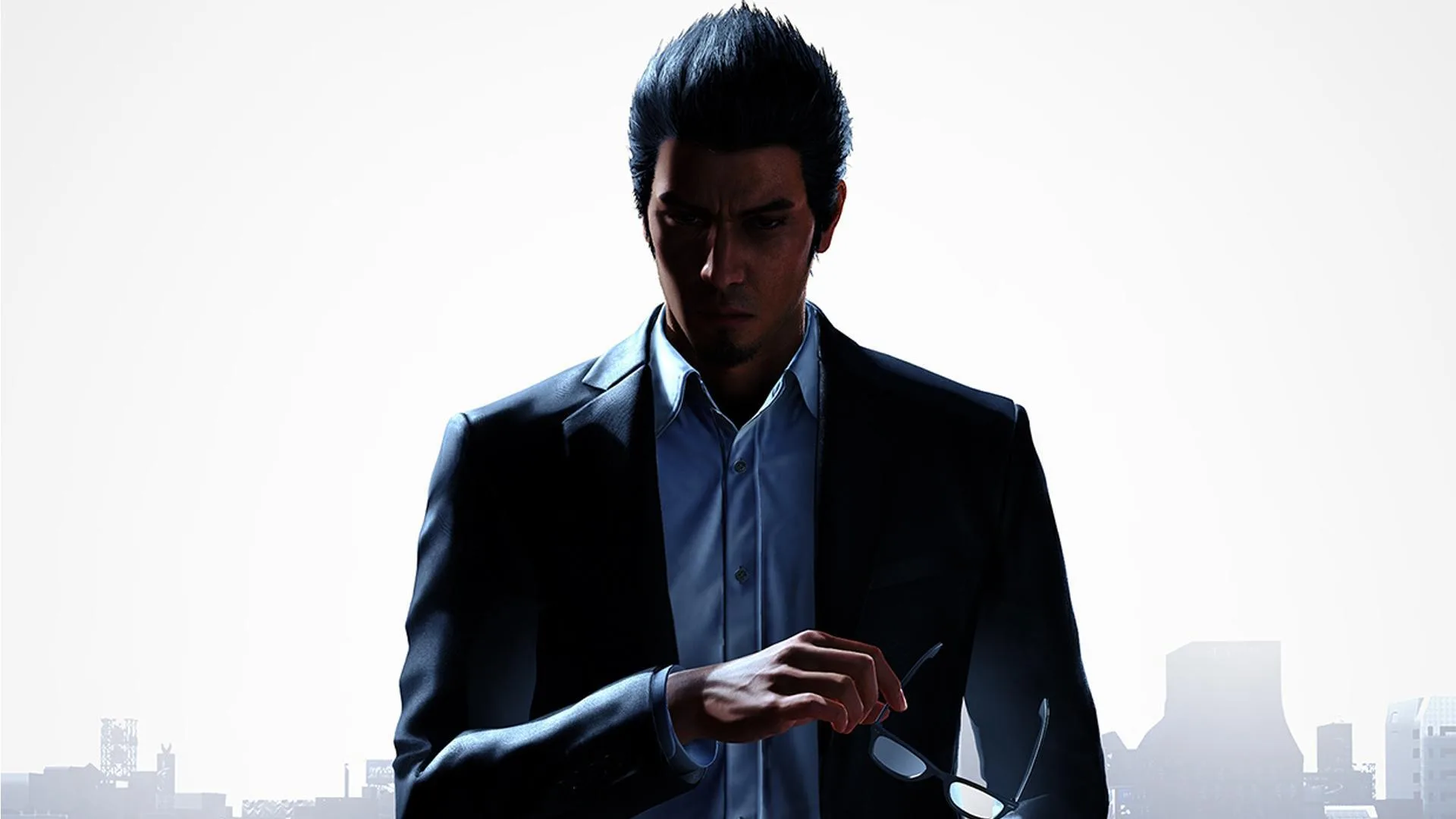
Learn the ins and outs of Like a Dragon Gaiden: The Man Who Erased His Name's action-based combat. Understand combat displays, encounter types, and essential movesets for Agent and Yakuza styles.
Like a Dragon Gaiden: The Man Who Erased His Name features action-based combat, building on series mechanics with influences from the Judgment series. This guide covers the core combat elements.
Combat Display
Monitor the upper-left corner for your current style: blue indicates Agent Style, and red indicates Yakuza Style. To the right is the orange Health Bar, which depletes as you take damage and results in a game over when empty. Your health flashes when critically low. Maximum health can be increased through upgrades, and health can be restored with food and drinks.
Below the Health Bar is the Heat Bar, colored to match your current style. It fills as Kiryu attacks enemies and can be spent on Heat Actions or Extreme Heat. A full Heat Bar can be expanded through upgrades. A Heat Action consumes one segment of Heat.
The minimap in the lower-left shows enemies as red arrows. Enemy health bars are also visible above their heads.
Encounters
There are two types of encounters: Scripted (story, side cases, minigames) and Random. Random encounters appear as red arrows on the map, typically groups of 3-9 enemies. Avoiding these groups prevents combat. Once spotted, enemies will charge, initiating combat. A small noise alert and gruff calls signal they've noticed you.
Upon starting an encounter, controls switch to combat mode. If defeated, you can retry the battle or reload your last save. You can attempt to escape combat by creating distance and hiding behind cover, though it is difficult.
After winning, enemies vanish, and any dropped money is collected. You can run away from combat by creating distance and hiding behind corners.
Combat Controls (Typical)
| Action | PlayStation | Xbox |
|---|---|---|
| Move Character | Left Stick | Left Stick |
| Move Camera | Right Stick | Right Stick |
| Light Attack (Rush Combo) | Square | X |
| Heavy Attack (Finishing Blow, Heat Action) | Triangle | Y |
| Sprint / Quickstep | R2 (Hold) / L1 (while holding R2) | RT (Hold) / LB (while holding RT) |
| Grab Enemy or Weapon / Throw Enemy or Weapon | L1 | LB |
| Guard | L2 | LT |
| Fighting Stance | R1 | RB |
| Center Camera / Negate Heat Actions (Hold) | Touchpad Button | View Button |
| Extreme Heat Mode | R1 + L1 | RB + LB |
| Switch Fighting Style | D-Pad Left/Right | D-Pad Left/Right |
| Taunt (in Fighting Stance) | D-Pad Down | D-Pad Down |
| Pause Menu | Options Button | Menu Button |
Basic Moveset
Kiryu starts with Agent Style and gains Yakuza Style early in Chapter 1. While moves differ, the basic moveset is shared:
- Light Attack (Rush Combo): Fast, weak attacks. Useful for initiating combos or quick hits. Can hit downed enemies.
- Heavy Attack: A single, stronger blow. Can also hit downed enemies.
- Finishing Blow: Press Heavy Attack after a Light Attack series. Damage and effect vary based on combo length. Yakuza Style allows up to two (or three with a Skill). Agent Style has additional Finishing Blows based on combo length.
- Heat Action: Performed by pressing Heavy Attack when a blue flame prompt appears (e.g., enemy downed, against a wall). Consumes one Heat segment. Hold L2/LT and press Heavy Attack to avoid accidental Heat Actions.
- Grab: Press the Grab button to hold an enemy. Can be moved while grabbed. Grabs can't be blocked but can be dodged. Enemies have a grab limit and some resist better.
- Pummel: Press Light Attack while grabbing for a strike.
- Knock Away: Press Heavy Attack while grabbing to kick the enemy, potentially damaging others.
- Throw: Press Grab again to throw the enemy.
100% Human-Written. AI Fact-Checked. Community Verified. Learn how AntMag verifies content