Learn the default controls and understand the basics, including story and system requirements, for Magic: The Gathering Arena.
Walkthrough
- 1Controls: Familiarize yourself with the default keyboard controls for Magic: The Gathering Arena. Key actions include Escape for Pause Menu and Cancel Action, H for Help, Arrow Keys for movement, Return for Select/Perform Action, 1 for Toggle Zoom, Spacebar for Toggle Timer, Tab for Continue, Left Ctrl for Mana Tapping, F1 for View Extra Card Info, Numpad 2 for Table View, Numpad 4 for Move View Left, Numpad 6 for Move View Right, Numpad 8 for Aerial View, F for Toggle Free Selection, Y for Text Chat, and V for Voice Comm.
- 2Mana Tapping: Use Left Ctrl to cycle through mana tapping permutations when prompted. The AI has been improved to prioritize tapping lands and saving special lands (dual/tri-colors) if possible.
- 3Text Chat and Voice Communication: These features are for multiplayer. Press 'V' to talk if you have voice capabilities.
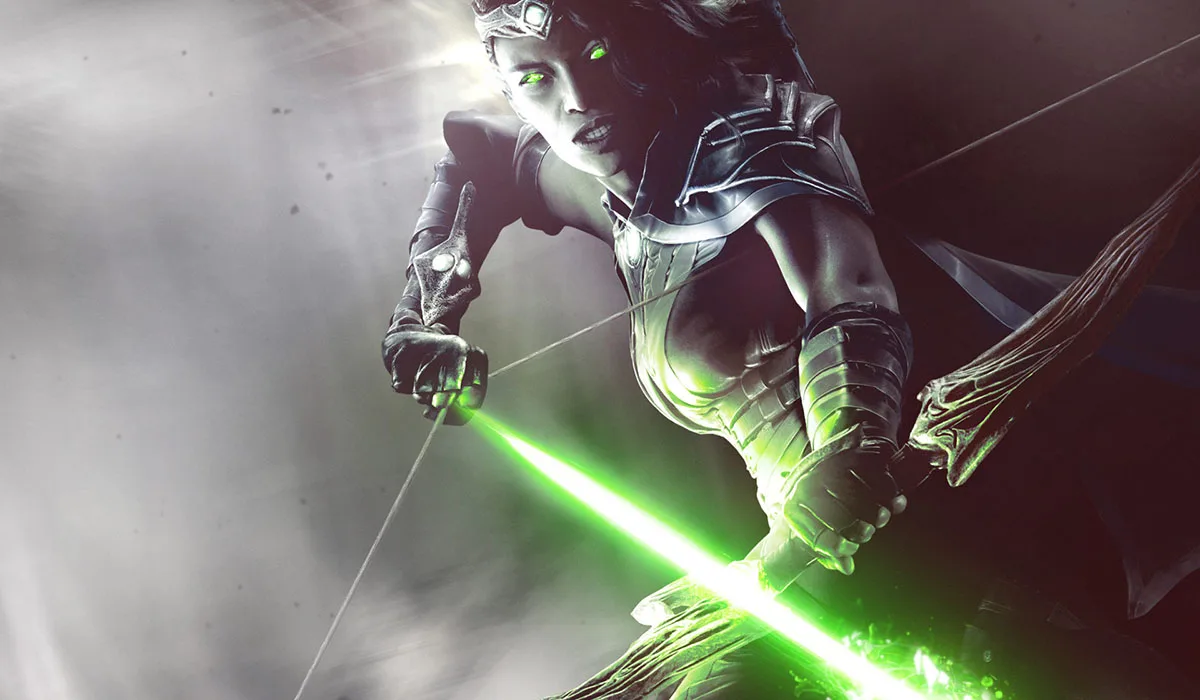
- 4Story: Embark on a journey as a Planeswalker, battling across the Multiverse. Your primary objective is to find and stop Garruk Wildspeaker, who has fallen under the curse of the Chain Veil and is now hunting other Planeswalkers.
- 5System Requirements: Ensure your system meets the following requirements: OS: Windows 8/7/Vista (XP not supported), Processor: 2GHz CPU (Pentium 4 or equivalent), Memory: 1 GB RAM (2GB for Vista and Windows 7), DirectX: Version 9.0c, Sound Card: DirectX 9.0c compatible, Graphics: 512MB DirectX 9.0c compatible video card w/ Pixelshader 3.0 support.
- 6Important Terms: Understand key gameplay terms, such as 'Activated Ability', which requires a cost (tapping, paying mana, sacrificing a creature) to use.
Tips
- Keyboards without numpads may require remapping, though these functions are rarely essential.
- The AI for mana tapping has been significantly improved, making manual selection more efficient.
- Text chat and voice communication are valuable tools for coordinating in multiplayer matches.
100% Human-Written. AI Fact-Checked. Community Verified. Learn how AntMag verifies content