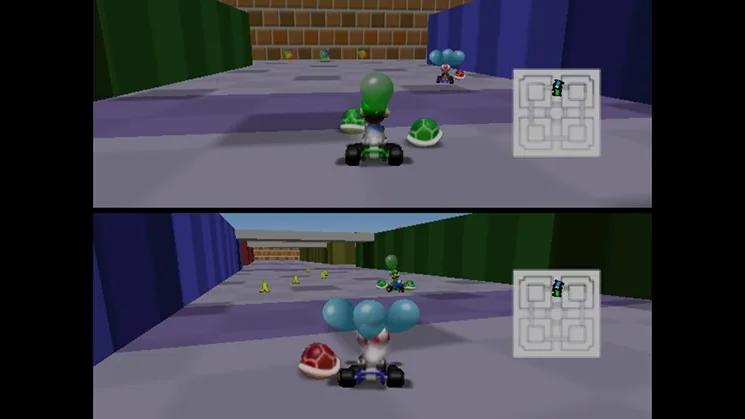
Learn how to quickly navigate the Mario Kart 64 guide using the CTRL+F search function to find specific sections.
To quickly find a specific section within the guide, you can use your keyboard's find/search function. Press CTRL and F simultaneously on your keyboard (or Command and F if you are using a Mac). This will open a search box. Type the exact name of the section you are looking for, including any asterisks, into the search box. Then, click the Find/Search button. This action will take you directly to the Table of Contents and then to the beginning of the desired section.
Tips
- Remember to include the asterisks (*) when searching for section names, as they help differentiate section titles from regular text.
- The search function is useful for quickly locating specific information when you are in a hurry.
100% Human-Written. AI Fact-Checked. Community Verified. Learn how AntMag verifies content