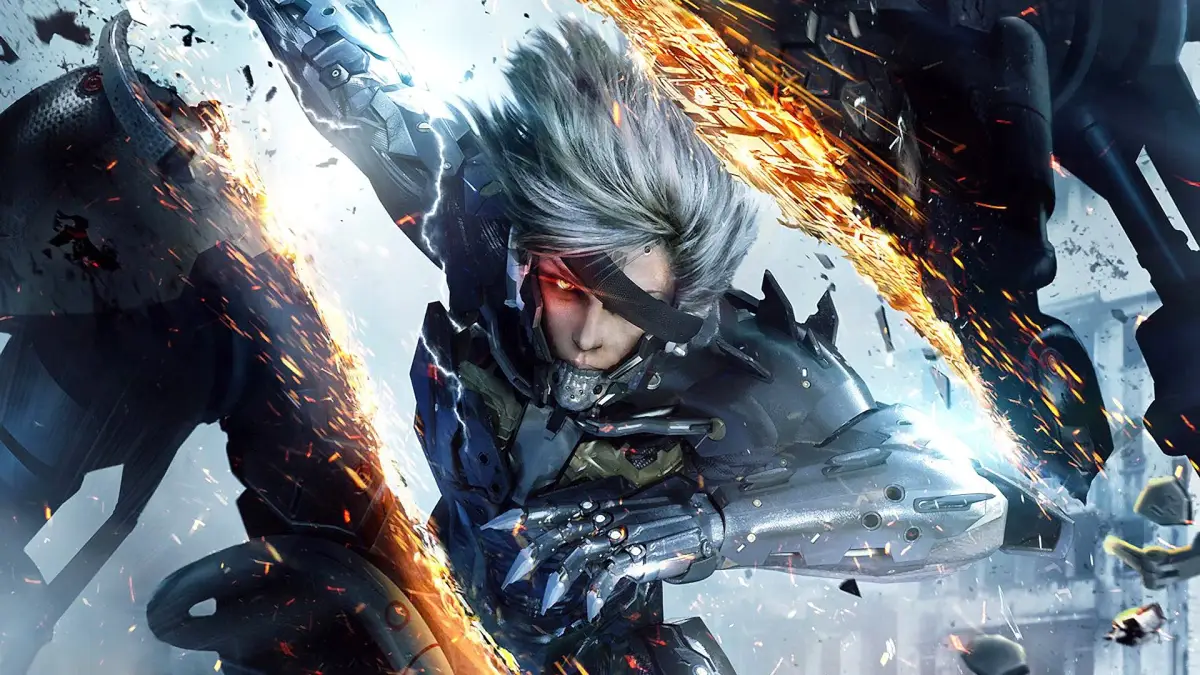
Learn the complete controls for Metal Gear Rising: Revengeance on PlayStation and Xbox. Master every button, stick, and action to dominate combat and navigation.
This section details the default control schemes for Metal Gear Rising: Revengeance on both PlayStation and Xbox controllers. Understanding these inputs is crucial for mastering the game's fast-paced combat and movement.
PlayStation Controller Layout:
- UP
- D-pad Up
- DN
- D-pad Down
- LT
- D-pad Left
- RT
- D-pad Right
- L1
- L1 Trigger
- L2
- L2 Trigger
- R1
- R1 Trigger
- R2
- R2 Trigger
- LA
- Left Analog Stick
- RA
- Right Analog Stick
- L3
- Left Analog Stick Press
- R3
- Right Analog Stick Press
- SL
- Select Button
- ST
- Start Button
- TRIANGLE
- Triangle Button
- SQUARE
- Square Button
- CIRCLE
- Circle Button
- CROSS
- X Button
- PS
- PlayStation Button
Xbox Controller Layout:
- LB
- Left Bumper
- LT
- Left Trigger
- RB
- Right Bumper
- RT
- Right Trigger
- LA
- Left Analog Stick
- LP
- Left Analog Stick Press
- RA
- Right Analog Stick
- RP
- Right Analog Stick Press
- UP
- D-pad Up
- DN
- D-pad Down
- LEFT
- D-pad Left
- RIGHT
- D-pad Right
- Y
- Y Button
- X
- X Button
- B
- B Button
- A
- A Button
- ST
- Start Button
Action Mappings:
| Action | PlayStation Command | Xbox Command |
|---|---|---|
| Look Around | Right Stick | Right Stick |
| Move Around | Left Stick | Left Stick |
| Center Camera Angle | Right Stick (Push / R3) | Right Stick (Push / RP) |
| Ninja Run | R1 | RB |
| Blade Mode | L1 | LB |
| Free Blade Mode | L1 + Right Stick | LB + Right Stick |
| Blade Mode Camera Control | L2 + Left Stick | LT + Left Stick |
| Switch Lock-on | R2 | RT |
| Use Sub-weapon | L2 | LT |
| Jump | X | A |
| Wide Attack | Square | X |
| Strong Attack | Triangle | Y |
| Access Inventory | D-pad Left/Right | D-pad Left/Right |
| Toggle AR Display | D-pad Up | D-pad Up |
| Game Menu | START | START |
| Codec Menu | SELECT | SELECT |
100% Human-Written. AI Fact-Checked. Community Verified. Learn how AntMag verifies content