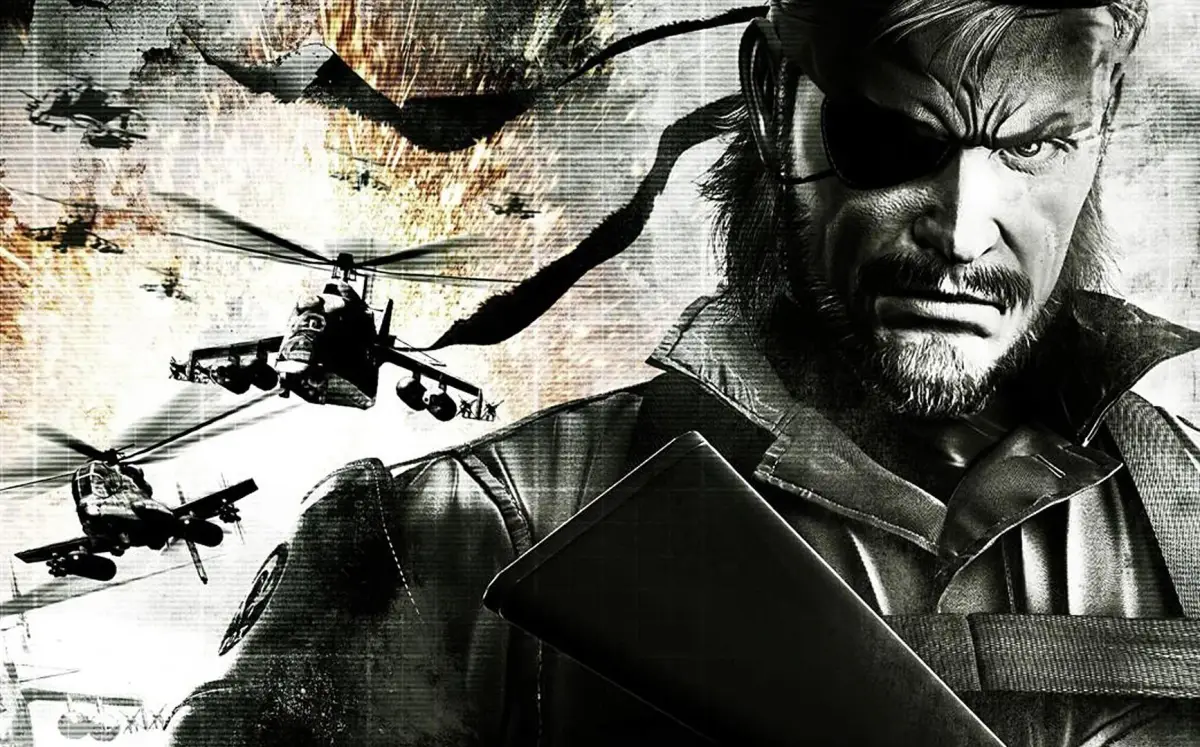
Get ready to dive into Metal Gear Solid: Peace Walker! Learn about the main menu options, control schemes, and what to expect as you begin your journey with Big Boss and Militaires Sans Frontières.
Hey there! So, you're about to jump into Metal Gear Solid: Peace Walker, huh? Awesome choice! Before we get into the thick of it, let's cover a few things you'll see right when you boot up the game. Think of this as your pre-mission briefing.
When you first start up the game, you'll hit the main menu. Here's what you've got:
- New Game: This is your ticket to starting a fresh playthrough. Get ready for the story to unfold!
- Load Game: Already got a save file? This is where you'll pick up where you left off.
- Options: Once you've started a new game, you can tweak settings here. Things like inverted camera, control styles (shooter, action, hunter), and aiming modes can all be adjusted to your liking. Make sure it feels right for you!
- Language Setting: Pretty straightforward – change the game's language here.
- Data Install: If you want to speed up those loading times, you can install game data onto your Memory Stick. It's a nice little quality-of-life boost.
- Delete: Need to clear some space or start over? This is where you manage your save files.
- Extras: This is your hub for managing game data, checking out the PSN stuff, and even messing with the Vocaloid Editor.
Once you've picked 'New Game', you'll get to choose your control scheme and input your name. After that, get ready to watch the opening cutscene – you'll see Big Boss arriving on a beach. From there, you'll be dropped right into the action!
This guide is going to walk you through everything, from the main Operations (OPS) to detailed enemy placements, boss strategies, and even recommended gear. We'll make sure you don't miss a beat. So, get your name in, pick your controls, and let's get started!
100% Human-Written. AI Fact-Checked. Community Verified. Learn how AntMag verifies content