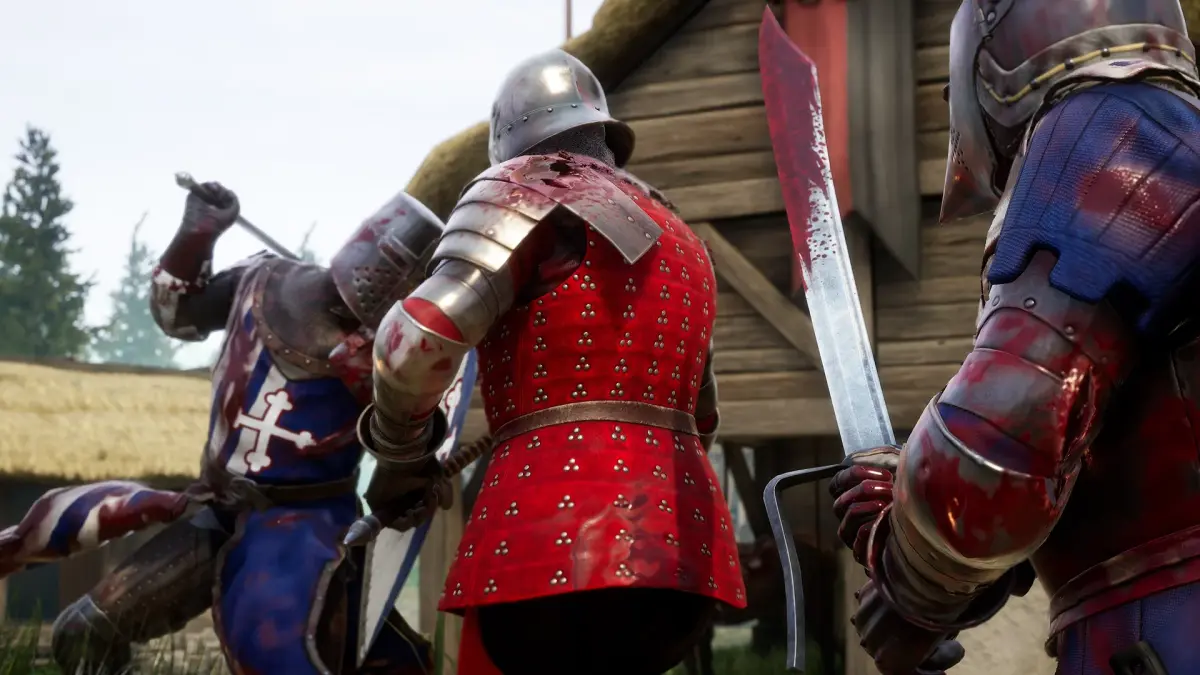
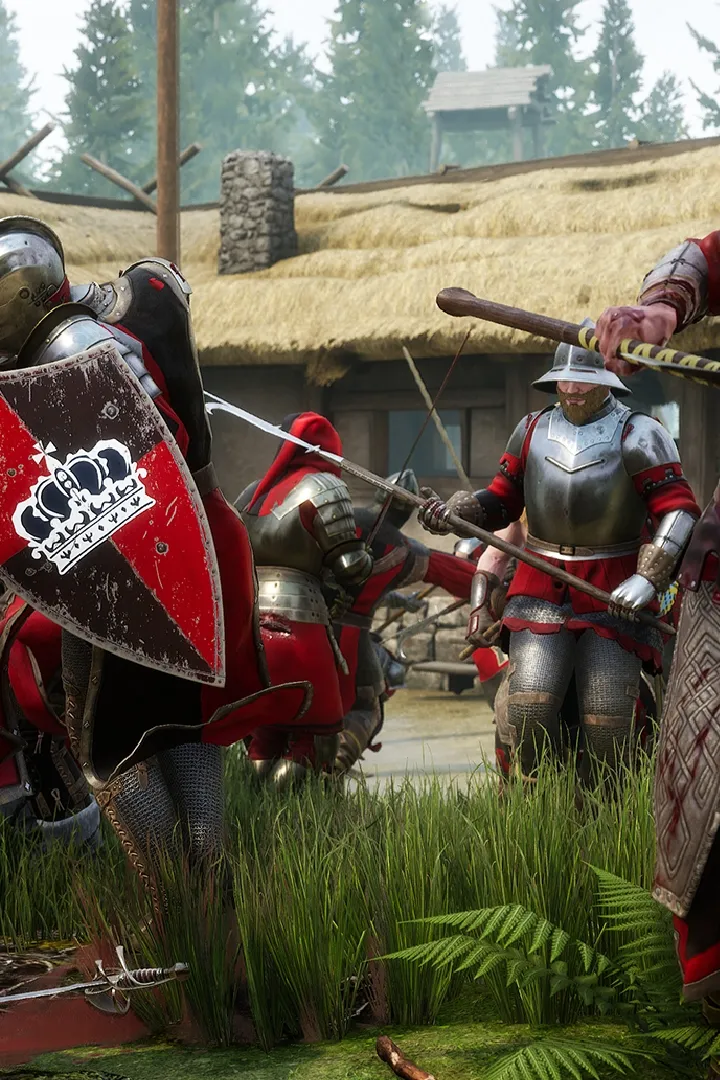
Master Mordhau controls & UI. Learn essential keybinds for movement and combat, and understand vital UI elements like health, stamina, and the minimap.
Navigating the chaotic battlefields of Mordhau requires a firm grasp of its controls and user interface (UI). A well-configured setup and an understanding of the on-screen information can mean the difference between a swift victory and a swift demise. This section will guide you through the essential controls and UI elements to ensure you're prepared for combat.
Mordhau offers a highly customizable control scheme, allowing players to tailor their input to their preferences. The default controls are generally intuitive for players familiar with first-person action games. Key bindings for movement include WASD for directional movement, Spacebar for jumping, and Left Shift for sprinting. Combat controls are centered around the mouse: Left Mouse Button for primary attacks, Right Mouse Button for secondary attacks (often a stab or overhead depending on the weapon and stance), and Middle Mouse Button for blocking. The scroll wheel is used for switching between attack types (slash, stab, overhead) and for chambering attacks.
The User Interface (UI) provides critical information at a glance. The most prominent elements include your Health Bar, typically located at the bottom center of the screen, indicating your remaining vitality. Adjacent to it is your Stamina Bar, which depletes with actions like attacking, blocking, and sprinting, and regenerates over time. You'll also see your current Ammo/Arrow Count if you're using a ranged weapon, and your Equipped Weapon. The Minimap, usually in the top corner, shows allied and enemy positions (if spotted), objectives, and key points of interest. Your Score and the Team Scores are also displayed, providing context for the match's progress.
Essential UI Elements:
- Health Bar: Your remaining HP.
- Stamina Bar: Resource for actions; depletes and regenerates.
- Minimap: Tactical overview of the battlefield.
- Objective Markers: Indicate current goals and progress.
- Kill Feed: Shows recent player eliminations.
Beyond the default settings, You can adjust mouse sensitivity, key bindings, and even UI scaling to optimize their experience. Taking a few minutes to explore the options menu and fine-tune your controls can significantly improve your reaction time and overall combat effectiveness. Understanding the UI elements ensures you're always aware of your status, your team's situation, and the immediate threats or opportunities on the battlefield.
100% Human-Written. AI Fact-Checked. Community Verified. Learn how AntMag verifies content